 Tiraz
A Canva Alternative for Arabic Design: An Honest Comparison
Canva is one of the world's best-known design tools, and its interface is available in Arabic. But anyone designing a nikah invitation, hand lettering, or a greeting card in Arabic calligraphy soon meets its limits. This article compares Canva and Tiraz honestly: where each one wins, when to pick which, and how to start in Tiraz if you decide to.
Where Canva wins
- It runs on the web, desktop, Android, and iPhone, with your designs everywhere.
- A huge library for everything: presentations, CVs, documents, video, and social designs.
- Team collaboration on the same design, with comments.
- Good modern Arabic fonts such as Cairo and Tajawal.
If you're making a presentation or a video, or working with a team on a computer, Canva is an excellent choice and Tiraz doesn't replace it.
Where Tiraz wins
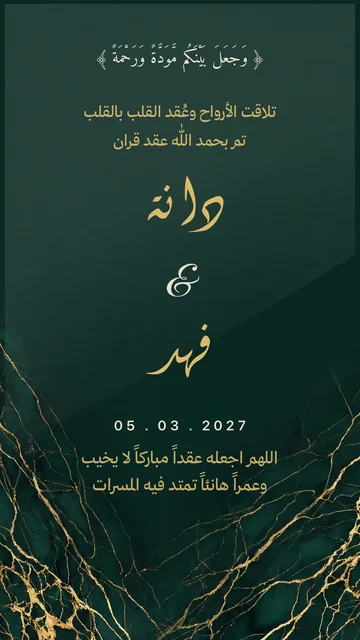
- Calligraphic Arabic: Thuluth, Diwani, Diwani Jali, Nastaliq, Ruqaa, and Kufic among 230+ font families.
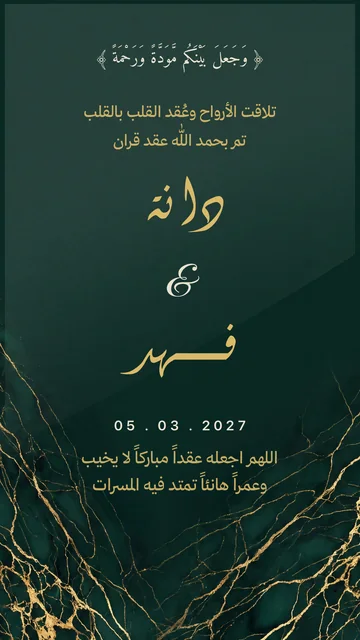
- Calligrapher-style kashida: stretching drawn from the font itself in the right place, from a table tested for each font on every letter. In Canva you type a tatweel by hand and get a straight line.
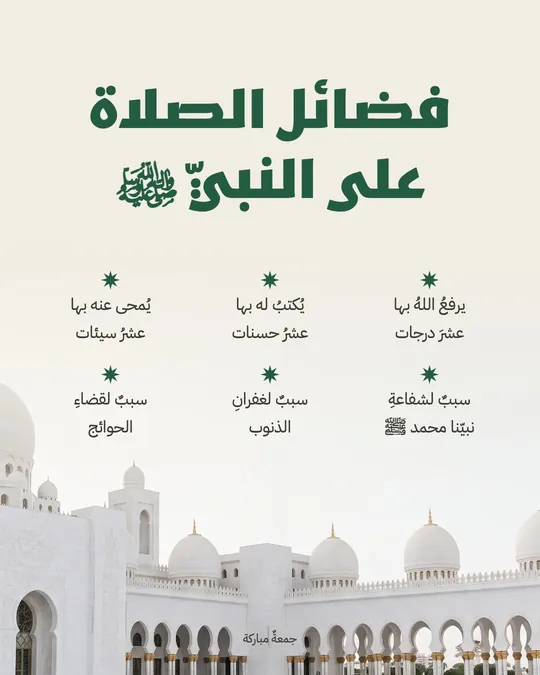
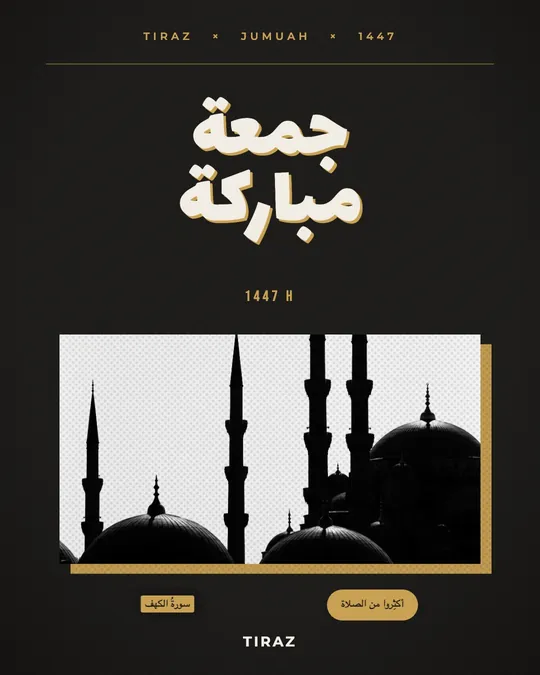
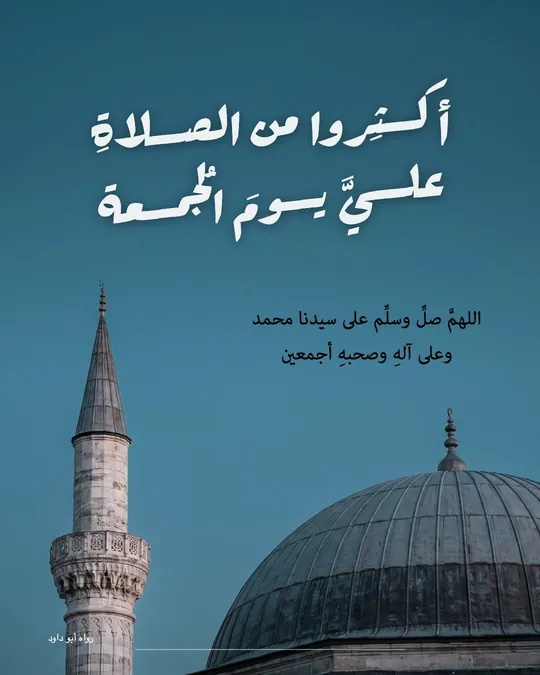
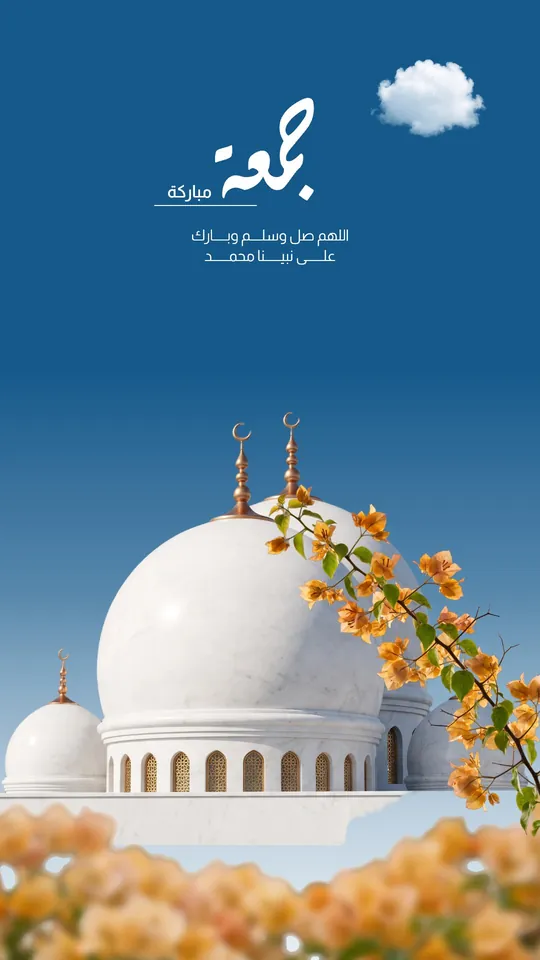
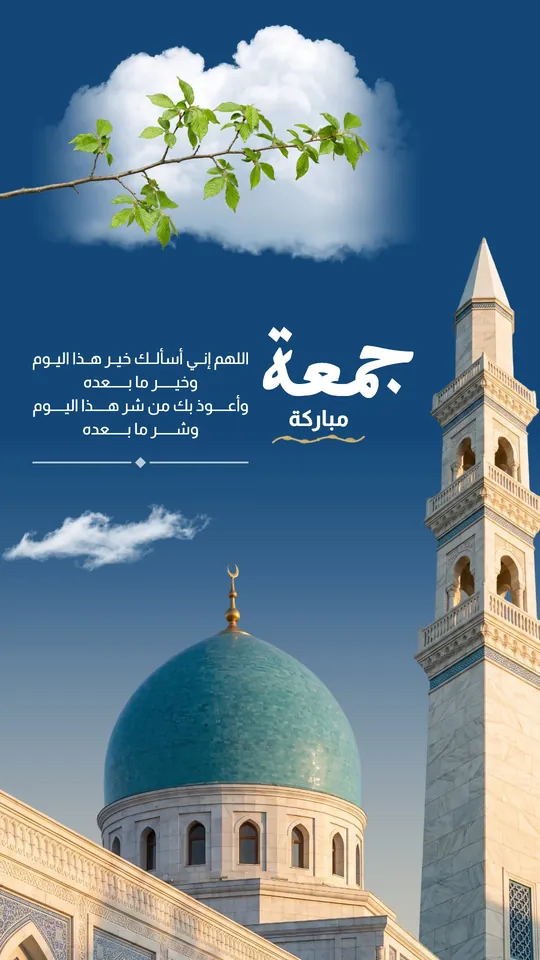
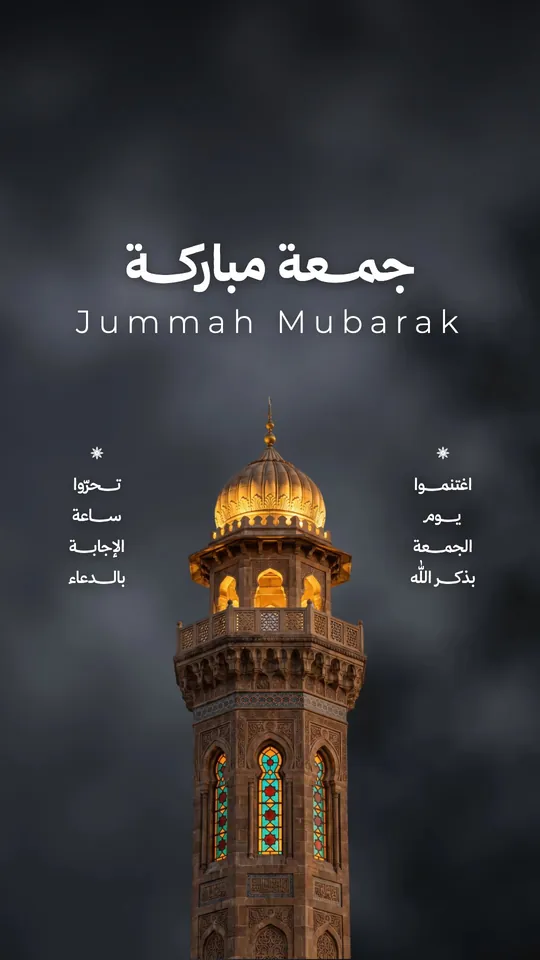
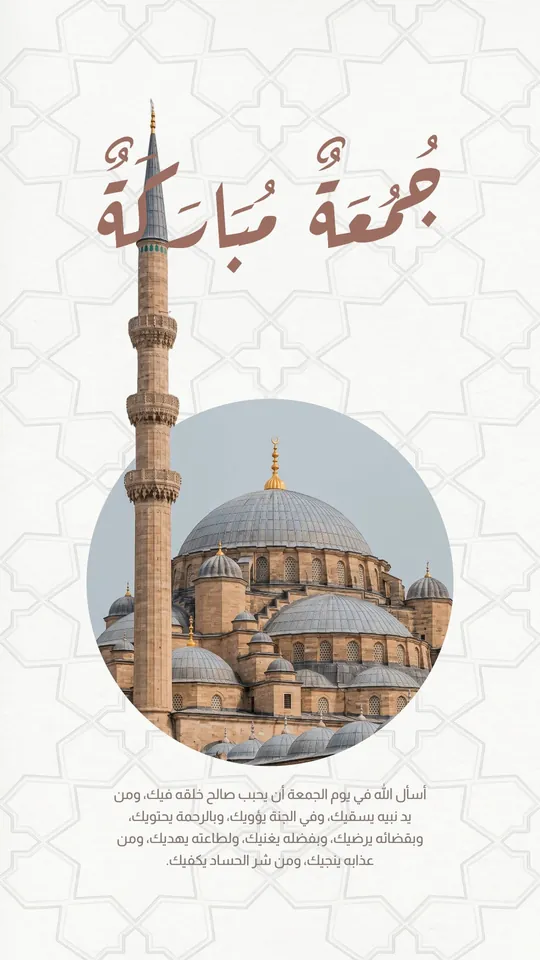
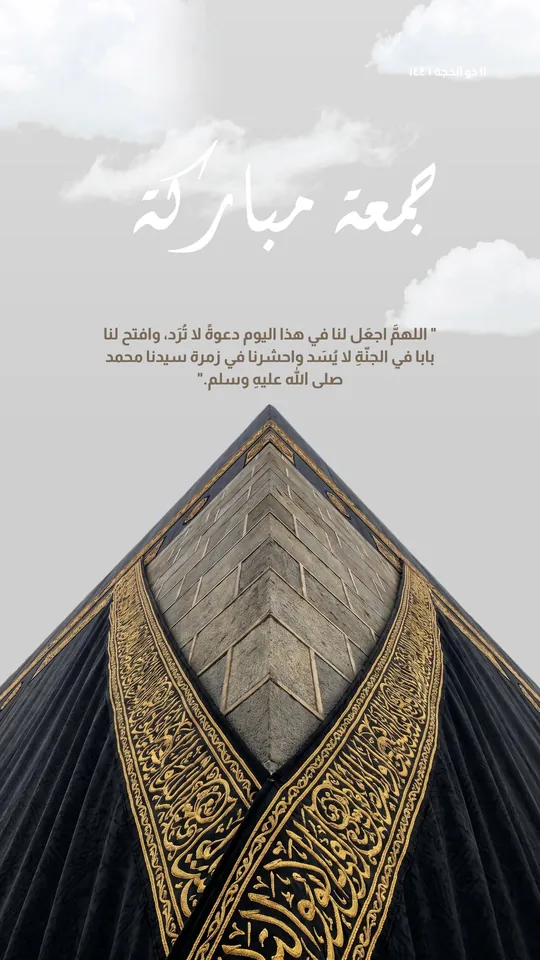
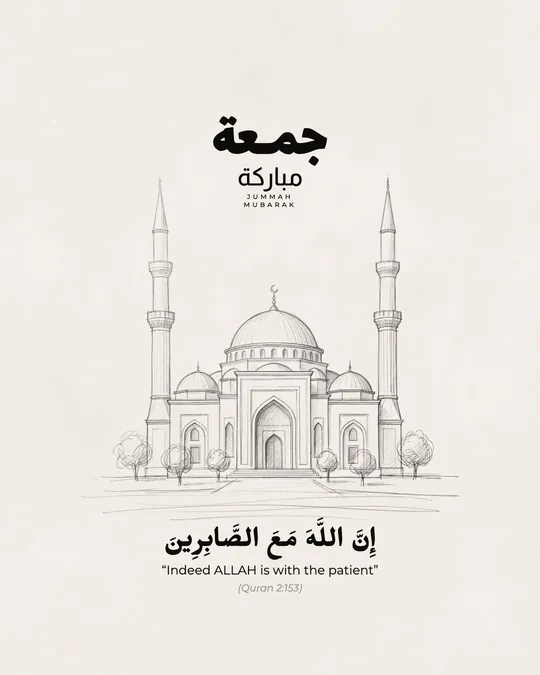
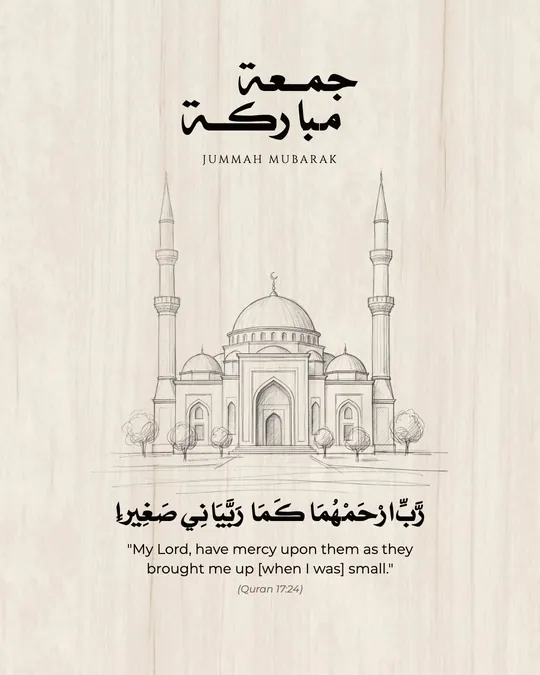
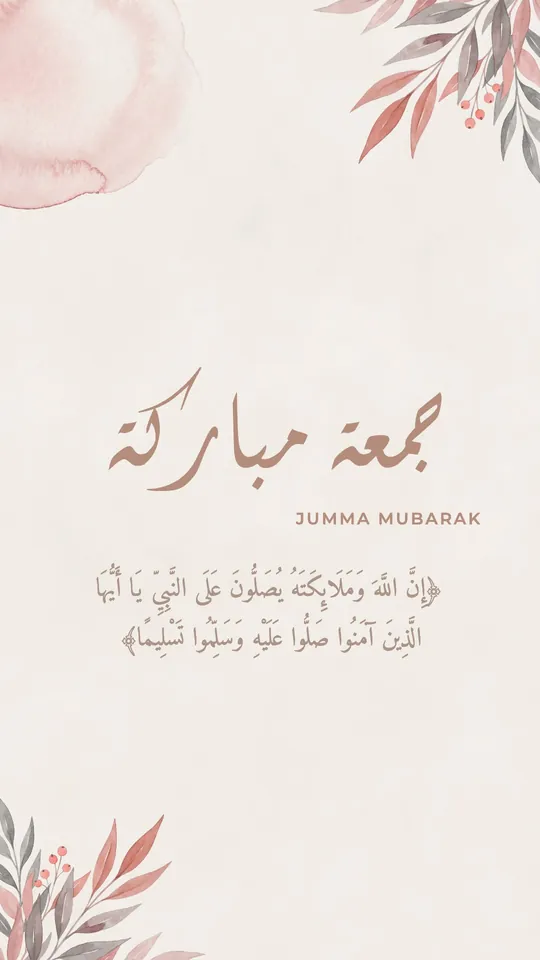
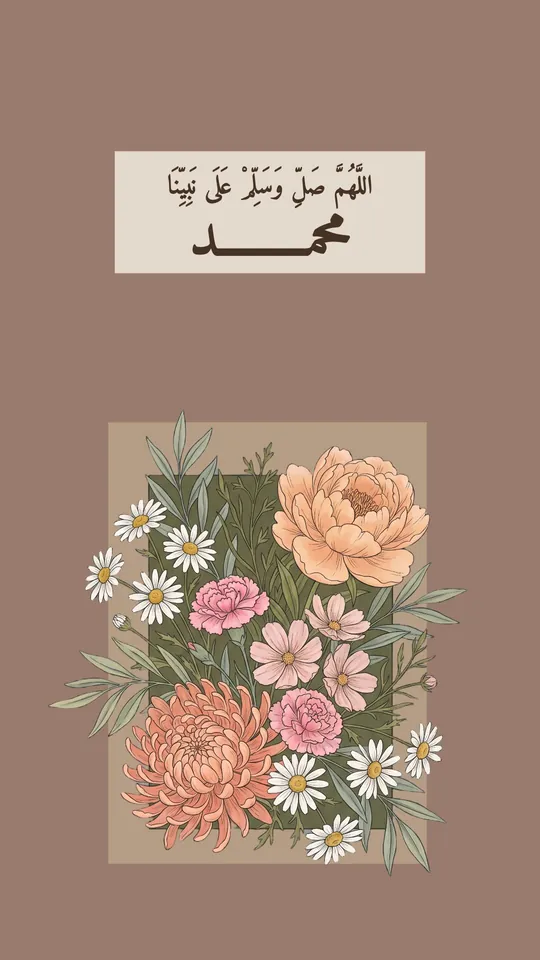
- Gulf-style templates: nikah, wedding, engagement, condolence, Jumu'ah, and adhkar, with correct Arabic wording.
- Occasion tools: automatic Hijri and Gregorian dates, QR codes, and an invitation link with RSVP and entry tickets.
- Calligrapher's elements: vowel marks, letter marks, and script flourishes to place over letters, plus ready occasion lettering.
- Your photos stay on your device: background removal (Gold) runs on the phone, so photos aren't uploaded.
Tiraz's limits, honestly
- iPhone only for now, with no Android or desktop; a web version is being prepared.
- No video, presentations, or team editing of the same design.
- A smaller template library focused on occasions and Arabic content.
- Some templates and fonts, longer kashida and its styles, the print PDF, 4K, and transparent backgrounds are part of Tiraz Gold.
Point by point
- Platforms: Canva everywhere; Tiraz on iPhone for now.
- Calligraphic Arabic: limited in Canva, the core of Tiraz.
- Kashida: manual tatweel in Canva; font-drawn stretching in Tiraz.
- Hijri dates: typed by hand in Canva; written automatically by Tiraz.
- Invitation link and RSVP: built into Tiraz; Canva needs another tool.
- Video, presentations, and teamwork: in Canva, not in Tiraz.
- Price: both start free with an optional subscription; Tiraz Gold starts with a 3-day trial.
Which should you choose?
- Choose Canva for presentations, video, or company work with a team, mostly in modern fonts.
- Choose Tiraz to design an invitation, greeting card, lettering, or religious post in Arabic calligraphy from your phone, with Arabic that looks hand-lettered.
- Or use both: design the lettering in Tiraz, export a transparent PNG with Gold, and drop it into your Canva design.
If your design is already in Canva
Tiraz doesn't import Canva files directly, but the route is simple: export the background or images from Canva without the text, add them in Tiraz as images, and write the Arabic text over them with calligraphic fonts and kashida. You keep your design and gain proper Arabic lettering.
Questions to ask before choosing
- Are most of your designs in calligraphic Arabic or modern fonts?
- Do you design on a phone or a computer?
- Do you need invitations with RSVP and Hijri dates?
- Do you work alone or with a team on the same design?
- Do you need video or presentations?
If most of your answers are calligraphic Arabic, phone, and invitations, Tiraz fits you better. If they're computer, team, and video, Canva suits you more, and there's nothing wrong with using both.
Get started in Tiraz in five minutes
Start a new design
Download Tiraz from the App Store, tap the gold + at the bottom, and choose Blank and a size, or From Photo to start with your picture. Ready sizes include post, story, square, and video, and All Sizes holds the print formats. Start at the size you'll publish in so you don't have to rearrange the design later.
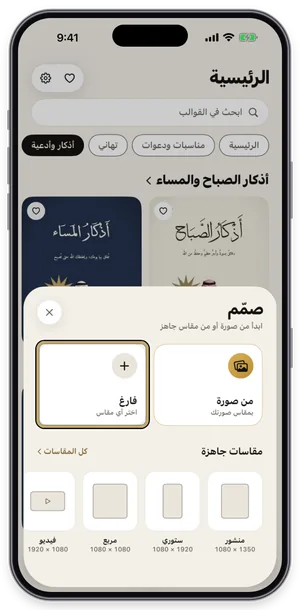
The Create sheet: a blank page or a photo, with ready sizes. Open the Jumu'ah Mubarak templates
Download Tiraz from the App Store, then on Home tap the title of the Jumu'ah Mubarak shelf to see all its templates; you can also browse them first in Jumu'ah Mubarak templates. Templates with a crown are part of Tiraz Gold, the rest open for free. Pick the design closest to your taste, since every text and color in it can change afterward.
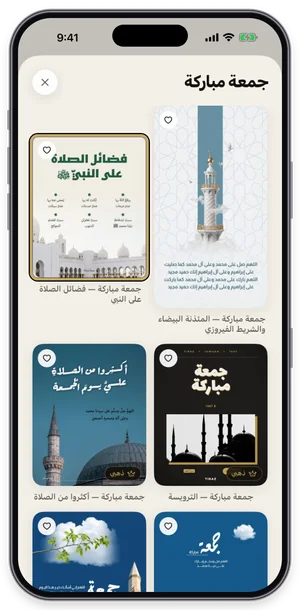
The Jumu'ah Mubarak shelf in Tiraz: tap a template to open it in the editor. Choose the font
With the text selected, open Fonts, switch to the Diwani tab and try fonts while seeing your own word in each one. Fonts with a crown are part of Tiraz Gold, and a font downloads the first time you use it. Keep to two fonts: a calligraphic one for names and a clear one for details.
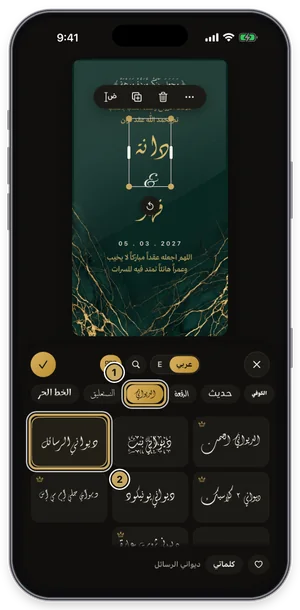
The fonts panel on the Diwani tab: the current font is outlined in gold. Decorate with lettering and elements
Tap graphics in the toolbar to open Elements, then the Stickers tab, and pick a sticker or gold touch. The element lands on the design, where you can scale, move, and recolor it to match; elements with a crown are part of Gold. One or two are enough, since too much decoration buries the names.
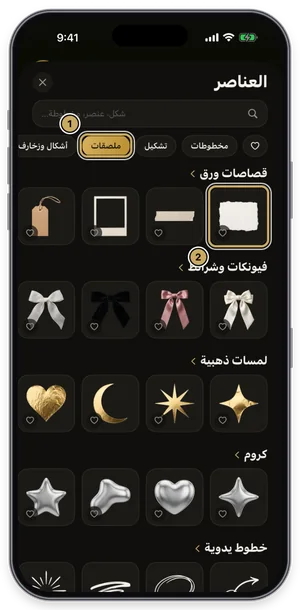
The elements library on the Stickers tab. Export or share the design
Tap the gold share button at the top of the editor to open Export: a full-size PNG for free, and a print PDF, 4K, and transparent backgrounds with Gold. Tap Share to send it straight to WhatsApp, or Save to keep it in Photos. For a print shop always choose PDF; a phone image prints soft.
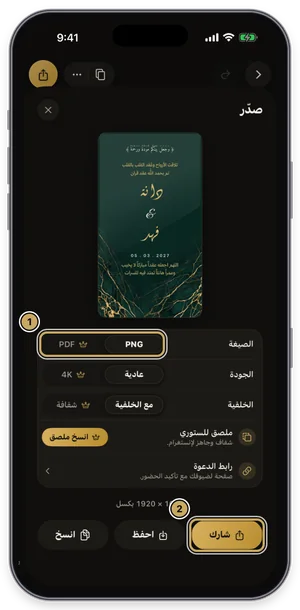
The export sheet: format, quality, and background, then share or save.
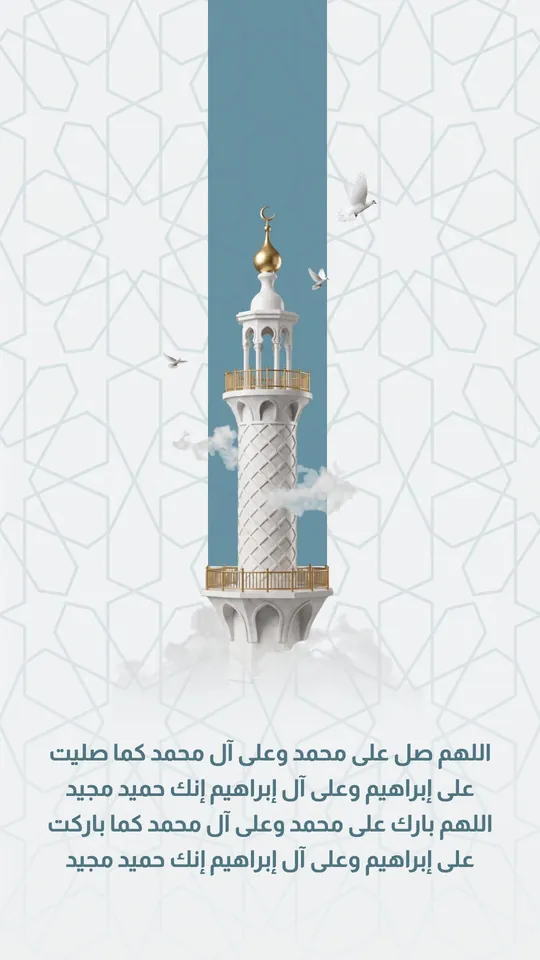 Open Template →
 Open Template →
 Open Template →
 Open Template →
 Open Template →
 Open Template →
 Open Template →
 Open Template →
 Open Template →
 Open Template →
 Open Template →
 Open Template →
 Open Template →
 Open Template →
If you also use Photoshop, read the article on Arabic fonts for Photoshop.
Common Questions
Is Canva available in Arabic?
What is the best Canva alternative for Arabic calligraphy?
Is Tiraz free like Canva?
Can I use a Tiraz design inside Canva?
Do I need both subscriptions?
Is the Tiraz interface in Arabic?
More Articles
- Nikah in Arabic Calligraphy: Fonts, Wording, and Design
- Arabic Condolence Messages, Thank-You Wording, and Ready Cards
- Quran Fonts: Hafs and Warsh for Writing Verses
- Arabic Fonts for Photoshop and Adobe, and How to Type Arabic Correctly
- Types of Arabic Calligraphy, and When to Use Each One
- Free Arabic Fonts for Design and Commercial Use
- Arabic New Baby Wishes and Birth Announcement Cards
- Arabic Wedding Invitation Wording and Formal Templates
- Arabic Graduation Wishes and Graduation Party Invitations
- Ramadan and Eid Greetings in Arabic, and Greeting Cards
- An Invitation Design App with Arabic Calligraphy: How to Choose and Design
- Designing a Digital Invitation with a Link and RSVP
- An App for Writing in Arabic Calligraphy on iPhone
- Arabic Fonts on iPhone: What Actually Works
- An Arabic Name Decoration App: Your Name in Ornate Calligraphy
- Designing a Ramadan 2027 Imsakiya
- Designing a Named Greeting Card on Your Phone
- All Articles →
Design your next invitation in Tiraz
Gulf-inspired templates, authentic Arabic calligraphy, and print-quality export, right from your phone.