 Tiraz
An Arabic Name Decoration App: Your Name in Ornate Calligraphy
“Decorating a name” means two things: styled text you copy into an account or a game, or a name written in ornate Arabic calligraphy as an image for a logo, a card, or a print. This article shows both with examples, compares their apps honestly, then shows how to turn your name into real calligraphy in Tiraz.
Method 1: styled text to copy
Name-decoration apps for player or account names build the styling from ordinary Unicode: tatweel between letters, vowel marks above them, and symbols on each side. Copy an example and put your name in place of the one shown:
نـــورةTatweel between letters
مُـحَـمَّـدTatweel with vowel marks
سَـــارَة ✿With a flower symbol
『 عـبـدالله 』Inside corner brackets
⋆ لَـيْـلَـى ⋆Between stars
- Don't put tatweel after a letter that doesn't join forward (ا د ذ ر ز و); it won't connect.
- Some games and apps limit name length or reject some symbols, so test the name first.
- This styling stays in the device's font; it can't produce Diwani or Thuluth.
More boys' and girls' name examples
✦ فَـيْـصَـل ✦Between sparkles
❀ رِيـــم ❀Between flowers
سُـلْـطَـان ♛With a crown symbol
♡ جُـود ♡Between hearts
Copy the pattern with your name in place, remembering that tatweel only goes after letters that join forward.
Method 2: your name as real calligraphy
If you want your name in true Arabic calligraphy, you need a design app with calligraphic fonts. Here is one name in several Tiraz fonts:
- Diwani: the favorite for names, flowing and interlaced; it suits short names and girls' names.
- Diwani Jali: fills the gaps with dots and ornaments, so the name becomes a block like a seal.
- Thuluth: grand and stately, for names on panels and formal logos.
- Kufic: geometric and modern, for logos and business accounts.
Decorating your name in Tiraz, step by step
Start a new design
Download Tiraz from the App Store, tap the gold + at the bottom, and choose Blank and a size, or From Photo to start with your picture. Ready sizes include post, story, square, and video, and All Sizes holds the print formats. Start at the size you'll publish in so you don't have to rearrange the design later.
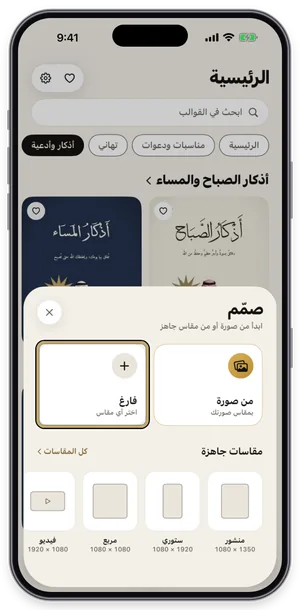
The Create sheet: a blank page or a photo, with ready sizes. Choose the font
With the text selected, open Fonts, switch to the Diwani tab and try fonts while seeing your own word in each one. Fonts with a crown are part of Tiraz Gold, and a font downloads the first time you use it. Keep to two fonts: a calligraphic one for names and a clear one for details.
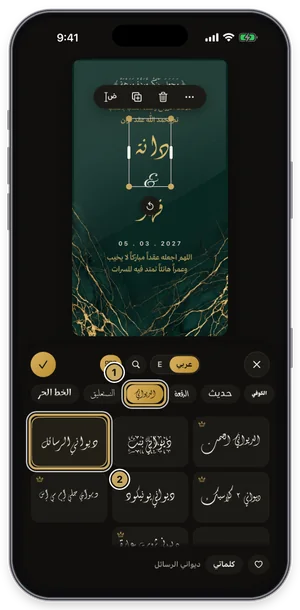
The fonts panel on the Diwani tab: the current font is outlined in gold. Stretch the word like a calligrapher
Select the word, open Kashida, turn on automatic kashida, and slide to choose its length. Tiraz places the stretch where it belongs in the word for that font, so letters don't break as they do with a plain tatweel. The short automatic stretch is free; longer stretches and the styles (start, end, spread) are part of Gold, and the Divine Name is never stretched.
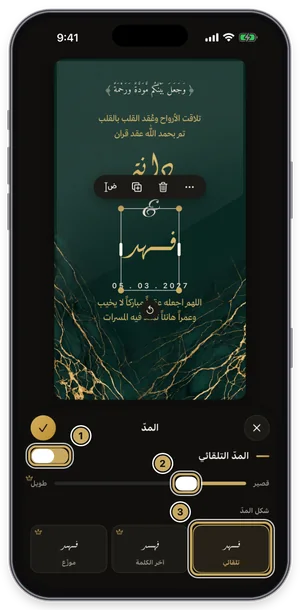
The kashida panel: the length slider, with the kashida styles below. Decorate with lettering and elements
Tap graphics in the toolbar to open Elements, then the Tashkeel tab, and pick vowel marks and flourishes to fill the gaps in the name. The element lands on the design, where you can scale, move, and recolor it to match; elements with a crown are part of Gold. One or two are enough, since too much decoration buries the names.
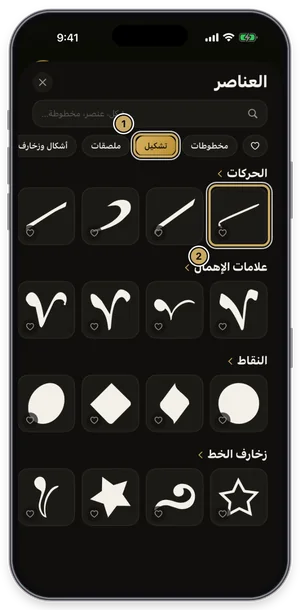
The elements library on the Tashkeel tab. Export or share the design
Tap the gold share button at the top of the editor to open Export: a full-size PNG for free, and a print PDF, 4K, and transparent backgrounds with Gold. Tap Share to send it straight to WhatsApp, or Save to keep it in Photos. For a print shop always choose PDF; a phone image prints soft.
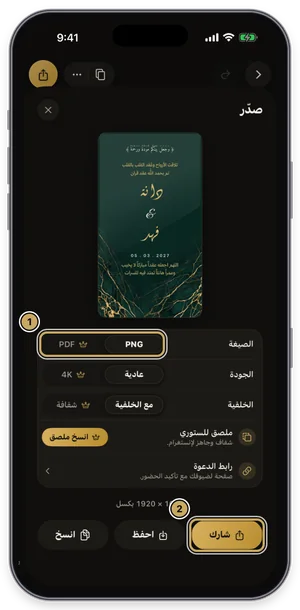
The export sheet: format, quality, and background, then share or save.
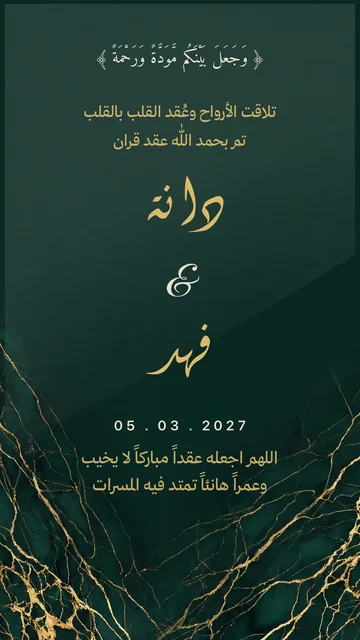
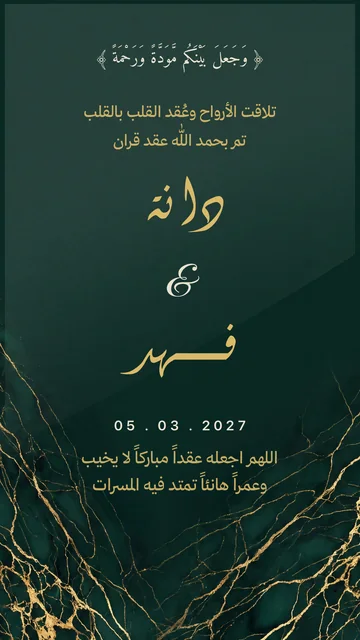
Tips for a name that works as a logo
- Use one font; don't mix Diwani and Thuluth in one word.
- Test the name small, at profile-picture size; if it doesn't read, reduce the ornaments.
- One color on a calm background beats many colors.
- Export it with a transparent background (Gold) so it sits on any photo or product.
Your signature in Arabic calligraphy
Many people want their name as an Arabic signature for their photos or work. Write it in Ruqaa or Nastaliq at a small size, stretch its end slightly, export a PNG, and keep it in your photos to add to any design.
Vowel marks, dots, and letter marks
The beauty of a name written by a calligrapher isn't only the script but what surrounds it: small vowel marks, dots, the letter marks placed under or over undotted letters, and flourishes that fill the space between letters. In Tiraz these come cut out in the Tashkeel section: place them anywhere, scale them, and color them like the name, until it becomes a balanced block that looks penned by hand.
An honest comparison
- Text name-decoration apps: free and quick for a PUBG, Free Fire, or TikTok name, but they're text in the device font, not calligraphy.
- A calligrapher: the finest, most authentic result, but it takes time and money, and you can't edit it yourself.
- Tiraz: your name in real calligraphic fonts with kashida, marks, and ornaments, editable any time and exported as an image. It isn't a copy-paste text generator, and it's iPhone only for now.
Arabic and English together
For a logo or business card, set the Arabic name large in a calligraphic font and the English below it in a smaller Script or Serif, with similar widths so they read as one piece.
- A logo for an account or small business.
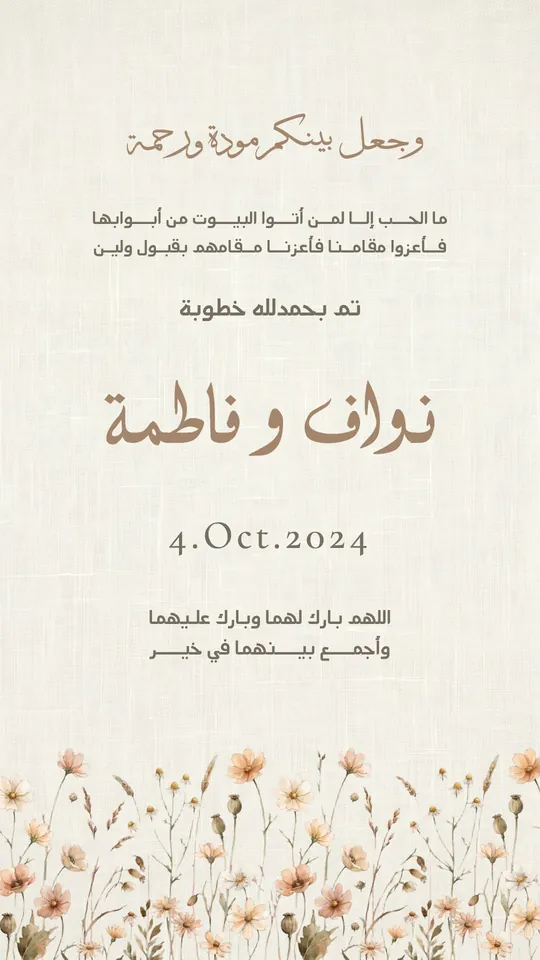
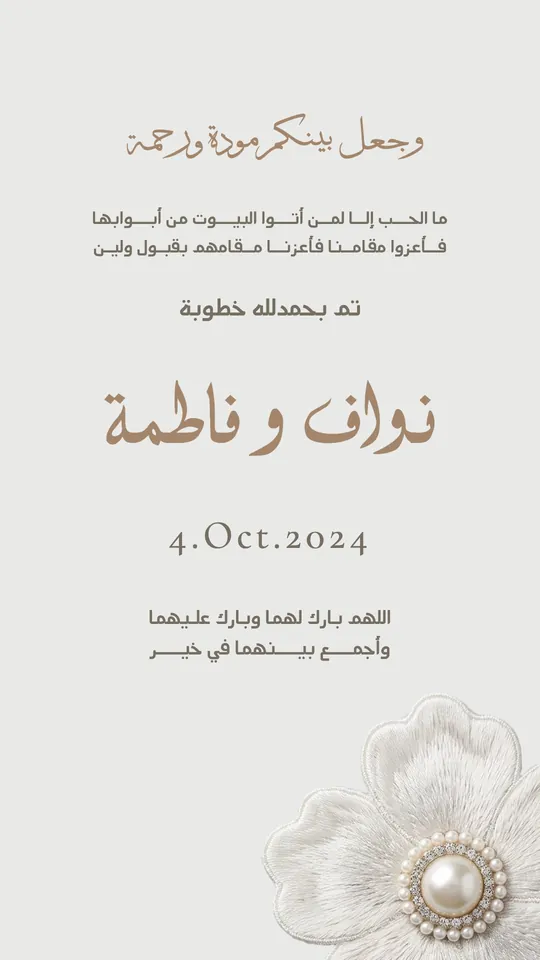
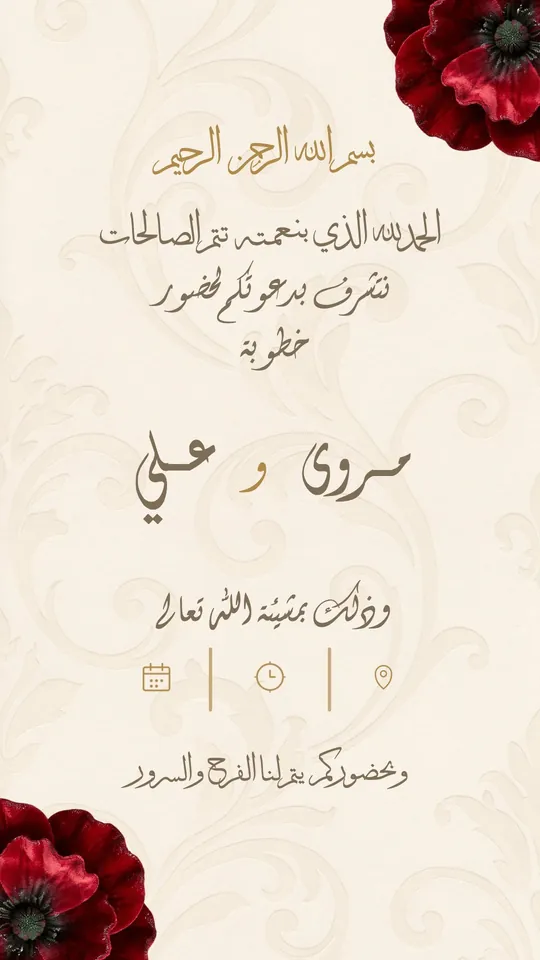
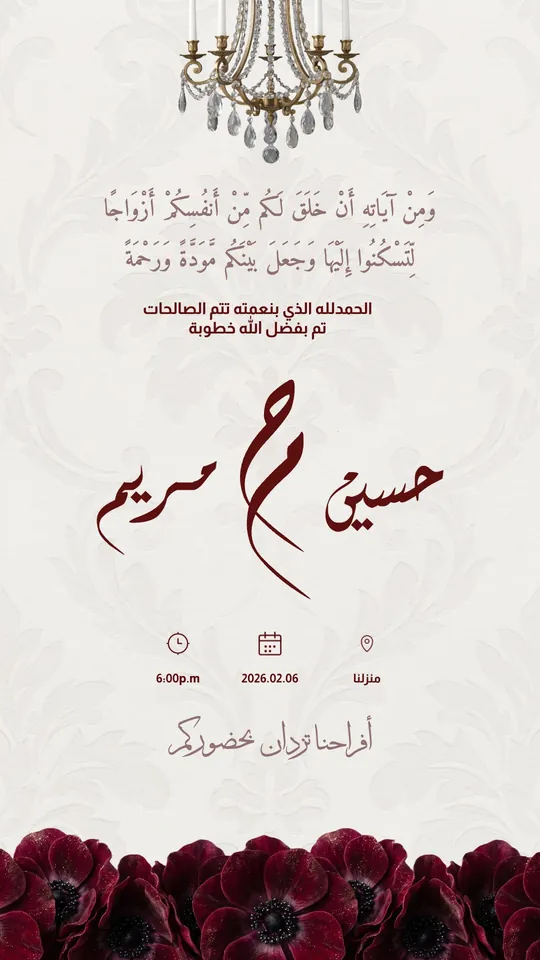
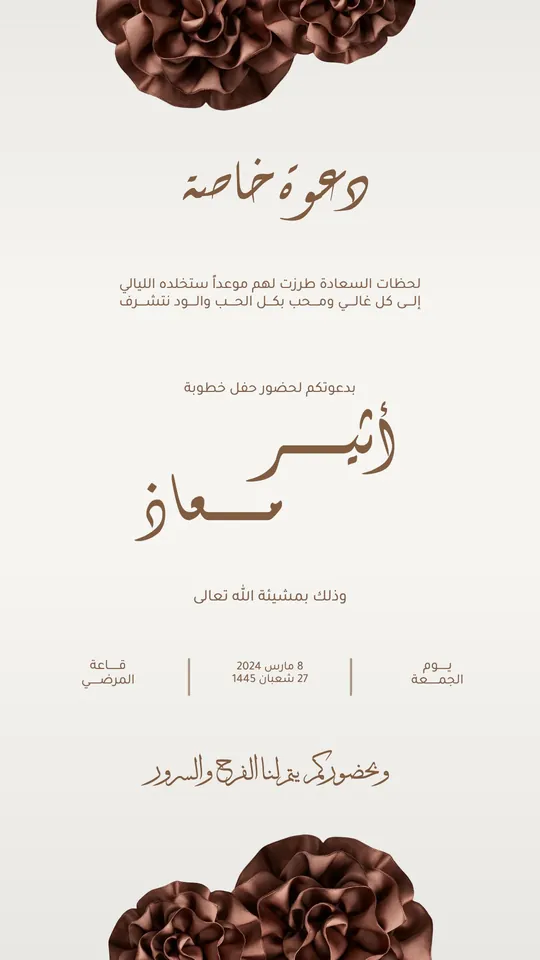
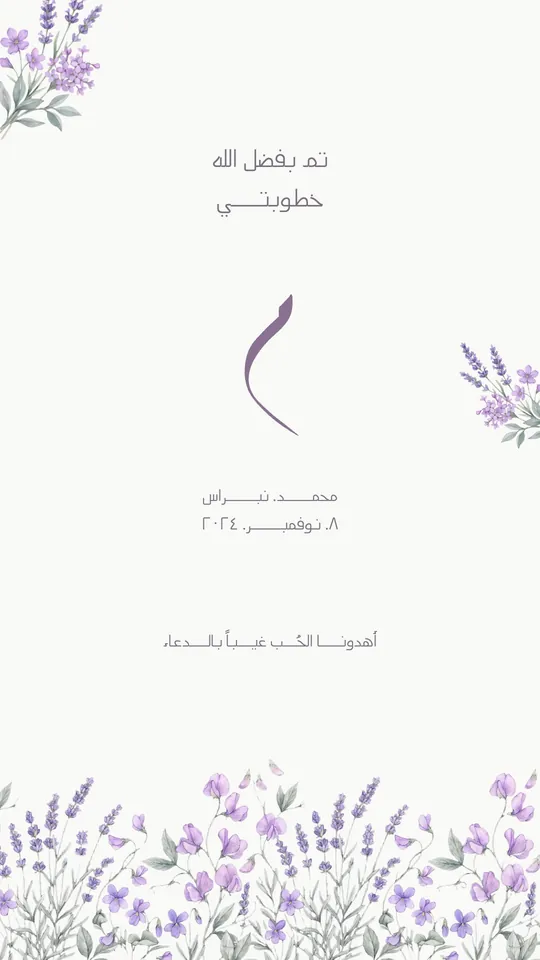
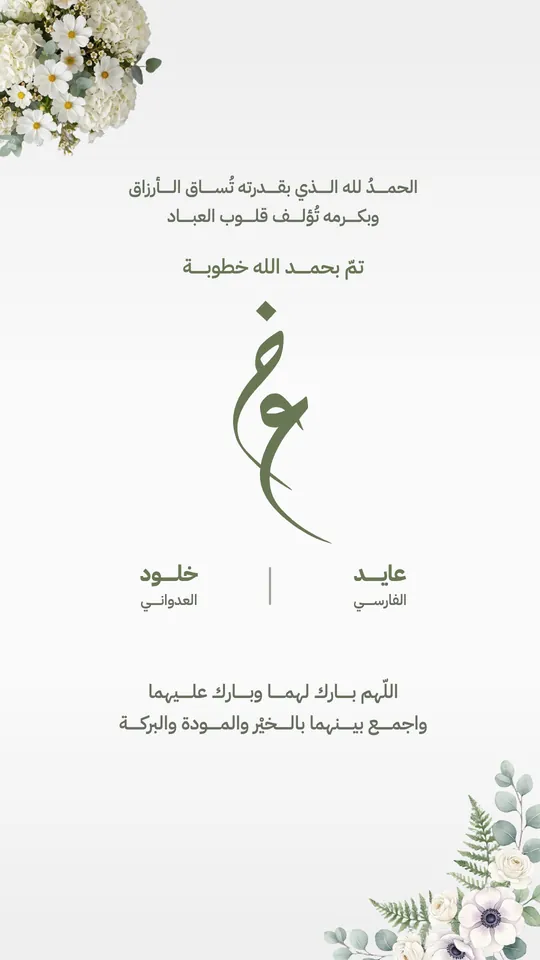
- The couple's names on a wedding invitation.
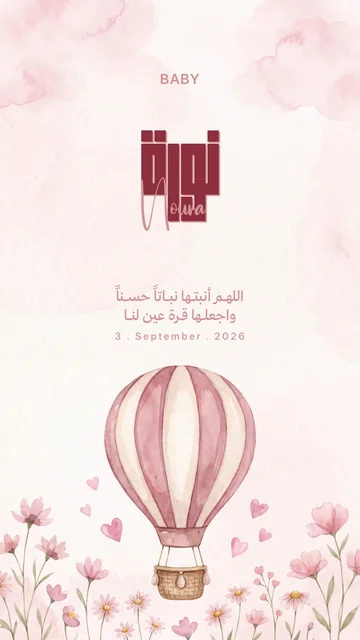
- The baby's name on a birth announcement.
- A framed print of a loved one's name, as a gift.
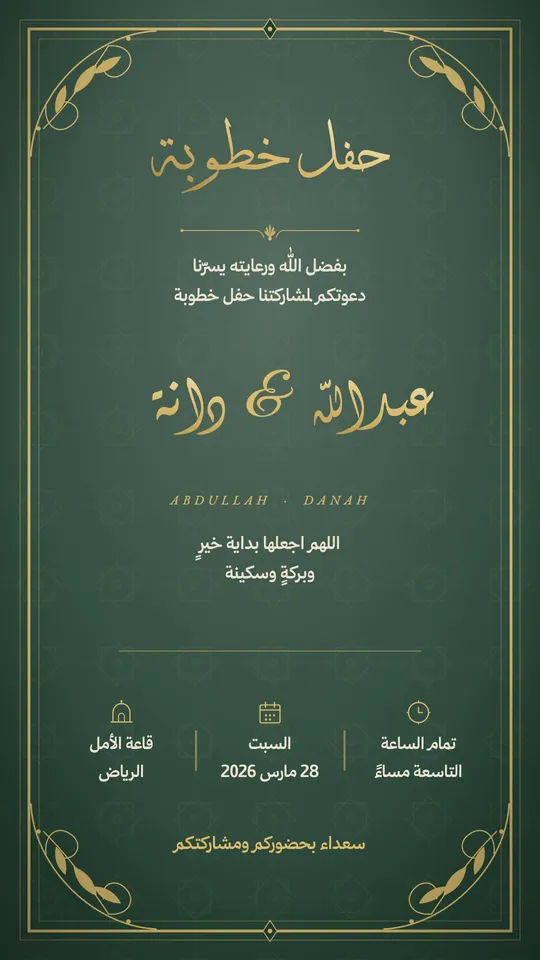 Open Template →
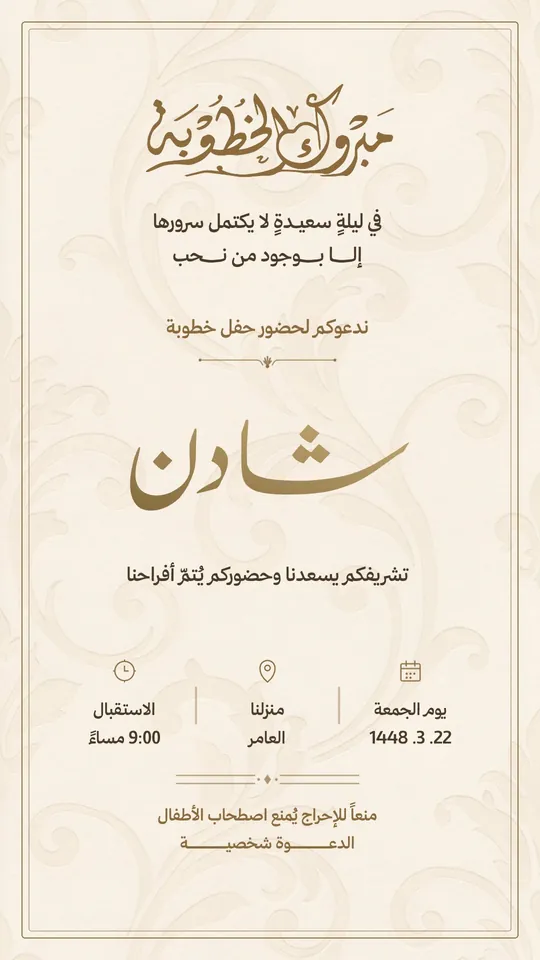 Open Template →
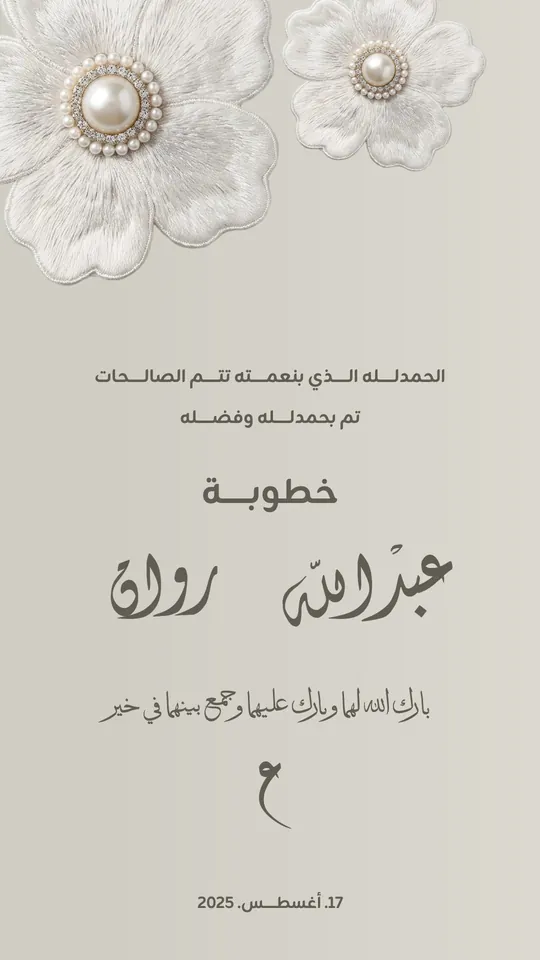 Open Template →
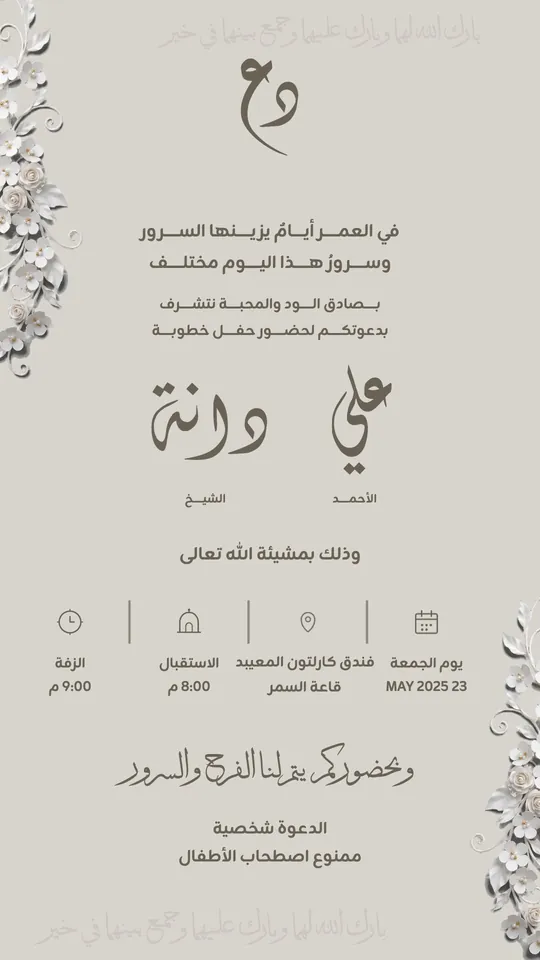 Open Template →
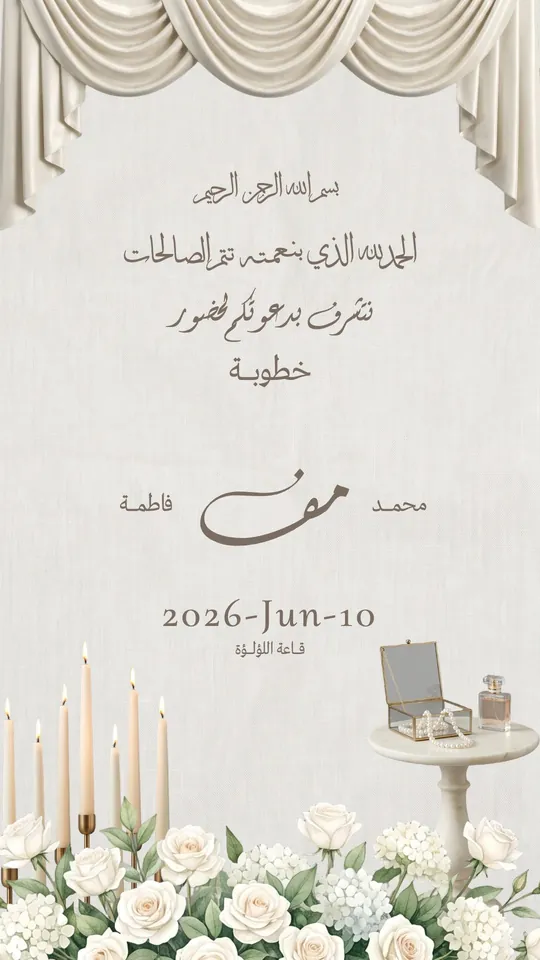 Open Template →
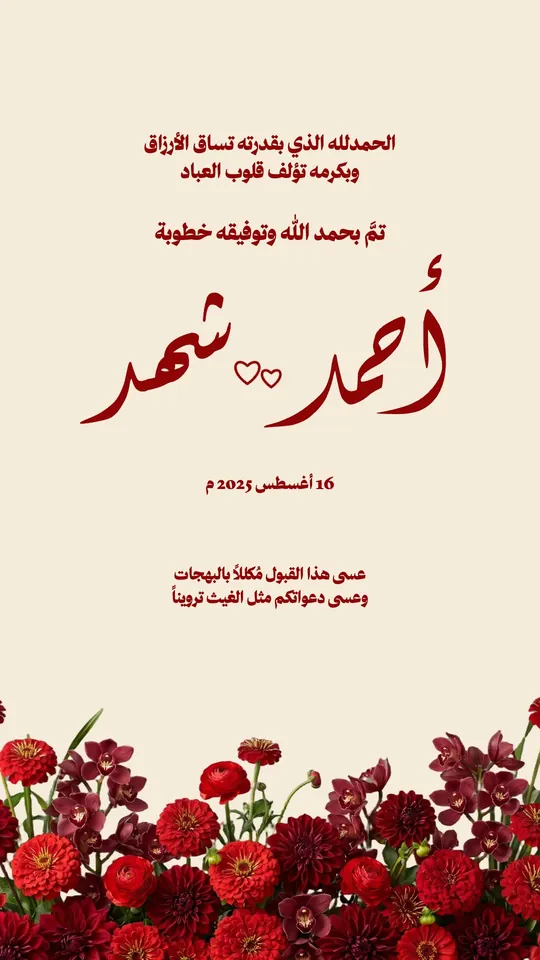 Open Template →
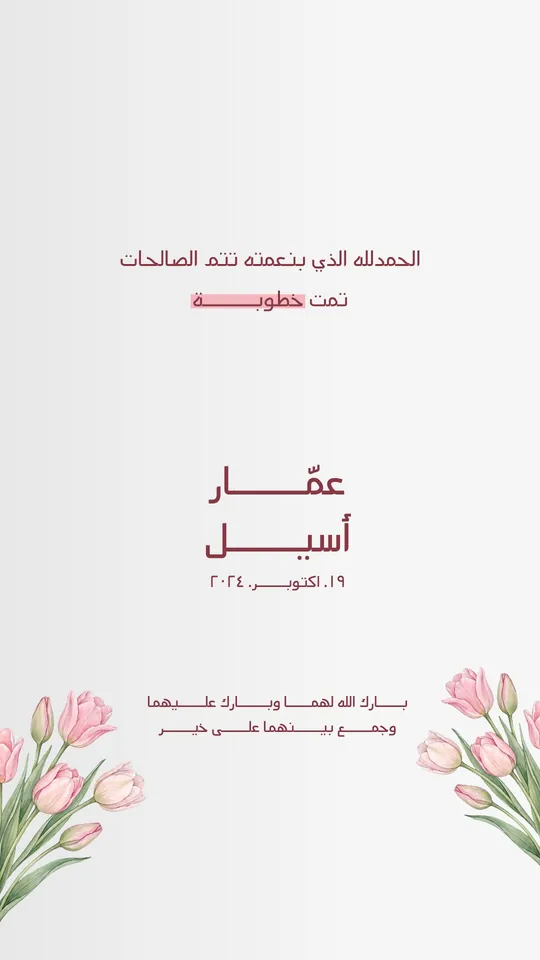 Open Template →
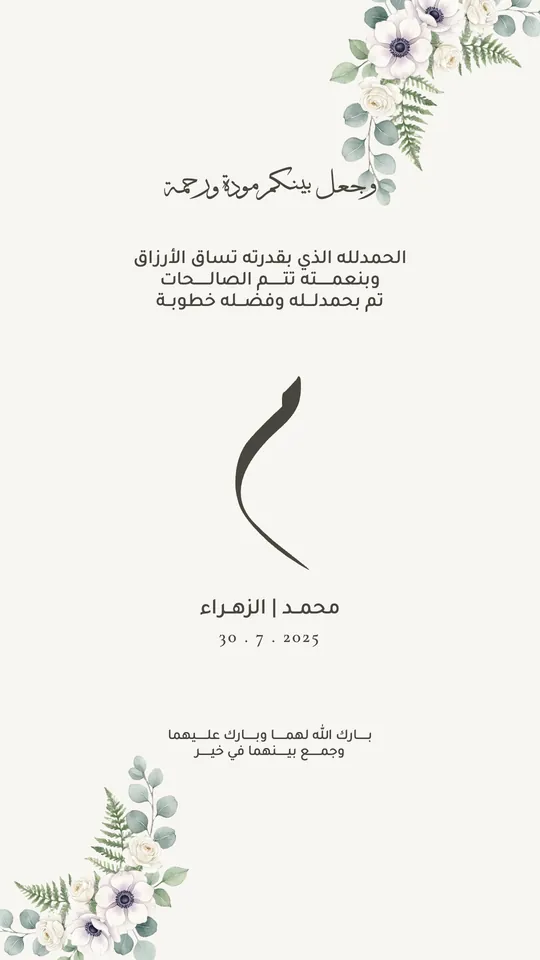 Open Template →
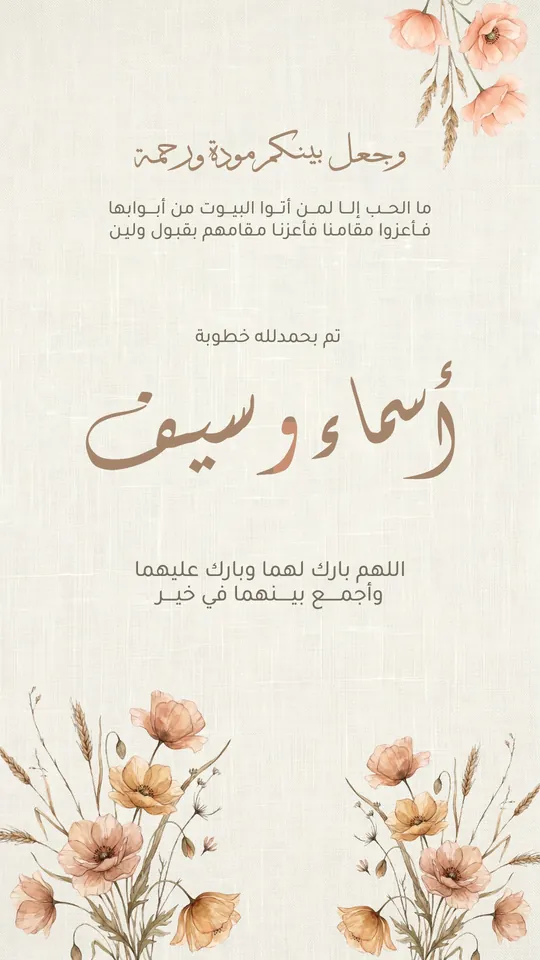 Open Template →
 Open Template →
 Open Template →
 Open Template →
 Open Template →
 Open Template →
 Open Template →
 Open Template →
Common Questions
What is the best app for decorating Arabic names?
How do I write my name in ornate Arabic calligraphy?
Can I copy the decorated name from Tiraz as text?
Is name decoration in Tiraz free?
Can I decorate an English name too?
What is the difference between Diwani and Diwani Jali for a name?
More Articles
- Nikah in Arabic Calligraphy: Fonts, Wording, and Design
- Arabic Condolence Messages, Thank-You Wording, and Ready Cards
- Quran Fonts: Hafs and Warsh for Writing Verses
- Arabic Fonts for Photoshop and Adobe, and How to Type Arabic Correctly
- Types of Arabic Calligraphy, and When to Use Each One
- Free Arabic Fonts for Design and Commercial Use
- Arabic New Baby Wishes and Birth Announcement Cards
- Arabic Wedding Invitation Wording and Formal Templates
- Arabic Graduation Wishes and Graduation Party Invitations
- Ramadan and Eid Greetings in Arabic, and Greeting Cards
- An Invitation Design App with Arabic Calligraphy: How to Choose and Design
- Designing a Digital Invitation with a Link and RSVP
- An App for Writing in Arabic Calligraphy on iPhone
- Arabic Fonts on iPhone: What Actually Works
- Designing a Ramadan 2027 Imsakiya
- Designing a Named Greeting Card on Your Phone
- A Canva Alternative for Arabic Design: An Honest Comparison
- All Articles →
Design your next invitation in Tiraz
Gulf-inspired templates, authentic Arabic calligraphy, and print-quality export, right from your phone.