 Tiraz
Quran Fonts: Hafs and Warsh for Writing Verses
Quran fonts are made to carry full diacritics, as in printed mushafs. These are the Quran fonts in Tiraz, each shown from its real file on the same line for comparison.
Hafs fonts
The Hafs reading is the most widespread in the Levant and the Gulf, and most printed mushafs follow it. Its fonts in Tiraz include KFGQPC Hafs Taweel, based on the King Fahd Complex (KFGQPC) Quran font, with the file name Elgharib-KFGQPCHafsTAWEEL, and TE Hafs 2 from Tharwat Emara's fonts.
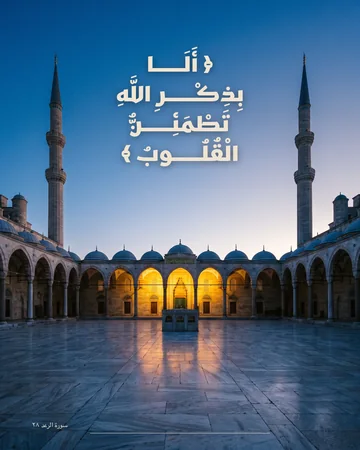
Warsh fonts
The Warsh reading is widespread in North and West Africa. Its spelling and marks differ from Hafs, so write its verses in a Warsh font.
Writing a verse in your design
- Copy the verse with its diacritics from a trusted source; don't type it from memory.
- Use a font for the verse's own reading: Hafs for Hafs text, Warsh for Warsh text.
- Naskh for a long verse, Thuluth for a short one or a headline.
- Tiraz never stretches the Divine Name, even with automatic kashida.
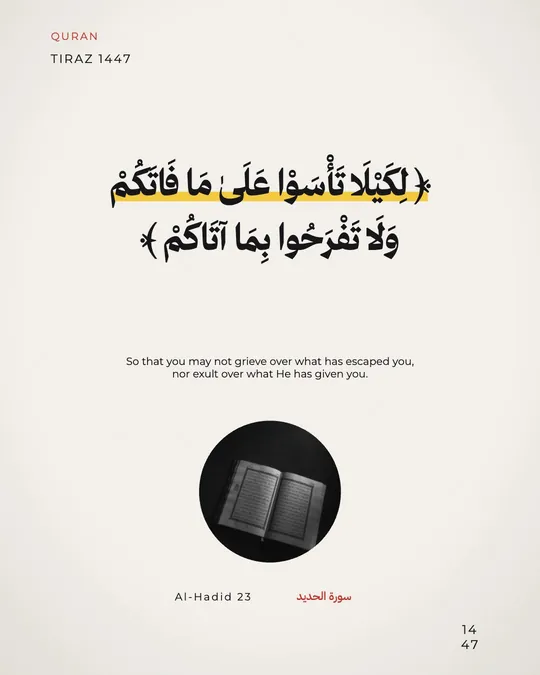
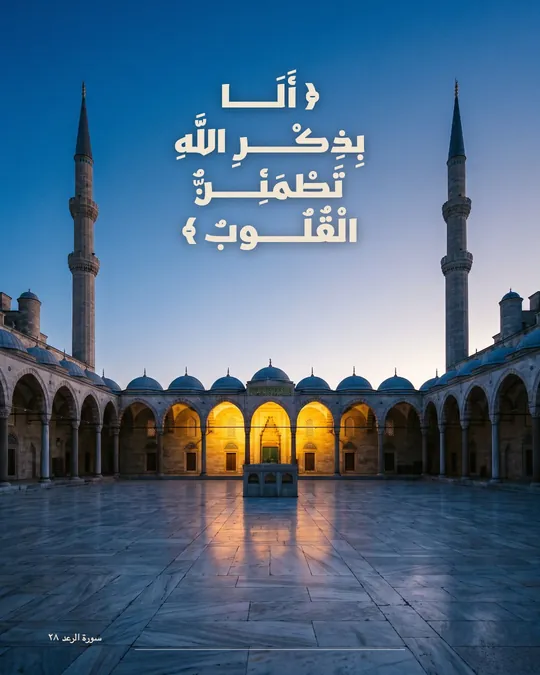
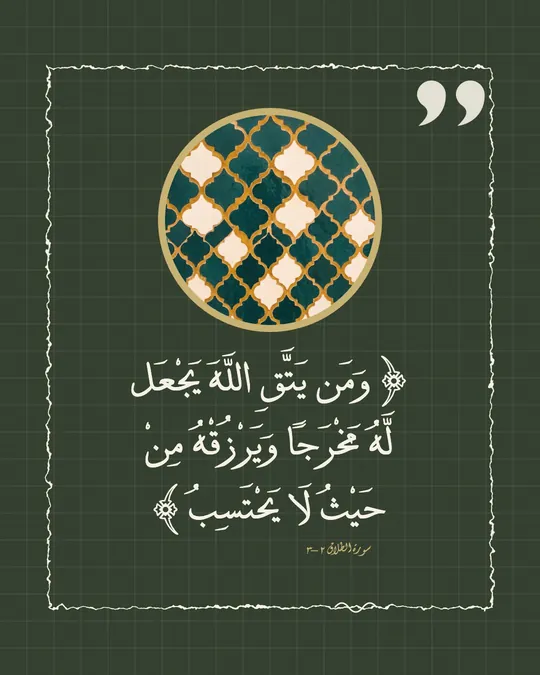
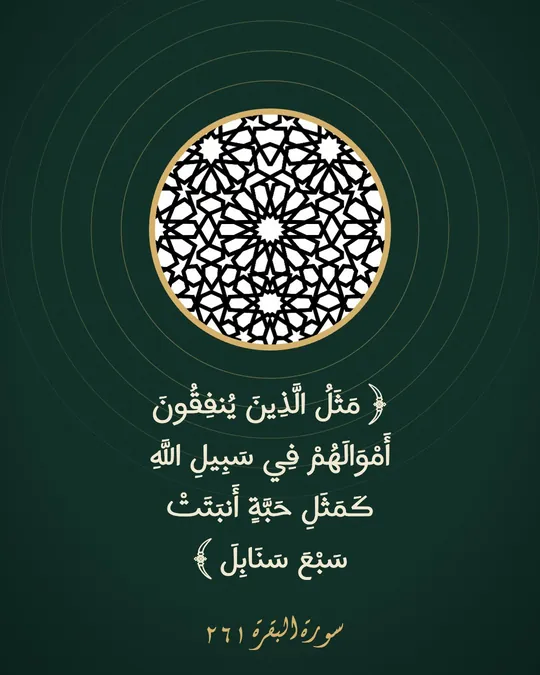
Open the Quran verse templates
Download Tiraz from the App Store, then on Home tap the title of the Quran verse shelf to see all its templates; you can also browse them first in Quran verse templates. Templates with a crown are part of Tiraz Gold, the rest open for free. Pick the design closest to your taste, since every text and color in it can change afterward.
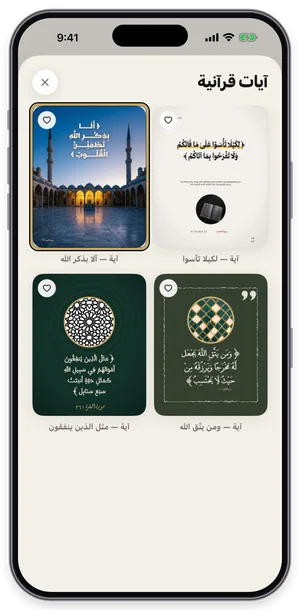
The Quran verse shelf in Tiraz: tap a template to open it in the editor. Open the template in the editor
The verse template opens in the editor at full size; its fonts and pictures download once and stay on your device. Everything you see is its own layer: texts, photos, and ornaments. Don't start with colors before the text is in, since the length of a name can change the design's balance.
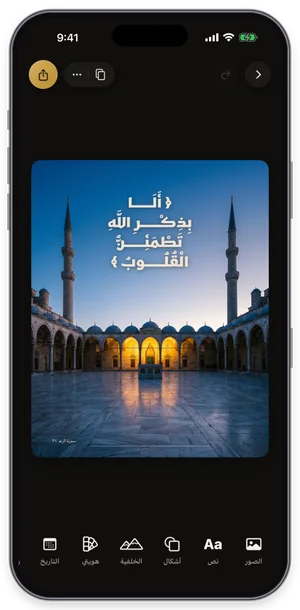
The template open in the editor, with its tools along the bottom. Export or share the design
Tap the gold share button at the top of the editor to open Export: a full-size PNG for free, and a print PDF, 4K, and transparent backgrounds with Gold. Tap Share to send it straight to WhatsApp, or Save to keep it in Photos. For a print shop always choose PDF; a phone image prints soft.
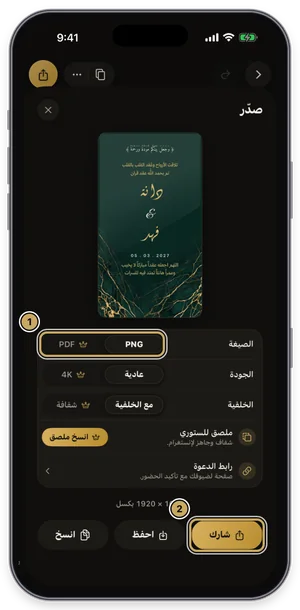
The export sheet: format, quality, and background, then share or save.
Common Questions
What is the Quran's typeface called?
What is the Elgharib-TEHafs2TharwatTaweel font?
Do Quran fonts support full diacritics?
More Articles
- Nikah in Arabic Calligraphy: Fonts, Wording, and Design
- Arabic Condolence Messages, Thank-You Wording, and Ready Cards
- Arabic Fonts for Photoshop and Adobe, and How to Type Arabic Correctly
- Types of Arabic Calligraphy, and When to Use Each One
- Free Arabic Fonts for Design and Commercial Use
- Arabic New Baby Wishes and Birth Announcement Cards
- Arabic Wedding Invitation Wording and Formal Templates
- Arabic Graduation Wishes and Graduation Party Invitations
- Ramadan and Eid Greetings in Arabic, and Greeting Cards
- An Invitation Design App with Arabic Calligraphy: How to Choose and Design
- Designing a Digital Invitation with a Link and RSVP
- An App for Writing in Arabic Calligraphy on iPhone
- Arabic Fonts on iPhone: What Actually Works
- An Arabic Name Decoration App: Your Name in Ornate Calligraphy
- Designing a Ramadan 2027 Imsakiya
- Designing a Named Greeting Card on Your Phone
- A Canva Alternative for Arabic Design: An Honest Comparison
- All Articles →
Design your next invitation in Tiraz
Gulf-inspired templates, authentic Arabic calligraphy, and print-quality export, right from your phone.