 Tiraz
TirazPersonal Quotes templates
Quote templates with your photo: your words in beautiful Arabic type over a cut-out portrait or a calm background.
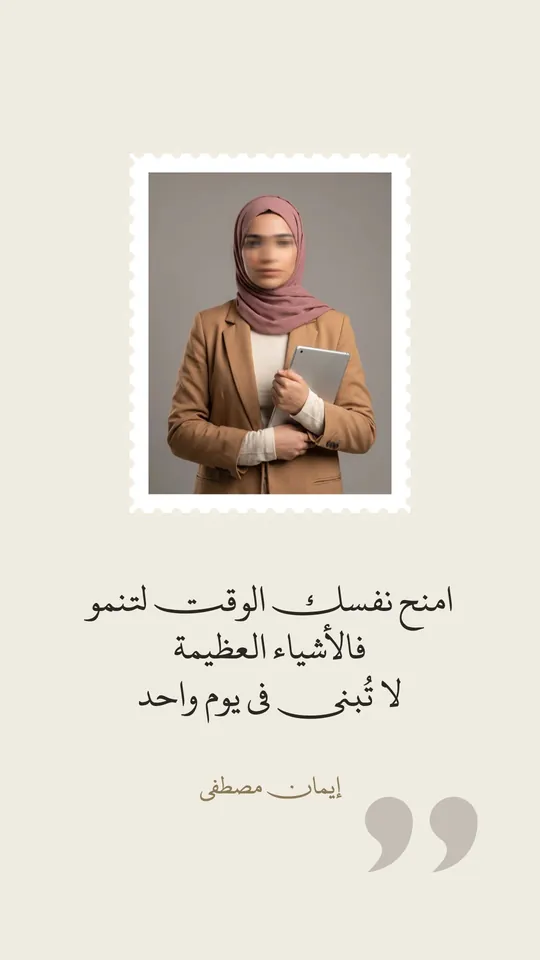 Open Template →
Quote — The Postage Stamp
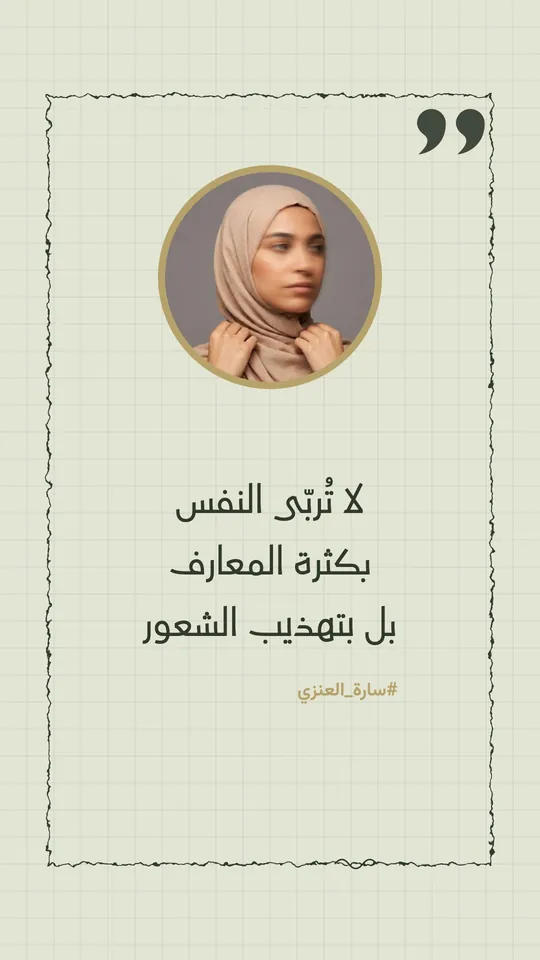 Open Template →
Quote — Grid Paper
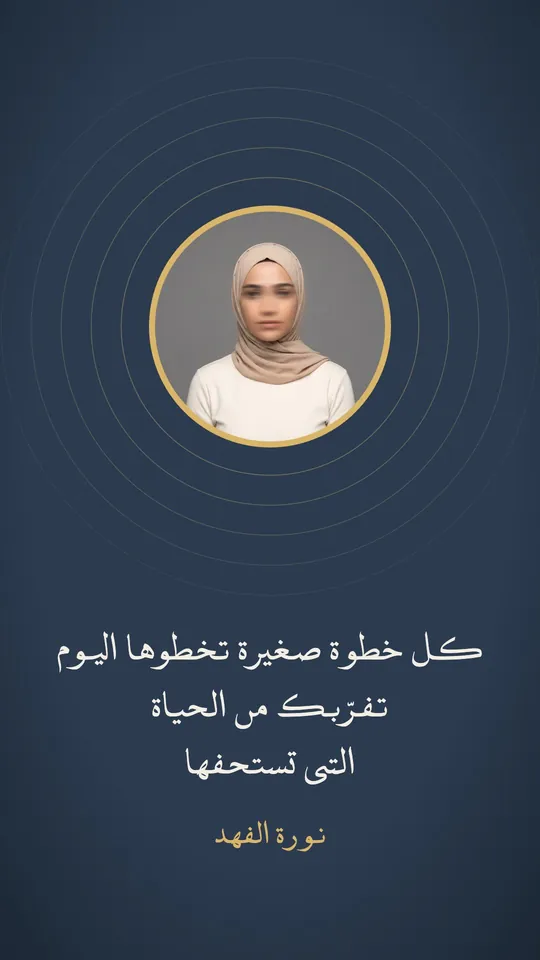 Open Template →
Quote — The Rings
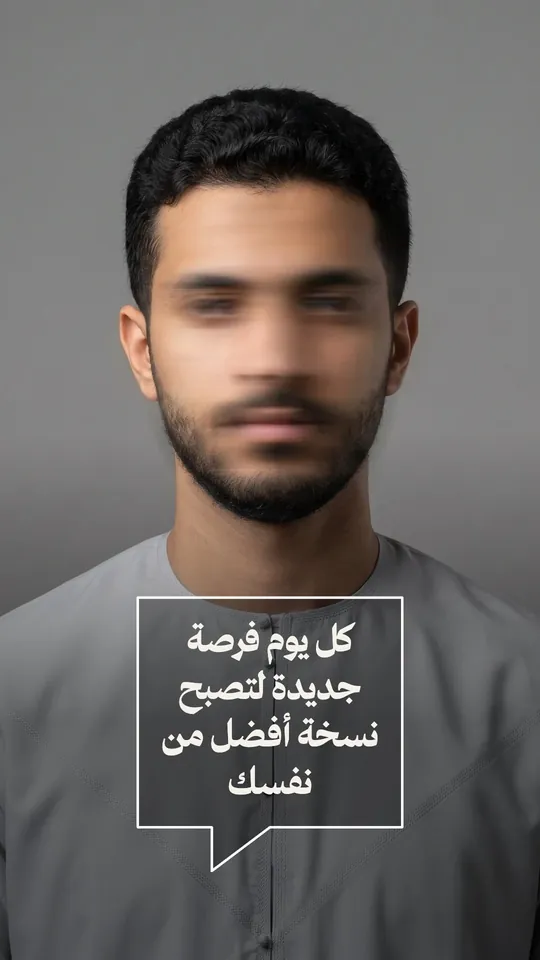 Open Template →
Quote — Bubble on the Photo
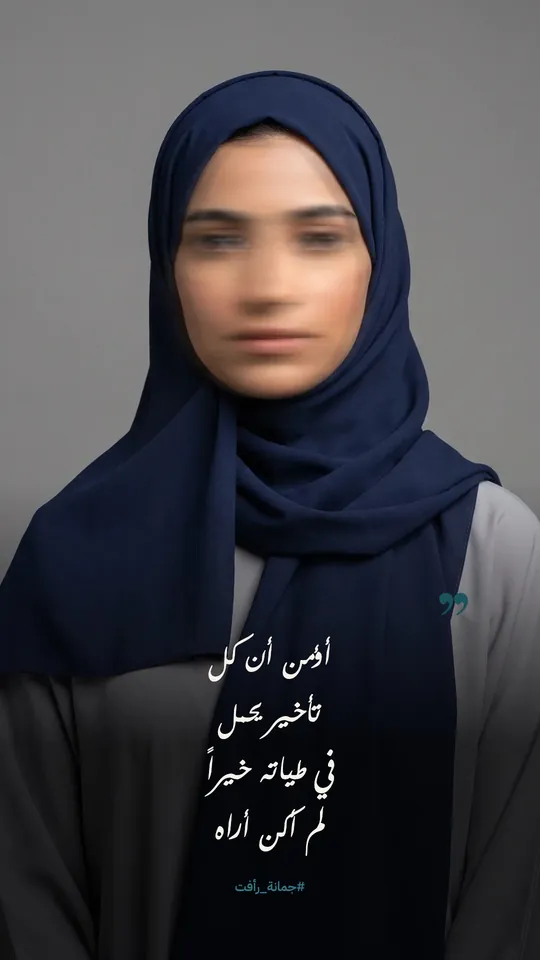 Open Template →
Quote — Photo & Shadow
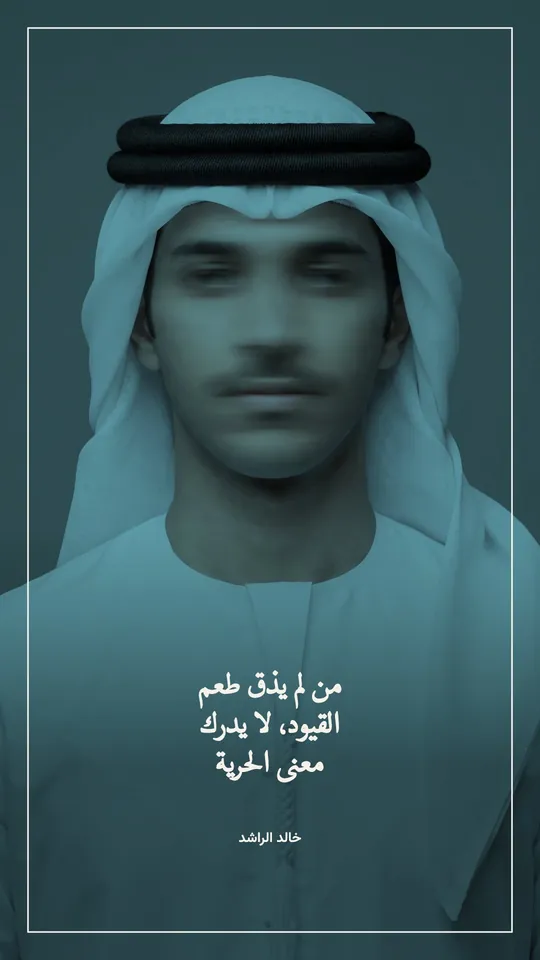 Open Template →
Quote — Tint & Frame
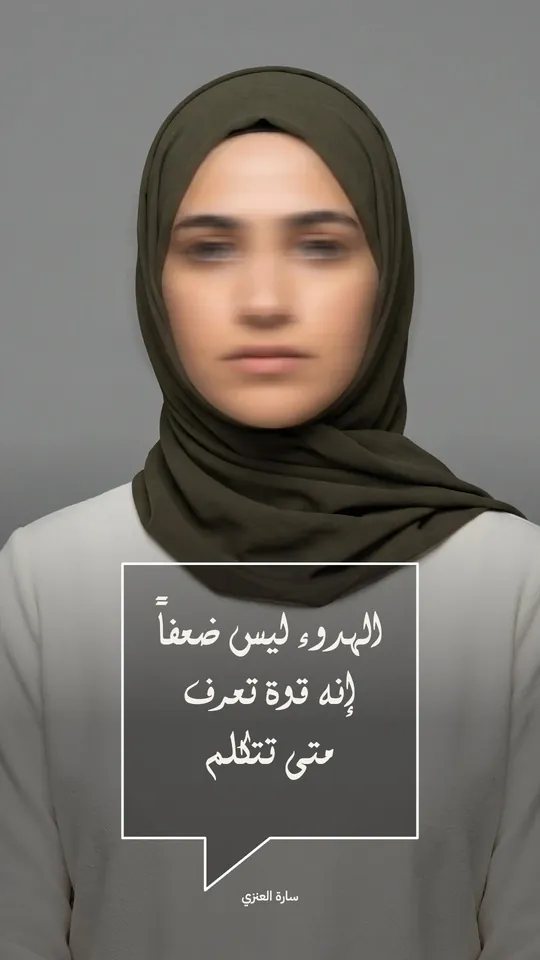 Open Template →
Quote — The Second Bubble
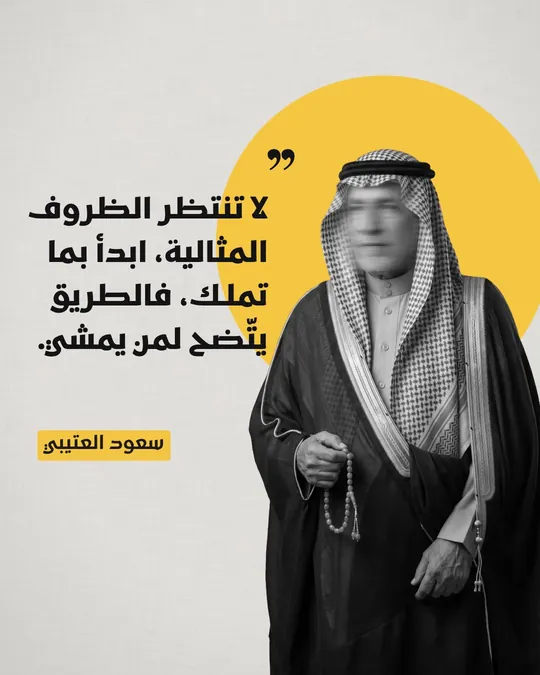 Open Template →
Quote — Cutout & Disc 1
 Open Template →
Quote — Cutout & Disc 2
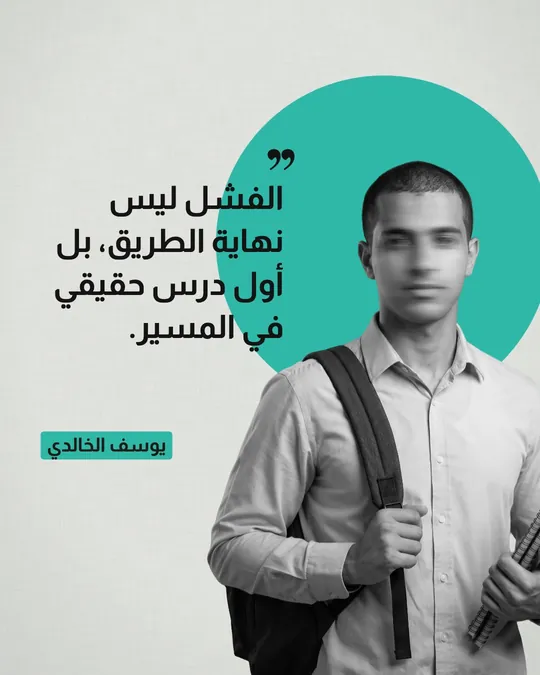 Open Template →
Quote — Cutout & Disc 3
 Open Template →
Quote — Cutout & Disc 4
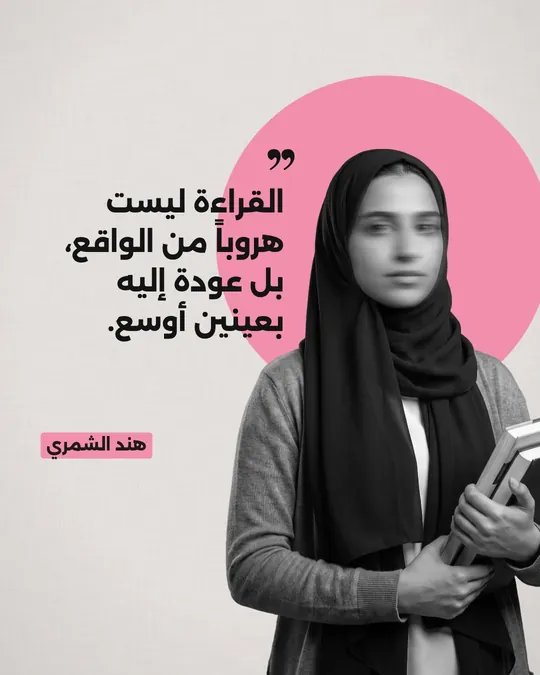 Open Template →
Quote — Cutout & Disc 5
 Open Template →
Quote — Cutout & Disc 6
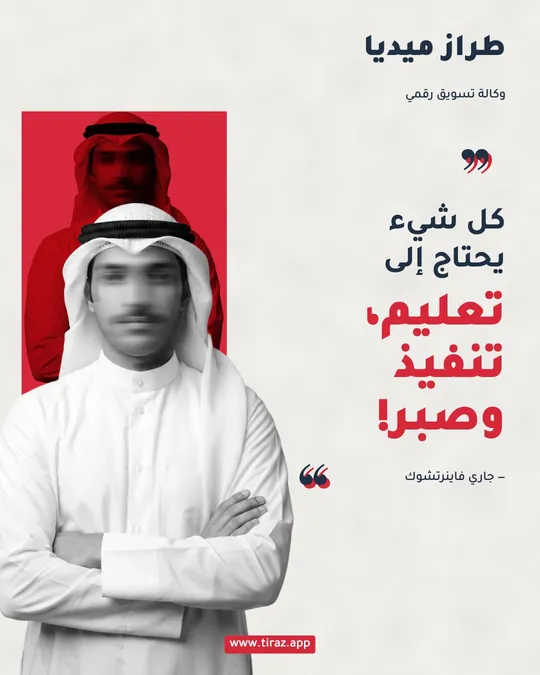 Open Template →
Quote — Clipping & Plate
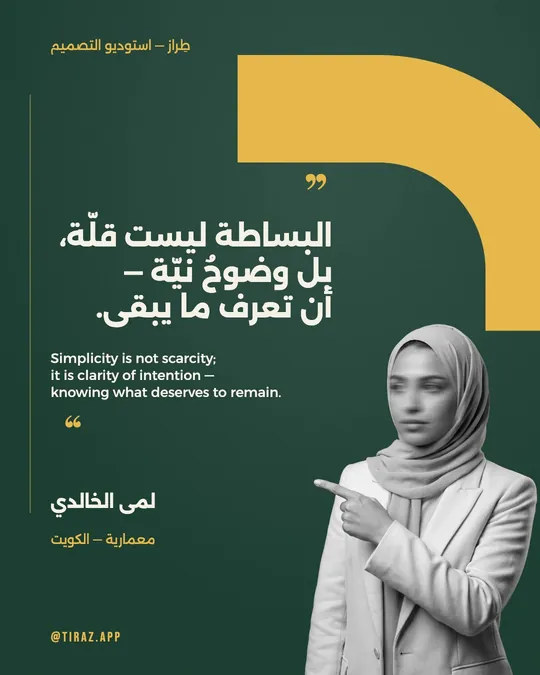 Open Template →
Quote — Emerald Arch & Gold
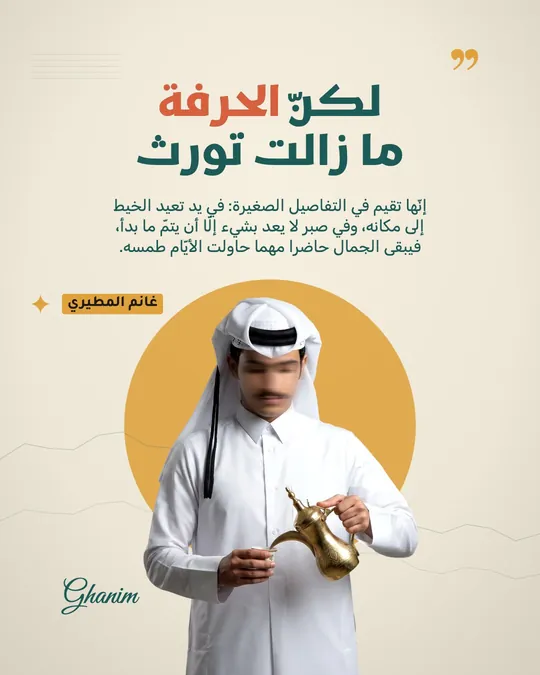 Open Template →
Quote — The Sun & the Speaker
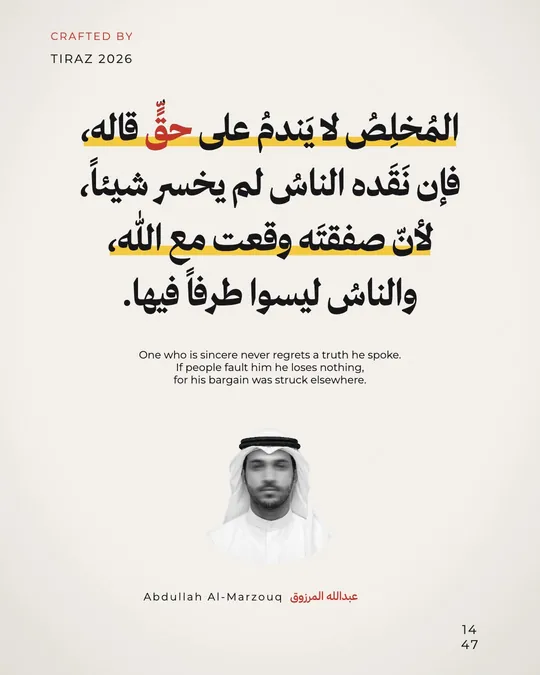 Open Template →
Quote — The Highlighter Sheet
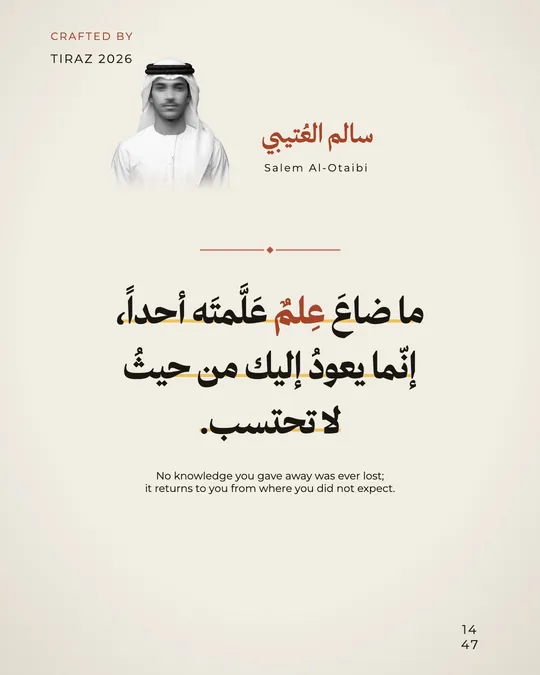 Open Template →
Quote — Highlighter Sheet Front Page
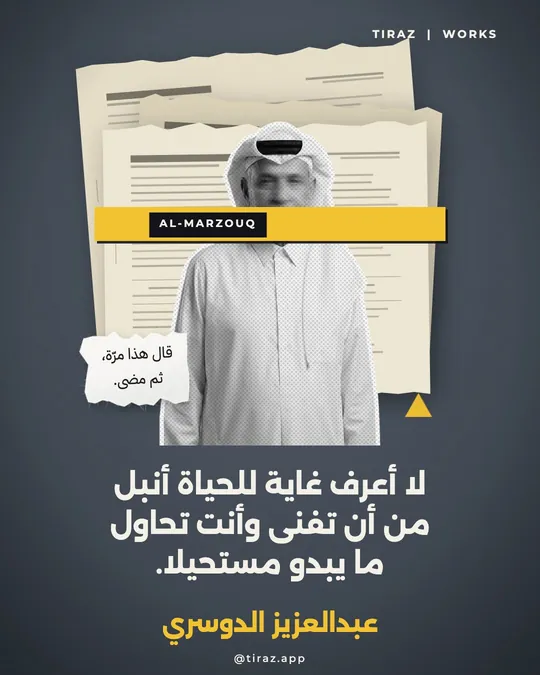 Open Template →
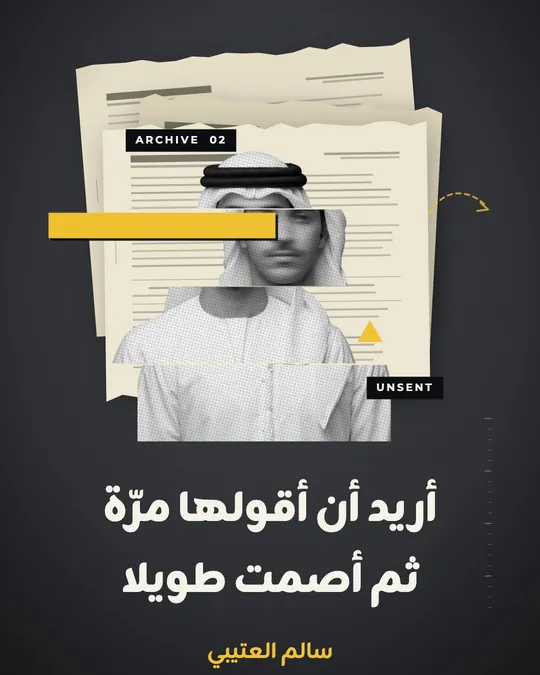
Quote — The Black Strip
 Open Template →
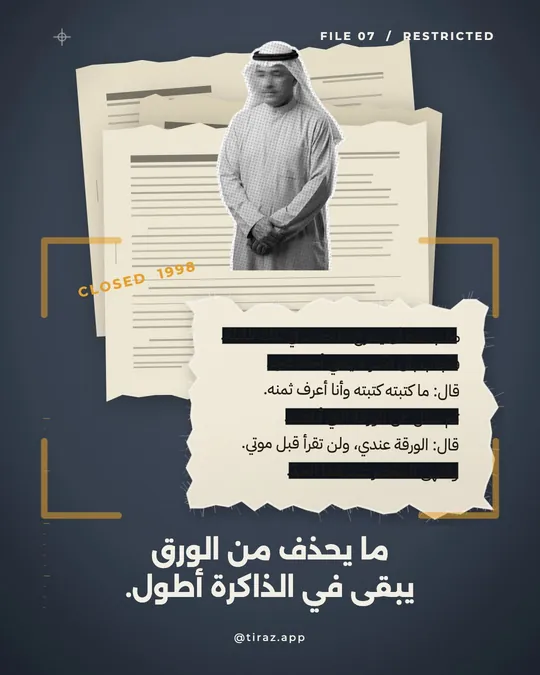
Quote — The Cutout Face
 Open Template →
Quote — The Numbered File
 Open Template →
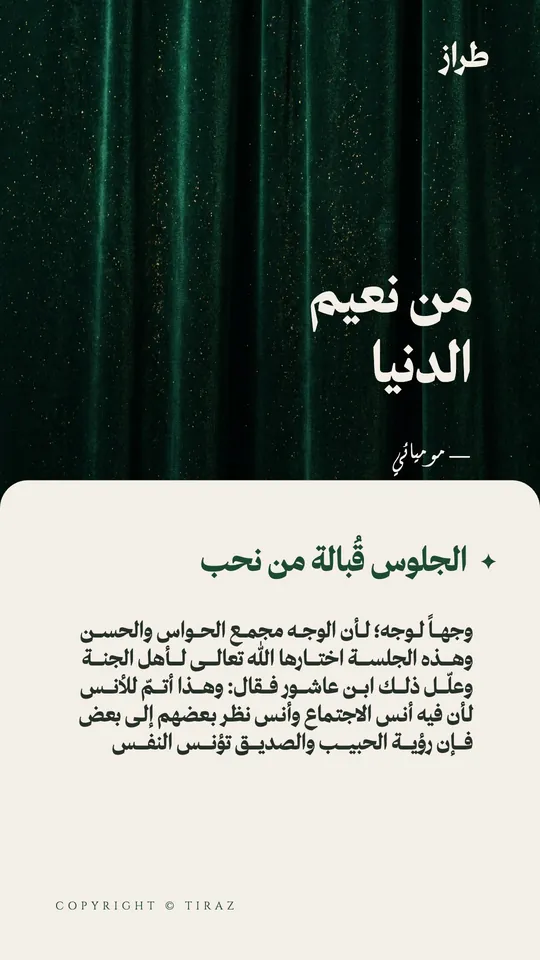
Quote — Among Life's Blessings
Fonts in Personal Quotes Templates
Questions About Personal Quotes Templates
How do I edit a Personal Quotes template?
Open Tiraz, choose the template in the “Quotes” category, then tap any text or photo to change it. The font, kashida and colors are all editable.
Can I print a Personal Quotes design?
Yes. With Tiraz Gold you can export a print-ready PDF or a 4K image. Without it, you can export a PNG at the design's full size.
Are the templates story-sized?
Most are 1080×1920 stories (the size is shown on each template); the rest are 1080×1350 posts. You can resize any design in the app.
Start with a Personal Quotes template
Type the names and date, change the font and export at print quality.