 Tiraz
An App for Writing in Arabic Calligraphy on iPhone
Want to write a phrase, a name, or a line of poetry in beautiful Arabic calligraphy, on a photo or a background, from your phone? Most text-on-photo apps write Arabic in modern fonts, break its letters, or stretch it with a straight line that ruins the word. This article covers what makes a good Arabic calligraphy app, compares the options, and shows the steps in Tiraz.
Write in Arabic Calligraphy with Tiraz
What makes a good Arabic calligraphy app
- Authentic calligraphic fonts: Thuluth, Diwani, Nastaliq, Ruqaa, and Kufic, not modern fonts with calligraphic names.
- Correct joining: words written connected from the right, with each letter's proper initial, medial, and final forms.
- Smart kashida: stretching drawn from the font itself where a calligrapher would stretch, not a straight line between any two letters.
- Vowel marks and ornaments you can add above letters and move freely to complete the lettering.
- Text control: per-word color, shadow, and outline, curving, and high-quality export with a transparent background.
An honest comparison of apps
- Phonto and text-on-photo apps: light and easy, and some let you install your own fonts, but you must find and load Arabic fonts yourself, with no smart kashida and no templates.
- Canva: a cross-platform general design app with good modern Arabic fonts, but few calligraphic ones and no joint-aware kashida.
- Drawing apps such as Procreate: a calligrapher's freedom if you write by hand with Apple Pencil, but no ready fonts for typed text.
- Tiraz: built around Arabic calligraphy, with 230+ font families including Thuluth, Diwani, and Nastaliq, kashida tested for each font on every letter, tashkeel and ornament elements, single-word color, and ready templates. iPhone only for now; some features such as 4K and transparent backgrounds are in Tiraz Gold.
Writing on a photo in Arabic calligraphy with Tiraz
Start a new design
Download Tiraz from the App Store, tap the gold + at the bottom, and choose Blank and a size, or From Photo to start with your picture. Ready sizes include post, story, square, and video, and All Sizes holds the print formats. Start at the size you'll publish in so you don't have to rearrange the design later.
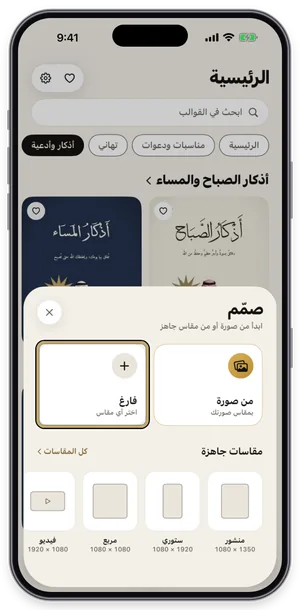
The Create sheet: a blank page or a photo, with ready sizes. Add a photo and adjust it
Add your picture from Photos, or tap the template's photo to replace it. The photo tools appear at the bottom: background removal, blur, magic background, and the magic eraser run on your device and are part of Gold (crowned), while crop, filters, and color adjustments are free. Choose a photo where the person stands out so background removal works well.
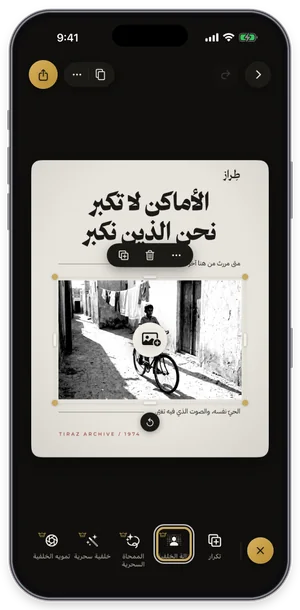
Photo tools: background removal, magic eraser, and more; Gold tools carry a crown. Choose the font
With the text selected, open Fonts, switch to the Diwani tab and try fonts while seeing your own word in each one. Fonts with a crown are part of Tiraz Gold, and a font downloads the first time you use it. Keep to two fonts: a calligraphic one for names and a clear one for details.
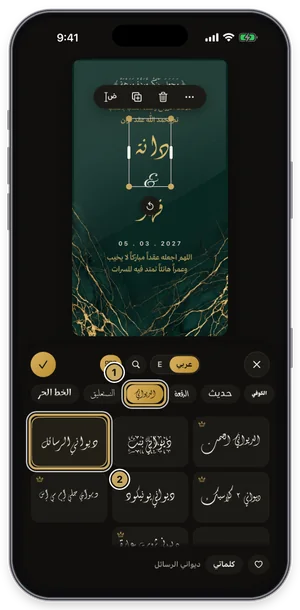
The fonts panel on the Diwani tab: the current font is outlined in gold. Stretch the word like a calligrapher
Select the word, open Kashida, turn on automatic kashida, and slide to choose its length. Tiraz places the stretch where it belongs in the word for that font, so letters don't break as they do with a plain tatweel. The short automatic stretch is free; longer stretches and the styles (start, end, spread) are part of Gold, and the Divine Name is never stretched.
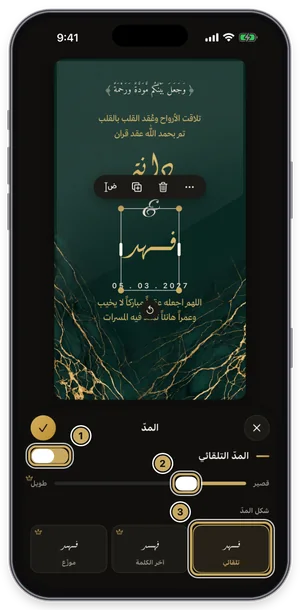
The kashida panel: the length slider, with the kashida styles below. Decorate with lettering and elements
Tap graphics in the toolbar to open Elements, then the Tashkeel tab, and pick a vowel mark or flourish to place over the letters. The element lands on the design, where you can scale, move, and recolor it to match; elements with a crown are part of Gold. One or two are enough, since too much decoration buries the names.
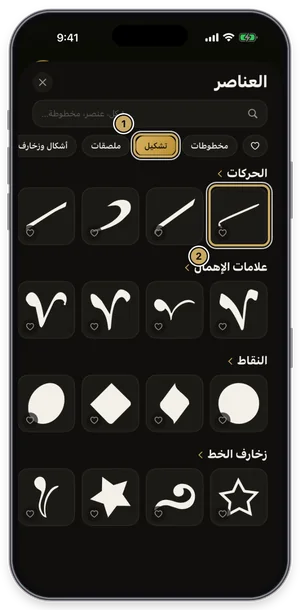
The elements library on the Tashkeel tab. Export or share the design
Tap the gold share button at the top of the editor to open Export: a full-size PNG for free, and a print PDF, 4K, and transparent backgrounds with Gold. Tap Share to send it straight to WhatsApp, or Save to keep it in Photos. For a print shop always choose PDF; a phone image prints soft.
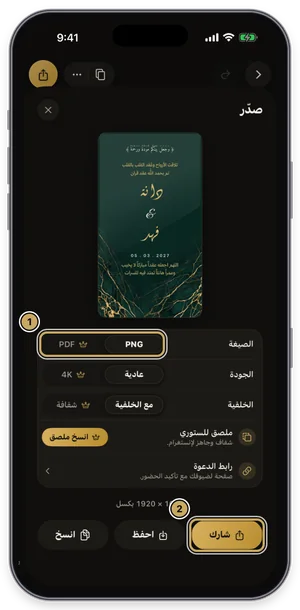
The export sheet: format, quality, and background, then share or save.
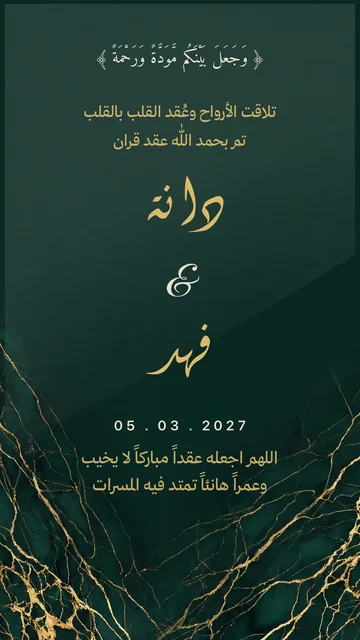
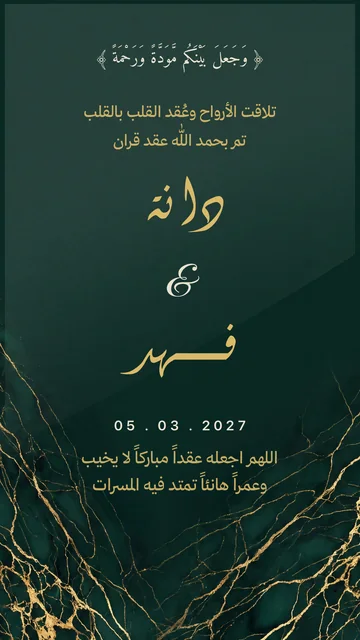
The text tools you'll need
- Weight and slant for each font, and letter and line spacing.
- Curved text: gentle and standard arcs are free; wave, free path, and circle are Gold.
- Outline and shadow, and a different color for each word within the same line.
- Tashkeel and ornament elements that move and scale freely over the letters.
The photo behind the lettering
- Background removal on your device (Gold), with edge refinement; the eraser and manual scissors are free.
- Background blur, cropping, filters and exposure, contrast and saturation.
- Magic Eraser (Gold): removes unwanted objects and fills the gap as if they were never there.
Place the lettering on a calm area of the photo, or add a soft shadow so it reads over busy colors.
Export and sharing
- A full-size PNG for free; PDF, 4K, and transparent backgrounds with Gold.
- Ready sizes: Instagram post and story, Snapchat, X, YouTube, or a custom pixel size.
- Change size after designing without stretching, and save it as a new copy.
- Your designs sync across devices when you sign in.
Arabic calligraphy on products and gifts
Many people looking for an Arabic calligraphy app want to write on a mug, a shirt, a wooden board, or a gift box. Design the word in Tiraz, export a transparent PNG with Gold, and send it to the print or engraving shop, which uses it as is without retyping it in another font.
Ideas for what to write
- Your name or a loved one's, as a print or gift.
- A line of poetry or a quote over a travel photo, in Nastaliq.
- A verse or dhikr in Thuluth for a phone wallpaper.
- A logo for an account or small business in Kufic.
- An invitation or greeting card headline in Diwani.
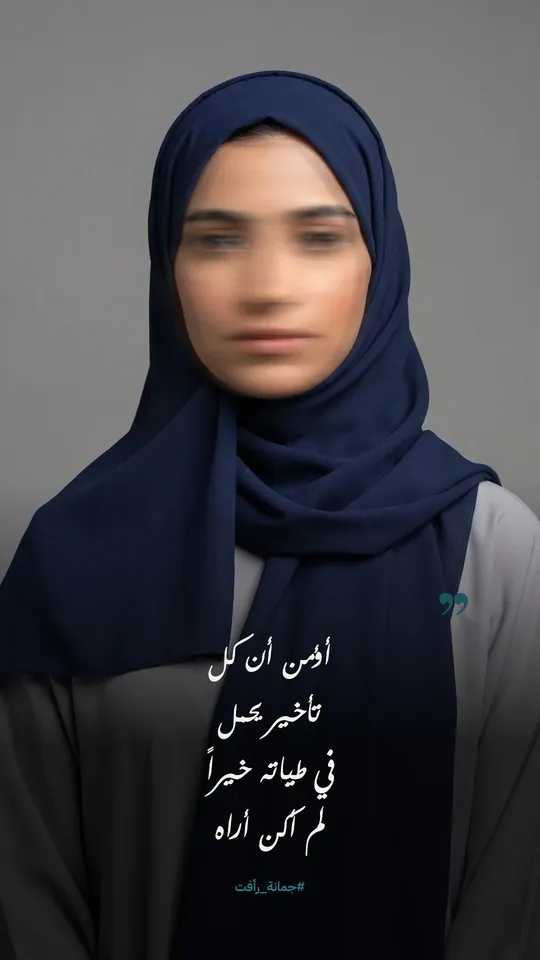
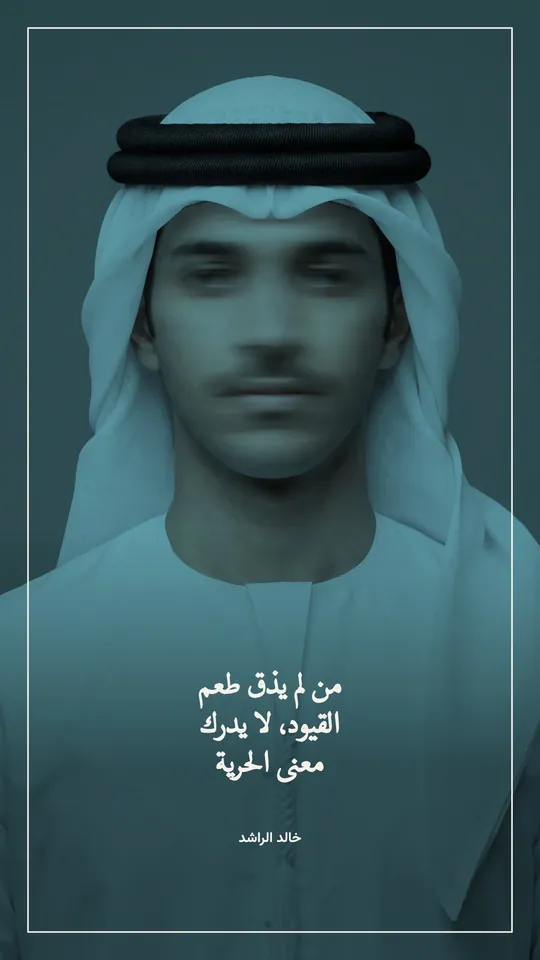
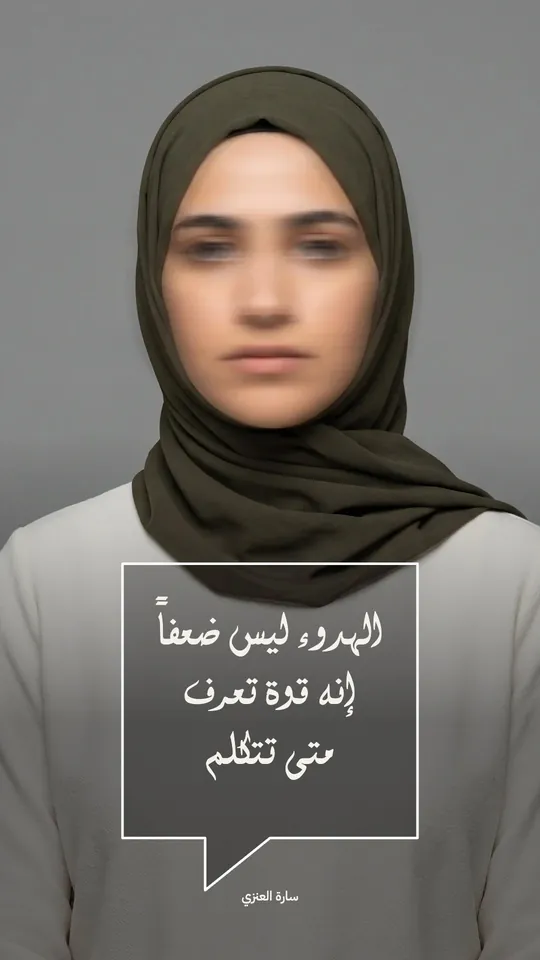
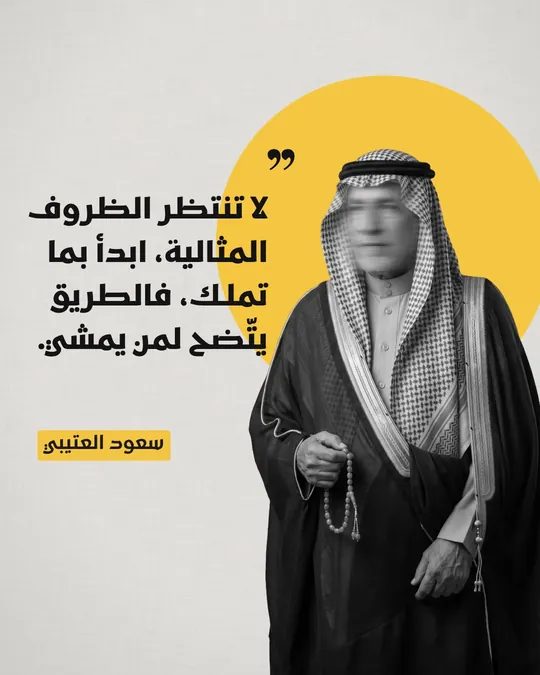
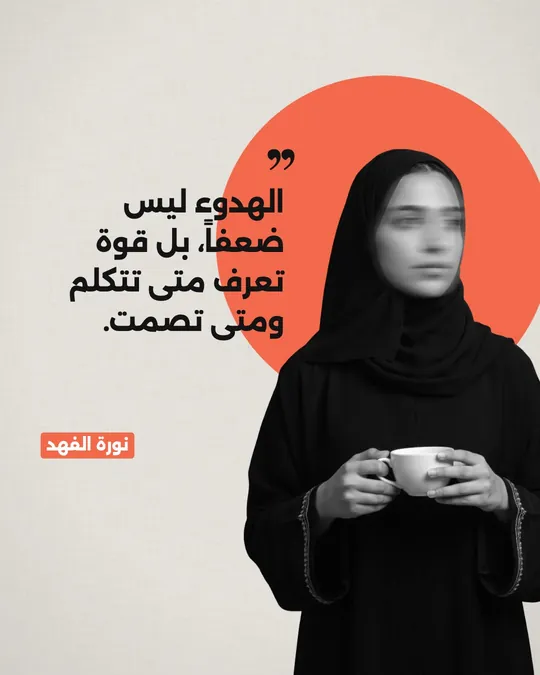
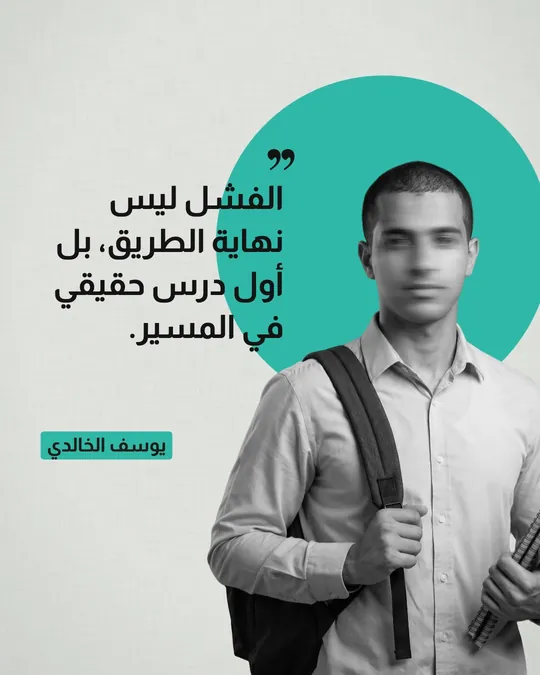
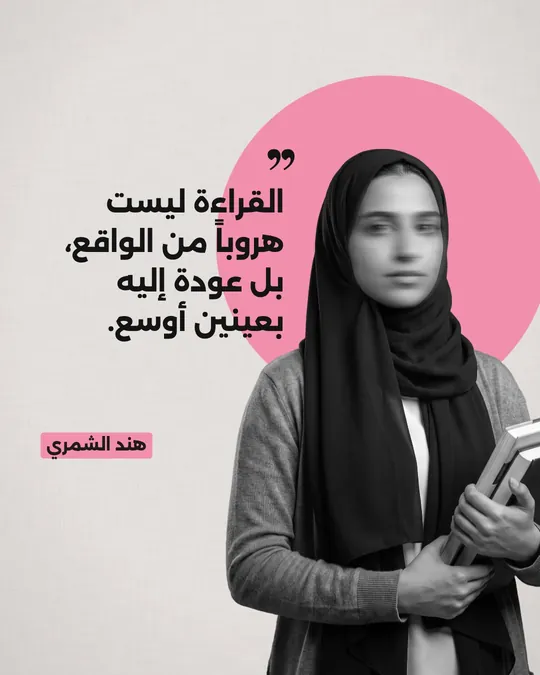
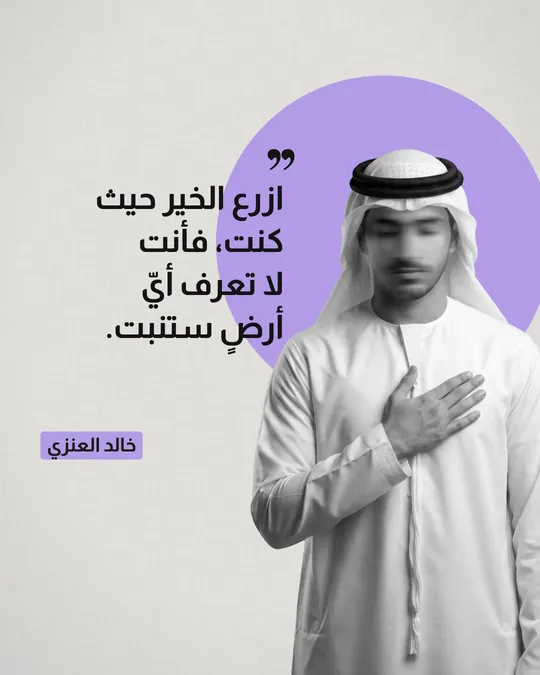
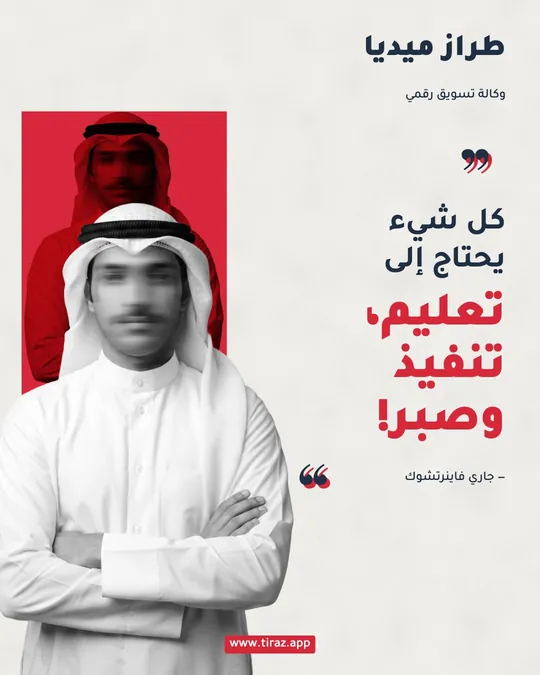
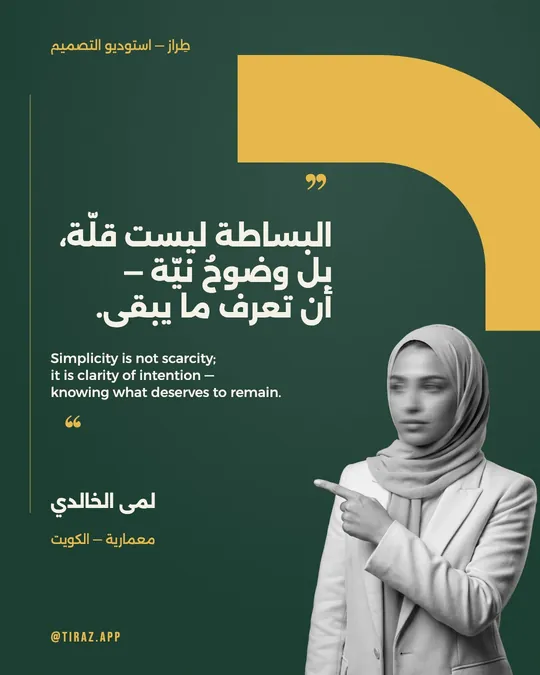
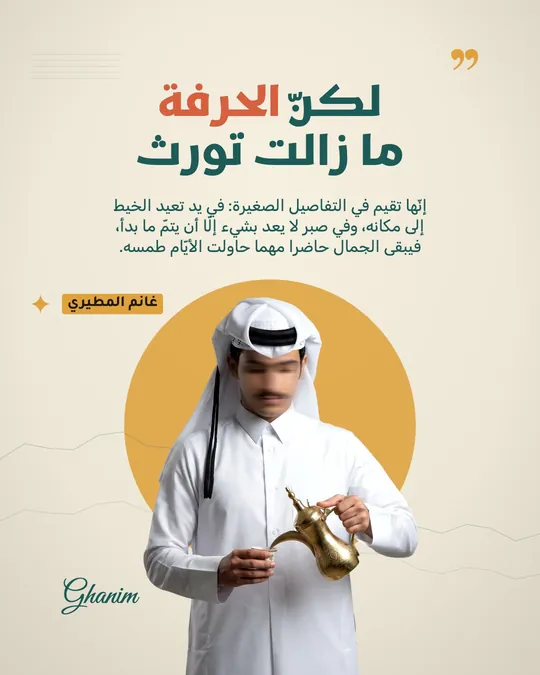
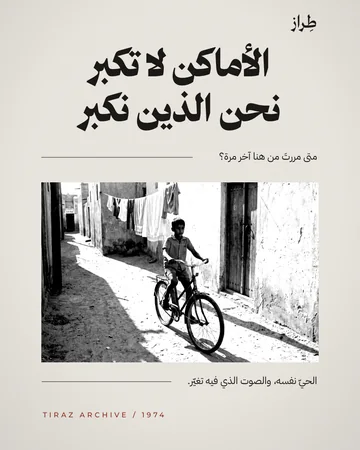
Ready templates to start from are in quotes and poetry, and a article to the scripts is in types of Arabic calligraphy.
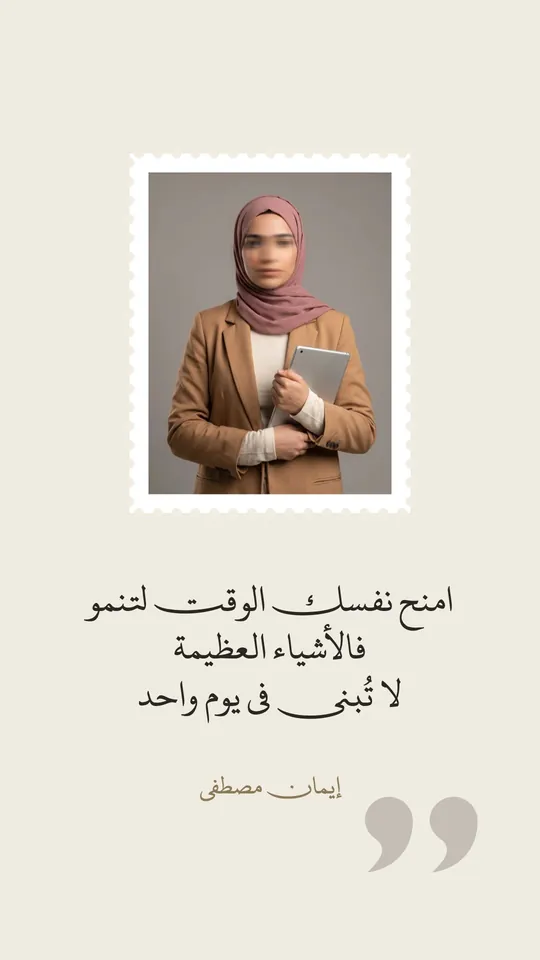 Open Template →
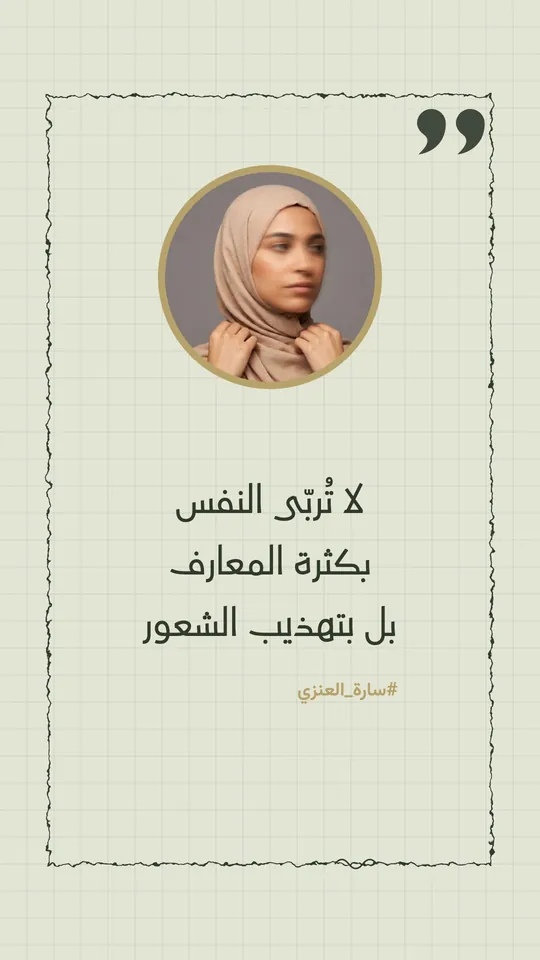 Open Template →
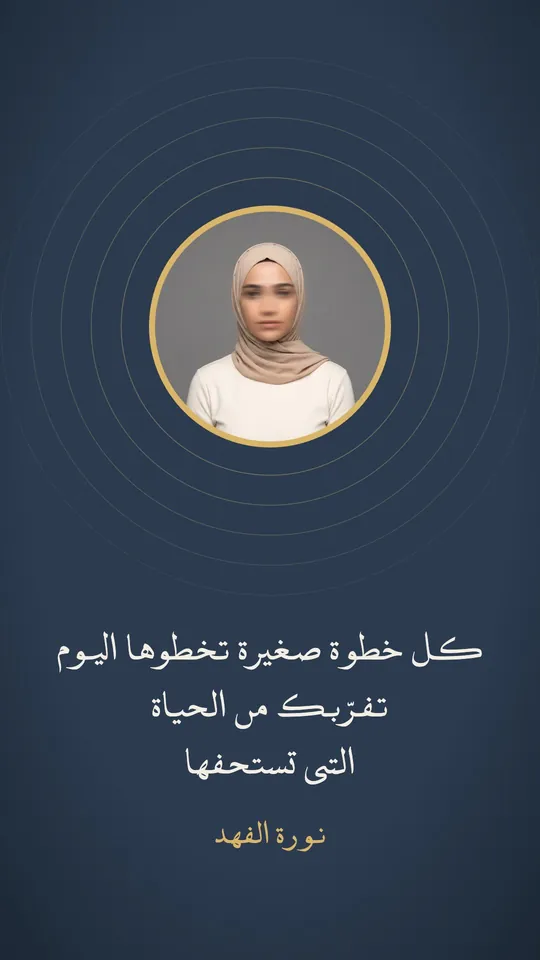 Open Template →
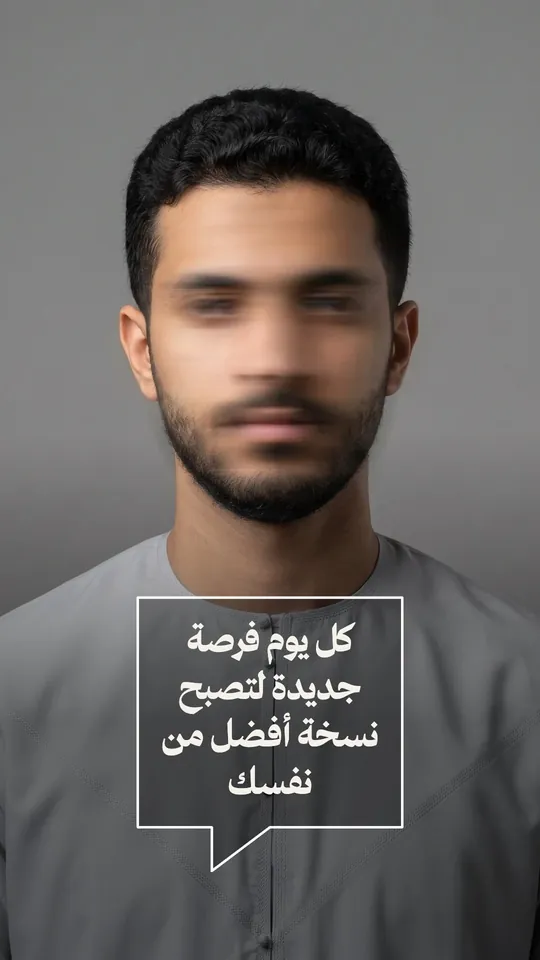 Open Template →
 Open Template →
 Open Template →
 Open Template →
 Open Template →
 Open Template →
 Open Template →
 Open Template →
 Open Template →
 Open Template →
 Open Template →
 Open Template →
 Open Template →
Common Questions
What is the best Arabic calligraphy app for iPhone?
Why do Arabic letters appear broken in some apps?
Can I write my name in Arabic calligraphy for free?
Does it work on Android or a computer?
Can I write in my own handwriting in the app?
Does the app support full diacritics?
More Articles
- Nikah in Arabic Calligraphy: Fonts, Wording, and Design
- Arabic Condolence Messages, Thank-You Wording, and Ready Cards
- Quran Fonts: Hafs and Warsh for Writing Verses
- Arabic Fonts for Photoshop and Adobe, and How to Type Arabic Correctly
- Types of Arabic Calligraphy, and When to Use Each One
- Free Arabic Fonts for Design and Commercial Use
- Arabic New Baby Wishes and Birth Announcement Cards
- Arabic Wedding Invitation Wording and Formal Templates
- Arabic Graduation Wishes and Graduation Party Invitations
- Ramadan and Eid Greetings in Arabic, and Greeting Cards
- An Invitation Design App with Arabic Calligraphy: How to Choose and Design
- Designing a Digital Invitation with a Link and RSVP
- Arabic Fonts on iPhone: What Actually Works
- An Arabic Name Decoration App: Your Name in Ornate Calligraphy
- Designing a Ramadan 2027 Imsakiya
- Designing a Named Greeting Card on Your Phone
- A Canva Alternative for Arabic Design: An Honest Comparison
- All Articles →
Design your next invitation in Tiraz
Gulf-inspired templates, authentic Arabic calligraphy, and print-quality export, right from your phone.