 Tiraz
Nikah in Arabic Calligraphy: Fonts, Wording, and Design
The words “aqd qiran” (the nikah) are the first thing a guest reads on the invitation. See them in Tiraz's calligraphic fonts, with the usual wording for a nikah invitation and the steps to design a card ready to fill in.
Aqd Qiran in Ruqaa
Ruqaa is a quick, familiar script. It suits a simple invitation and a short phrase, and reads easily on a phone screen.
Aqd Qiran in Diwani
Flowing Diwani is the most popular choice for the couple's names on wedding and nikah invitations; Diwani Jali is more ornate and fuller.
Aqd Qiran in Thuluth
Thuluth is the most majestic Arabic script and suits a large headline at the top of the card.
Aqd Qiran in Nastaliq
Nastaliq is slanted and graceful, giving the card a calm, poetic feel.
What goes on a nikah invitation?
- The headline: «عقد قران» or «دعوة عقد قران» (nikah invitation).
- The invitation line in the host's name, then the couple's names.
- The day and date in Hijri, Gregorian, or both, and the time.
- The venue, with a map link or a QR code if you like.
- A prayer for the couple at the bottom of the card.
Phrases often used on nikah invitations:
بكل الحب ندعوكم لحضور حفل عقد قرانWith love, we invite you to the nikah of
يتشرف بدعوتكم لحضور حفل عقد قران ابنهIs honored to invite you to the nikah of his son
بارك الله لكما، وبارك عليكما، وجمع بينكما في خيرMay God bless you both, shower His blessings upon you, and unite you in goodness
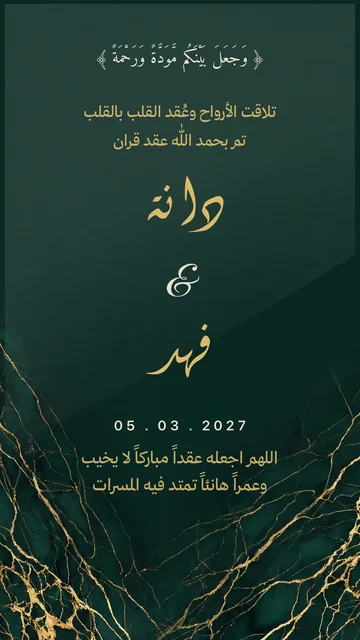
A nikah card ready to fill in
Open the nikah templates
Download Tiraz from the App Store, then on Home tap the title of the nikah shelf to see all its templates; you can also browse them first in nikah templates. Templates with a crown are part of Tiraz Gold, the rest open for free. Pick the design closest to your taste, since every text and color in it can change afterward.
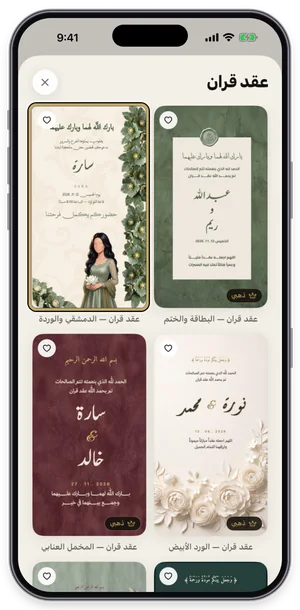
The nikah shelf in Tiraz: tap a template to open it in the editor. Type the names and details
Double-tap the text you want to change to open the text editor, replace the sample name («دانة») with yours and tap ✓. Change each text separately and keep its line breaks, so the template keeps its layout. The usual mistake is pasting a whole paragraph into one text, which shrinks the type and breaks the design.
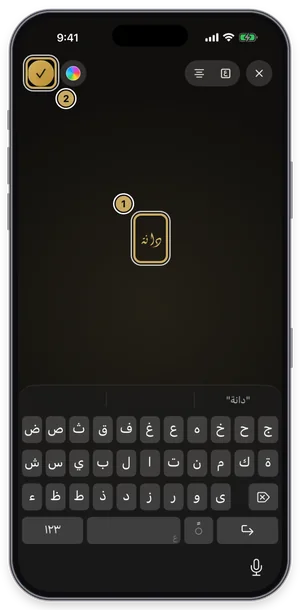
The text editor: type your name over the sample name, then tap ✓. Choose the font
With the text selected, open Fonts, switch to the Diwani tab and try fonts while seeing your own word in each one. Fonts with a crown are part of Tiraz Gold, and a font downloads the first time you use it. Keep to two fonts: a calligraphic one for names and a clear one for details.
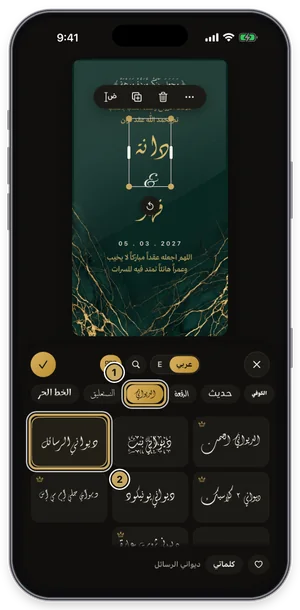
The fonts panel on the Diwani tab: the current font is outlined in gold. Stretch the word like a calligrapher
Select the word, open Kashida, turn on automatic kashida, and slide to choose its length. Tiraz places the stretch where it belongs in the word for that font, so letters don't break as they do with a plain tatweel. The short automatic stretch is free; longer stretches and the styles (start, end, spread) are part of Gold, and the Divine Name is never stretched.
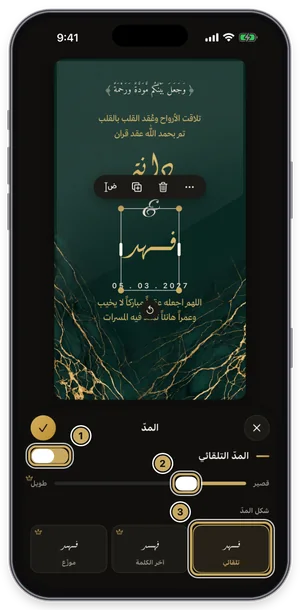
The kashida panel: the length slider, with the kashida styles below. Export or share the design
Tap the gold share button at the top of the editor to open Export: a full-size PNG for free, and a print PDF, 4K, and transparent backgrounds with Gold. Tap Share to send it straight to WhatsApp, or Save to keep it in Photos. For a print shop always choose PDF; a phone image prints soft.
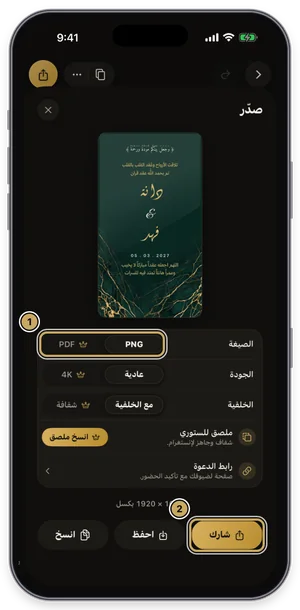
The export sheet: format, quality, and background, then share or save.
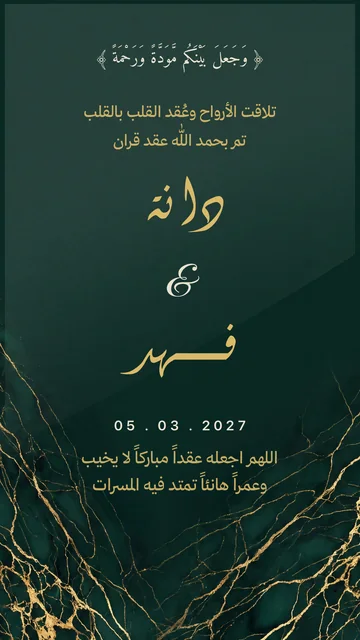
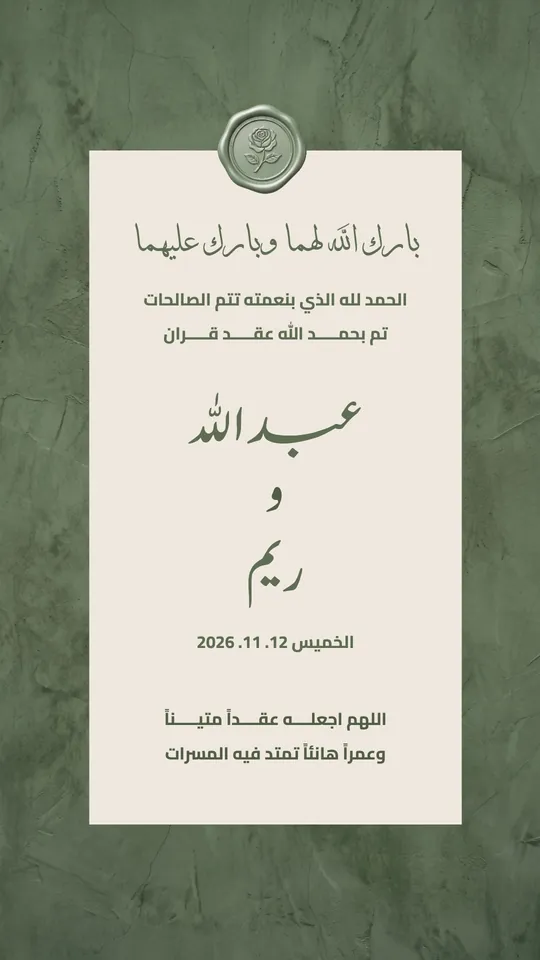 Open Template →
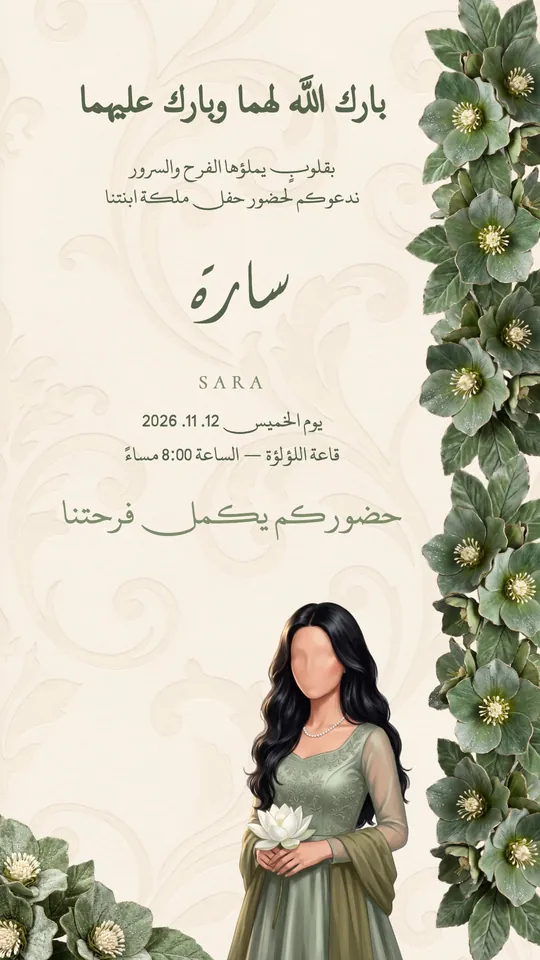 Open Template →
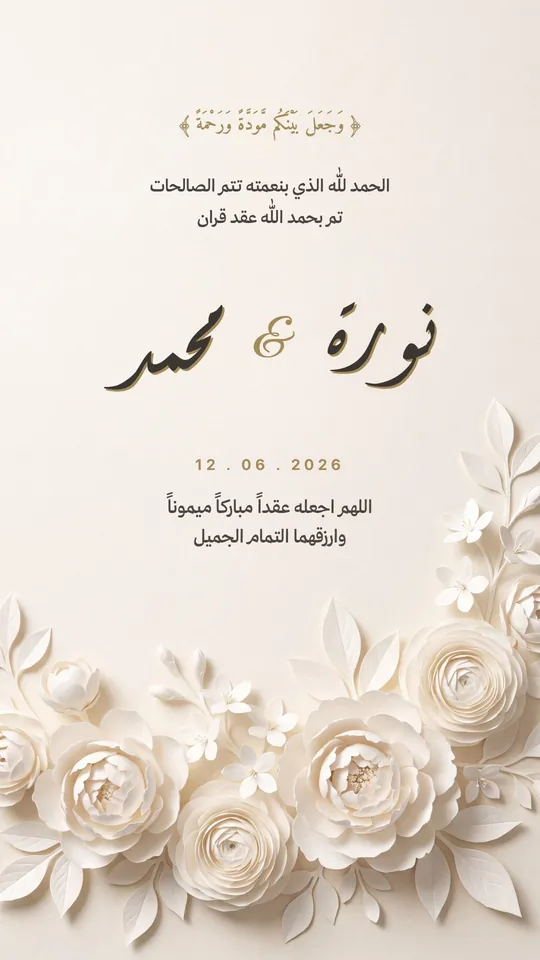 Open Template →
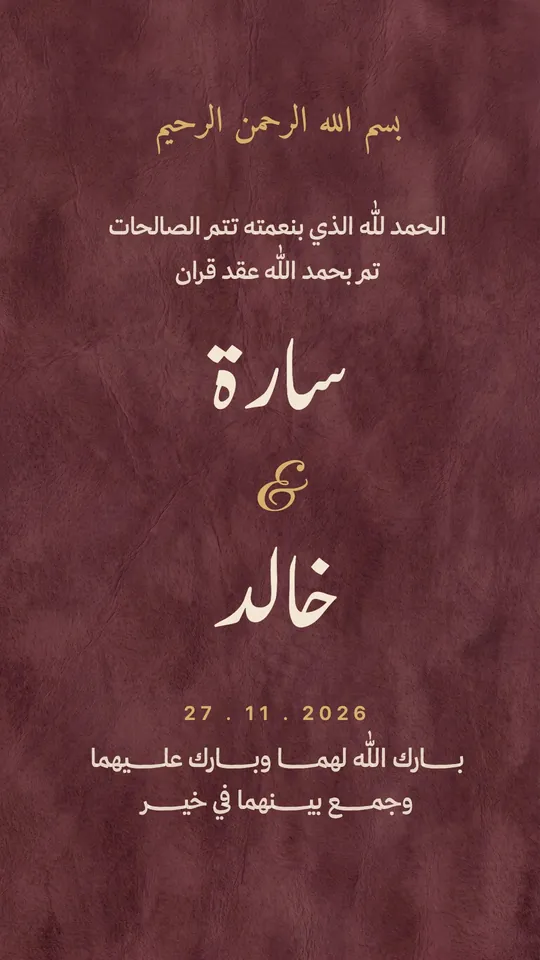 Open Template →
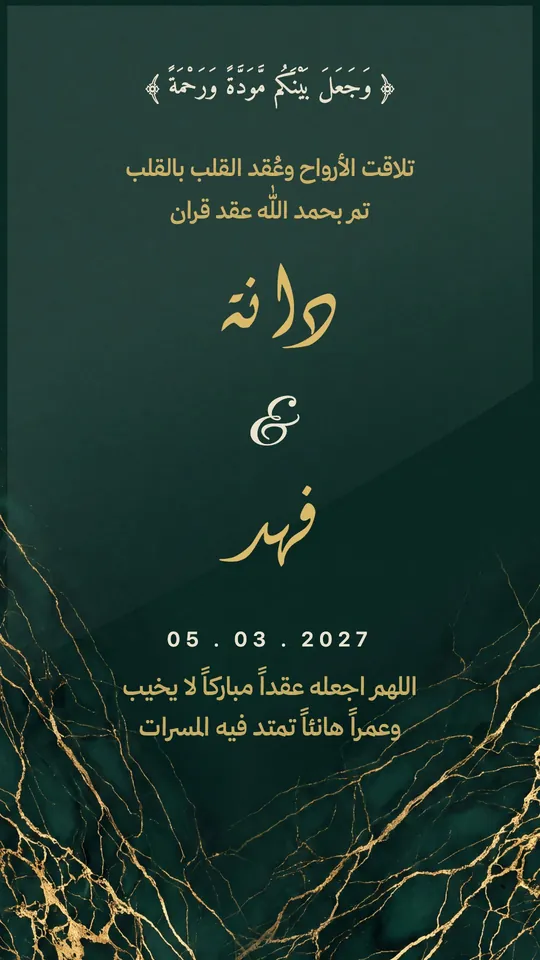 Open Template →
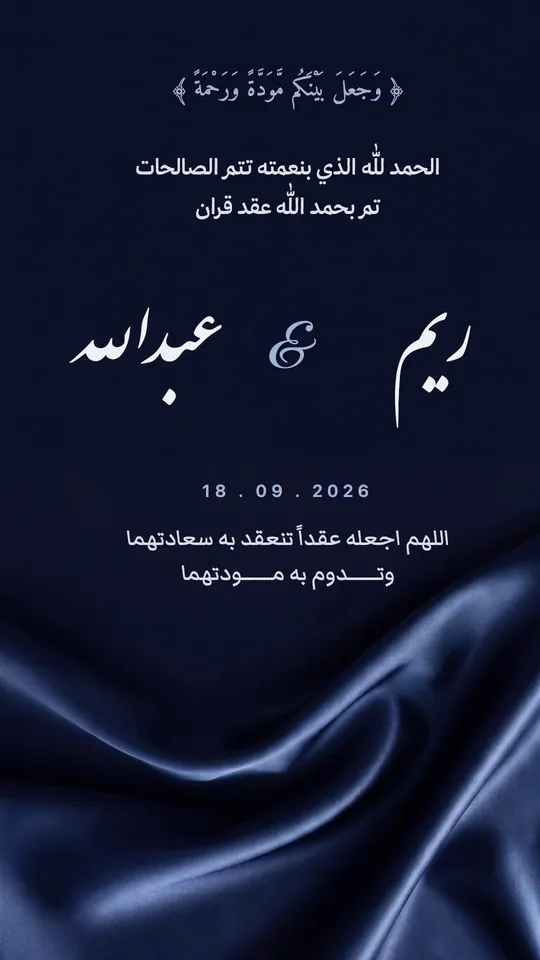 Open Template →
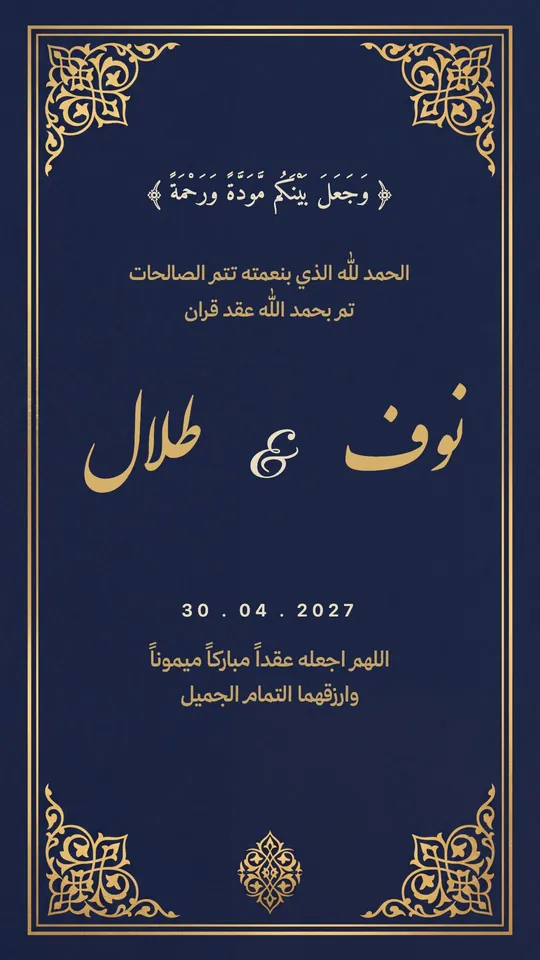 Open Template →
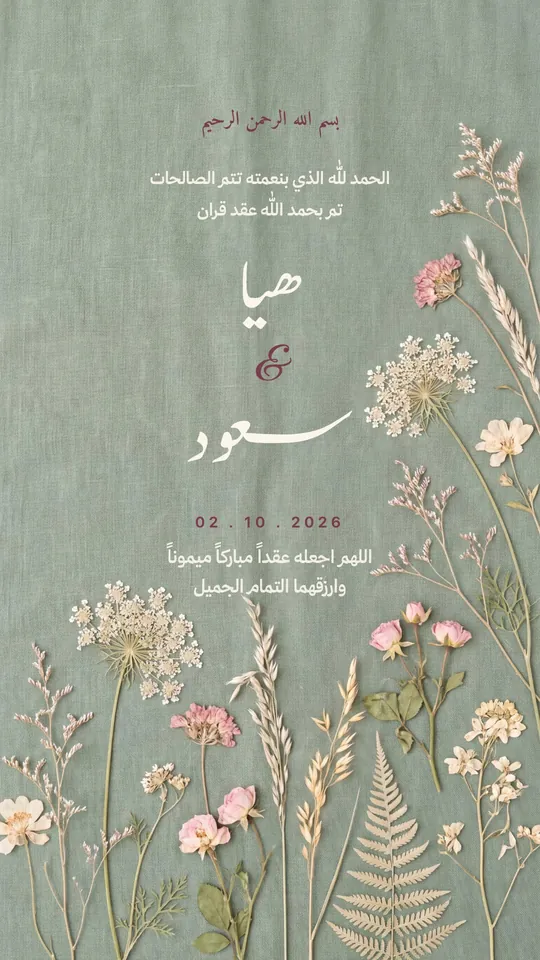 Open Template →
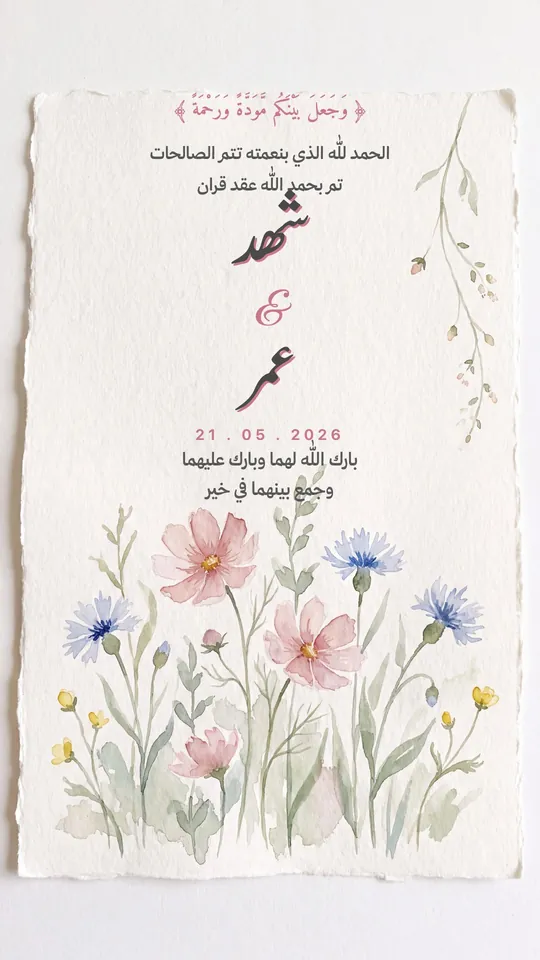 Open Template →
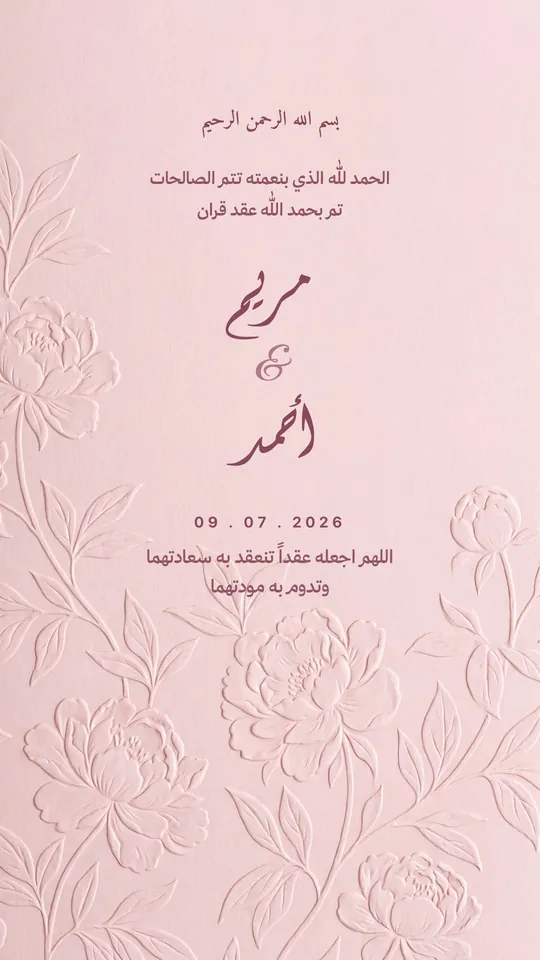 Open Template →
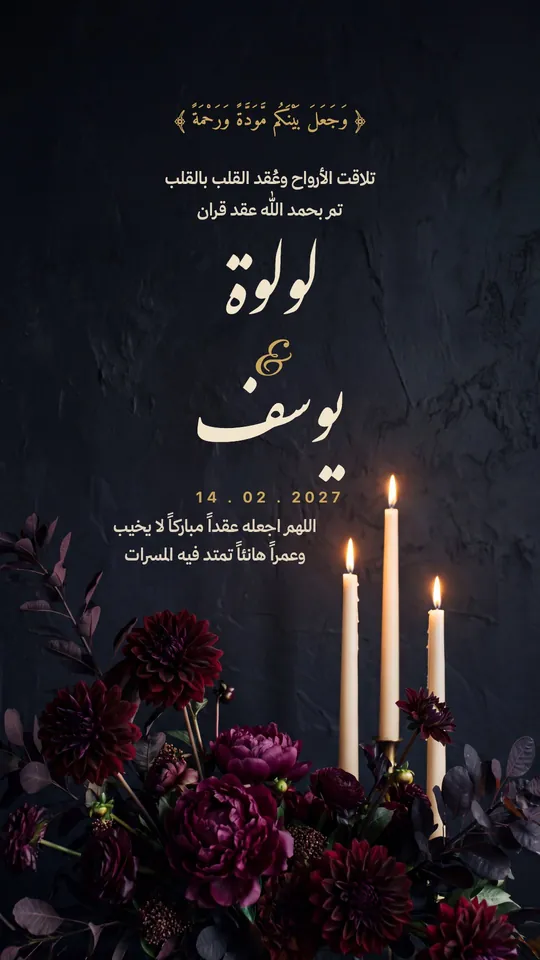 Open Template →
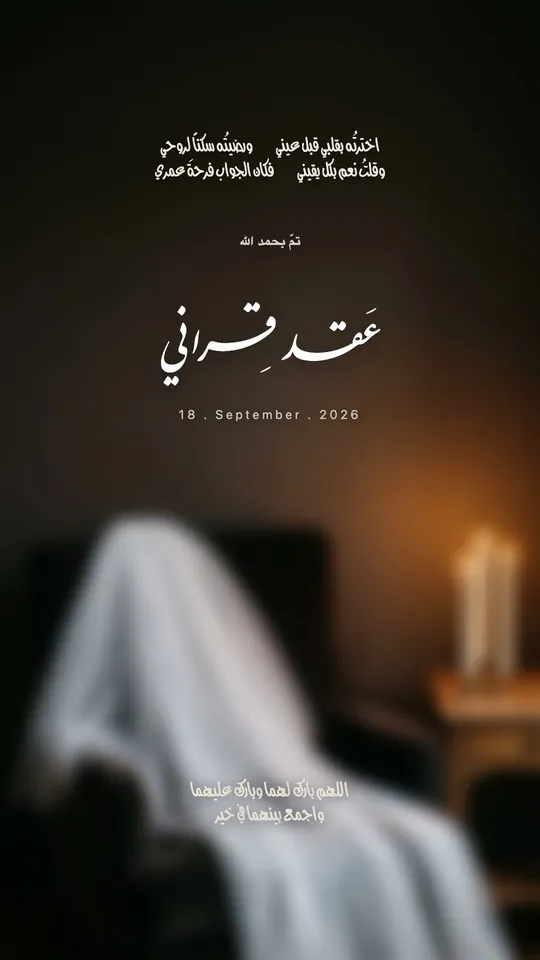 Open Template →
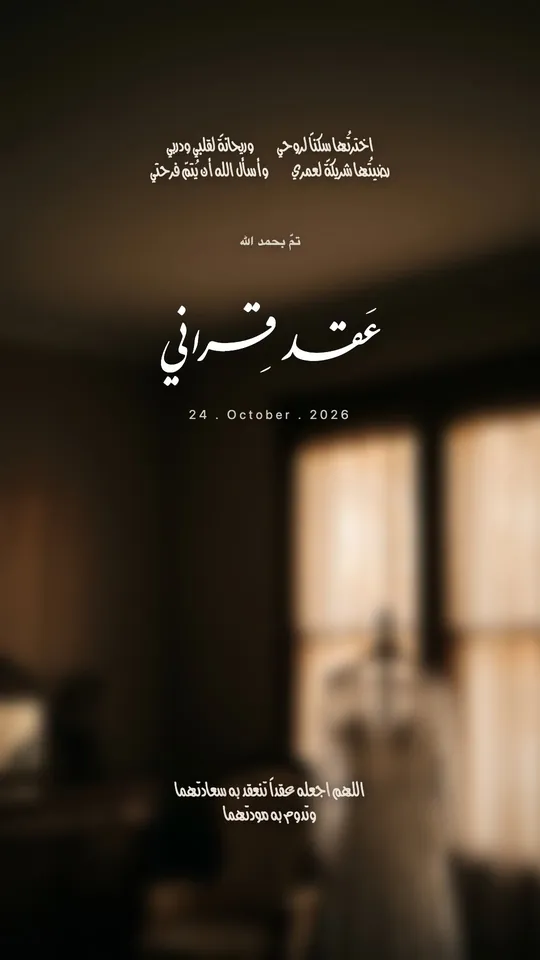 Open Template →
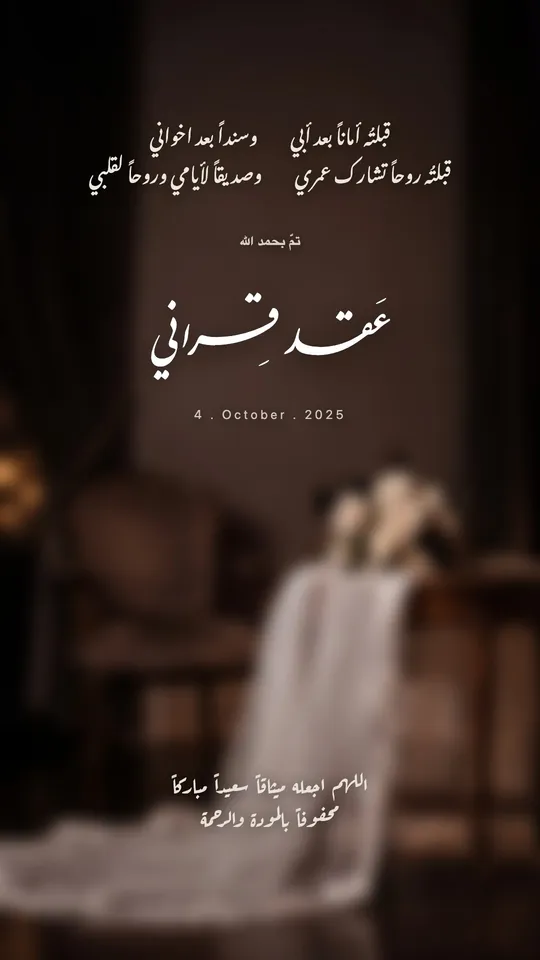 Open Template →
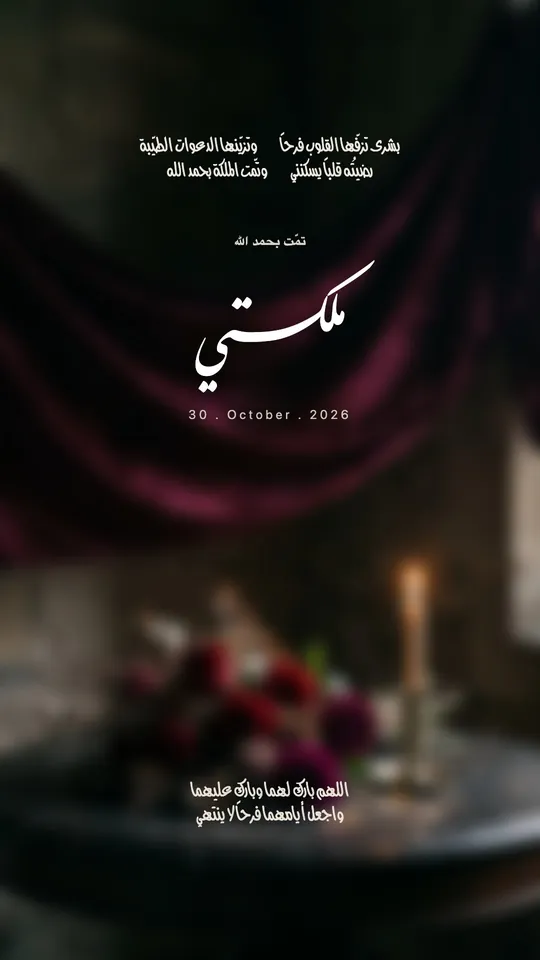 Open Template →
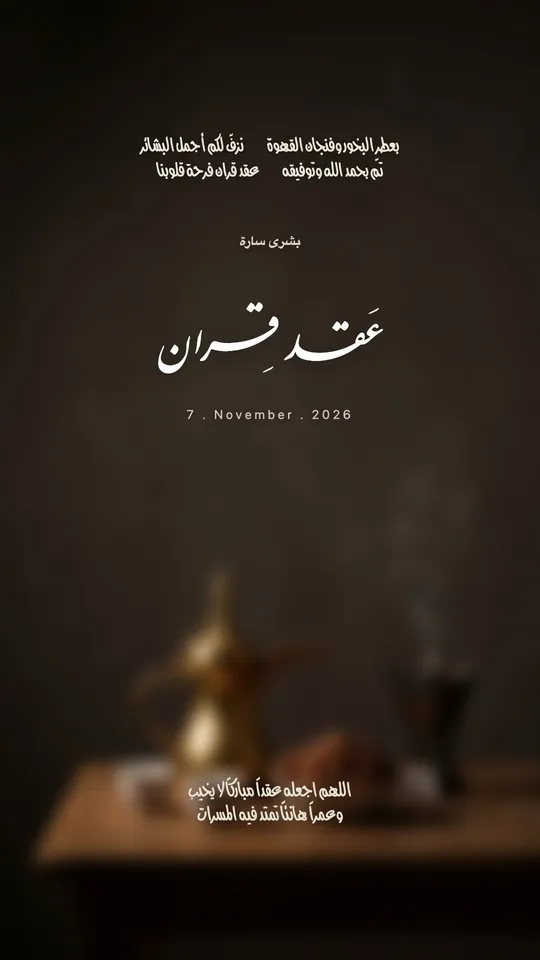 Open Template →
Common Questions
Which font is best for “aqd qiran”?
Can I print the nikah card?
Can “aqd qiran” be stretched?
More Articles
- Arabic Condolence Messages, Thank-You Wording, and Ready Cards
- Quran Fonts: Hafs and Warsh for Writing Verses
- Arabic Fonts for Photoshop and Adobe, and How to Type Arabic Correctly
- Types of Arabic Calligraphy, and When to Use Each One
- Free Arabic Fonts for Design and Commercial Use
- Arabic New Baby Wishes and Birth Announcement Cards
- Arabic Wedding Invitation Wording and Formal Templates
- Arabic Graduation Wishes and Graduation Party Invitations
- Ramadan and Eid Greetings in Arabic, and Greeting Cards
- An Invitation Design App with Arabic Calligraphy: How to Choose and Design
- Designing a Digital Invitation with a Link and RSVP
- An App for Writing in Arabic Calligraphy on iPhone
- Arabic Fonts on iPhone: What Actually Works
- An Arabic Name Decoration App: Your Name in Ornate Calligraphy
- Designing a Ramadan 2027 Imsakiya
- Designing a Named Greeting Card on Your Phone
- A Canva Alternative for Arabic Design: An Honest Comparison
- All Articles →
Design your next invitation in Tiraz
Gulf-inspired templates, authentic Arabic calligraphy, and print-quality export, right from your phone.