 Tiraz
TirazWedding templates
Wedding invitations in authentic Arabic calligraphy: luxurious gold-and-ivory cards and clean modern ones. Edit the names, venue and date, then share it as a story or print it.
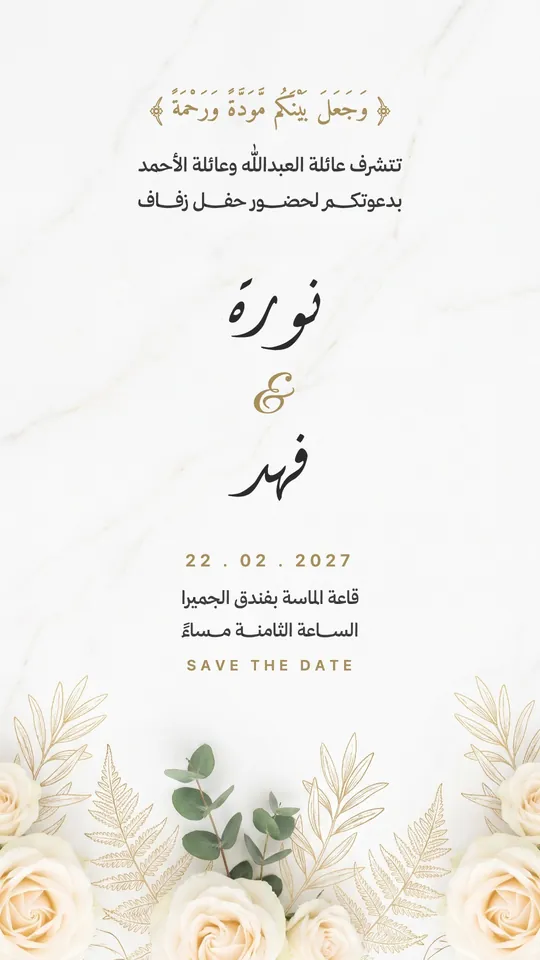 Open Template →
Wedding — White Marble
 Open Template →
Wedding — Night & Stars
 Open Template →
Wedding — Earth & Straw
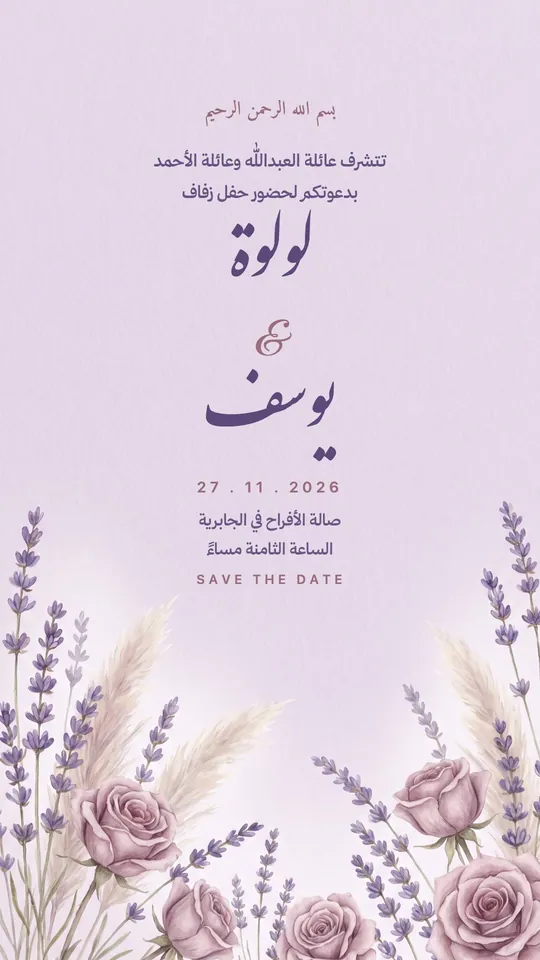 Open Template →
Wedding — Dried Violets
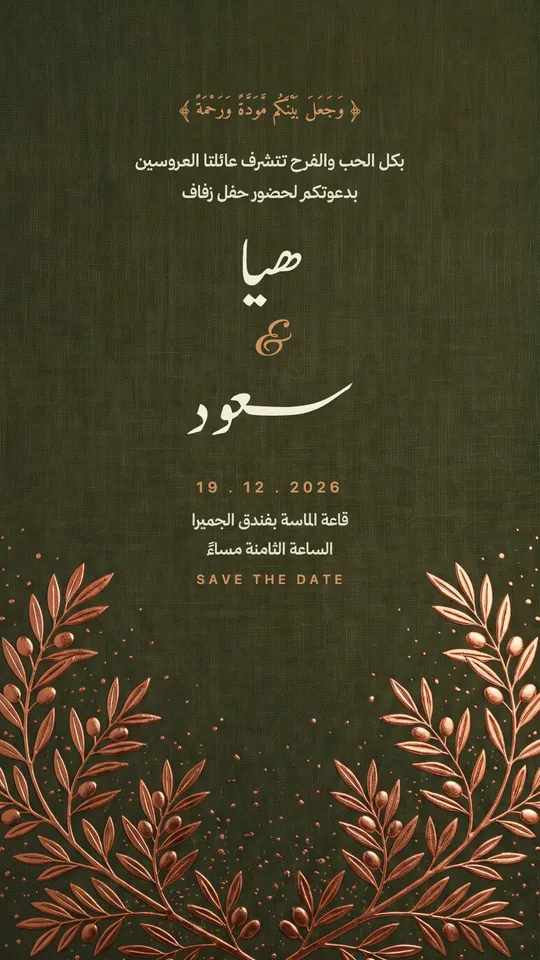 Open Template →
Wedding — Copper & Olive
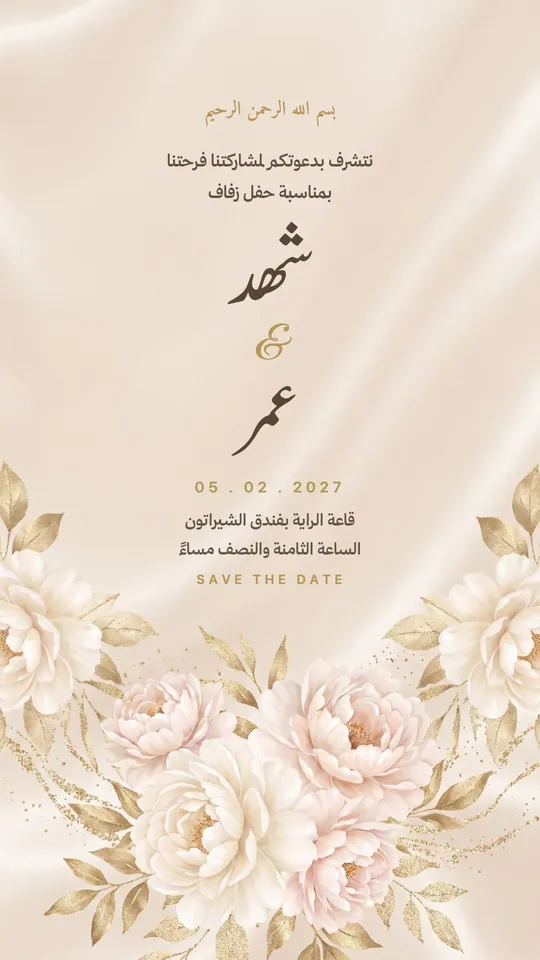 Open Template →
Wedding — Ivory Silk & Roses
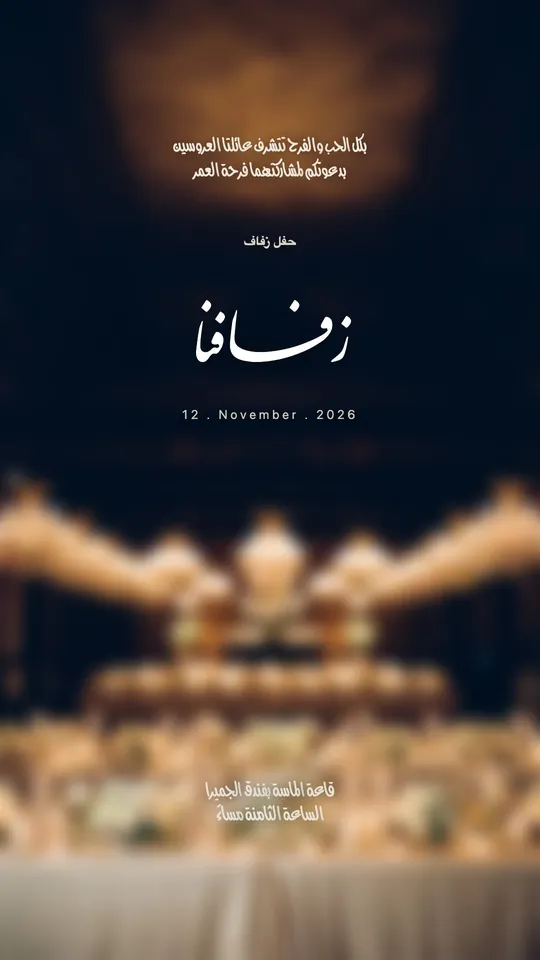 Open Template →
Wedding — The Chandelier
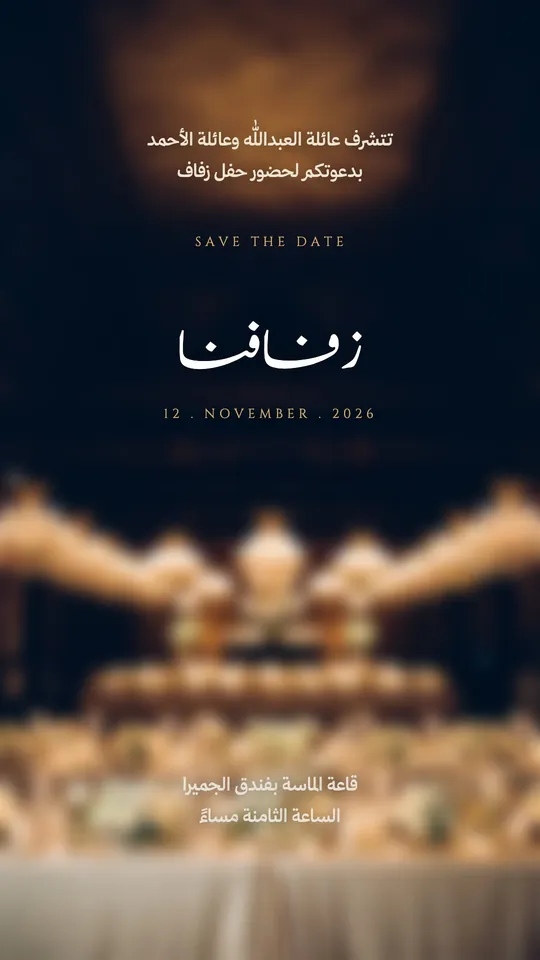 Open Template →
Wedding — The Chandelier II
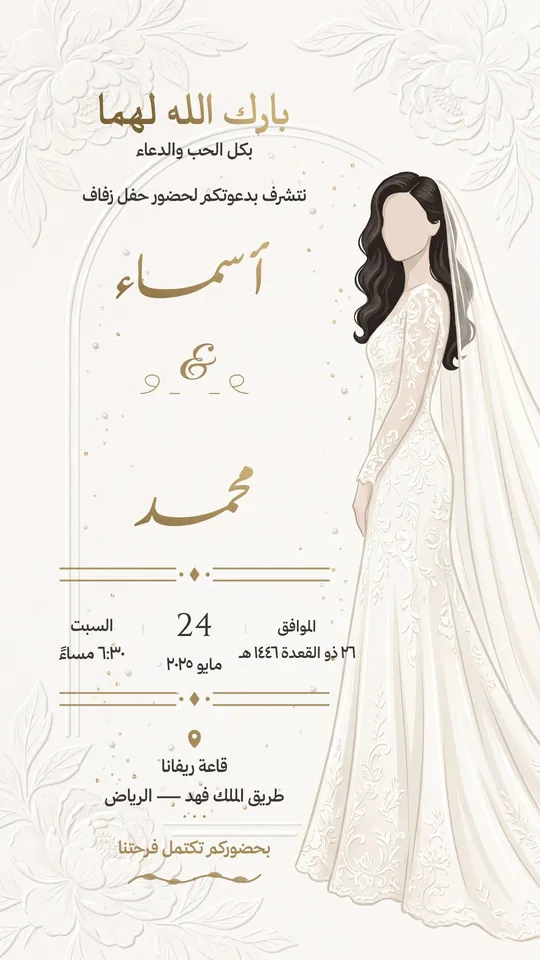 Open Template →
Wedding — The Arch & the Bride
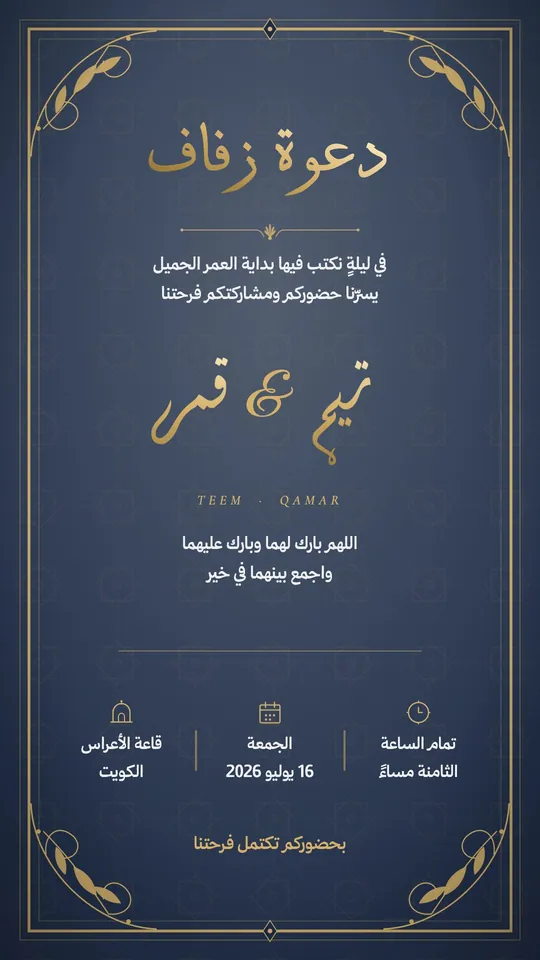 Open Template →
Wedding — The Navy Frame
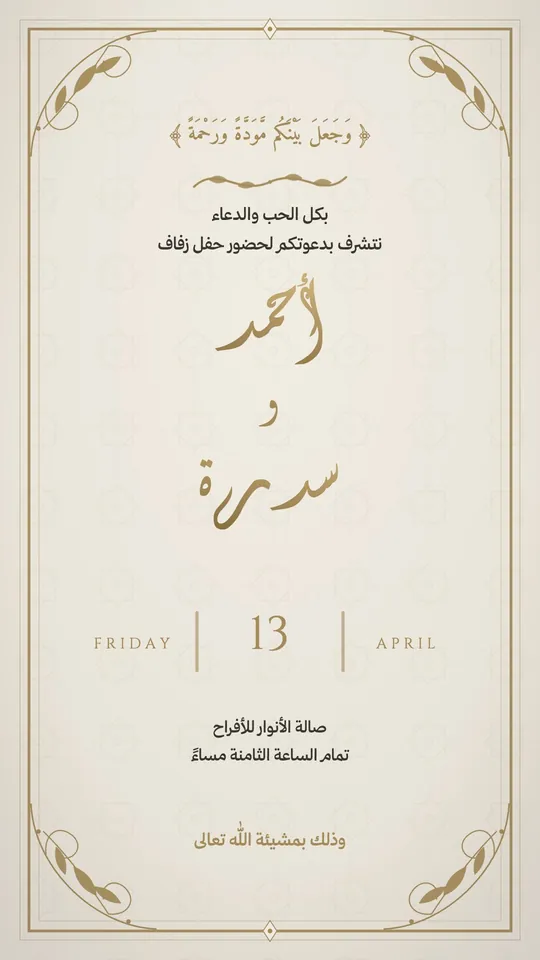 Open Template →
Wedding — Framed Ivory
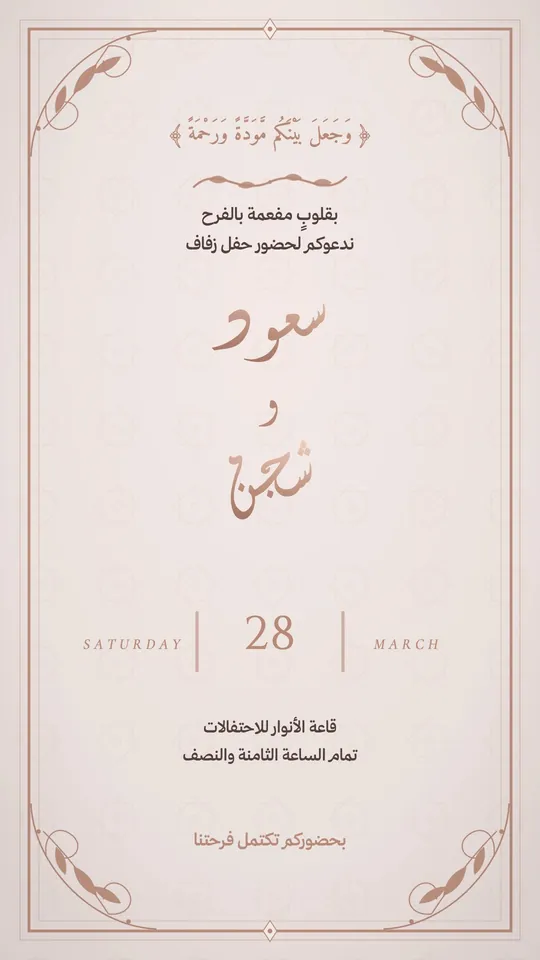 Open Template →
Wedding — Roses & Pearls
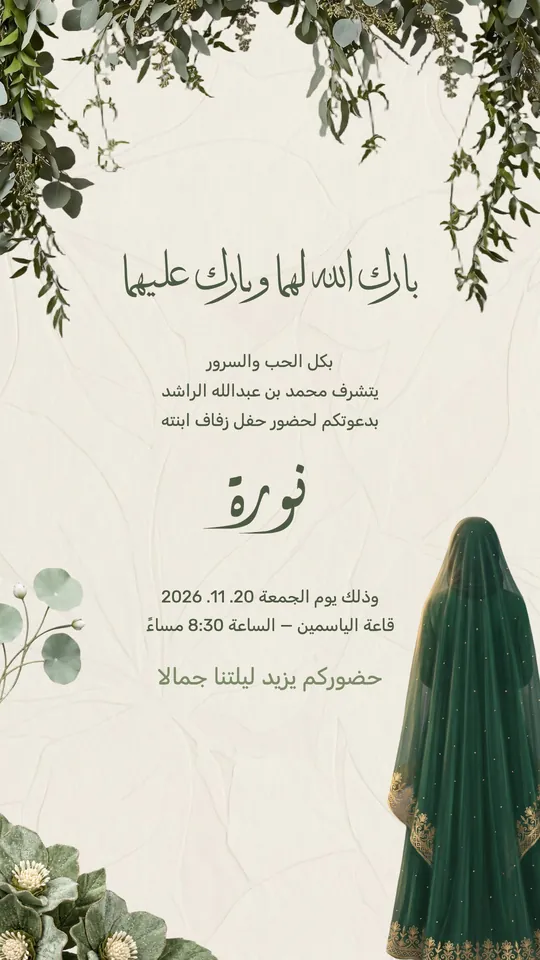 Open Template →
Wedding — Branches & Veil
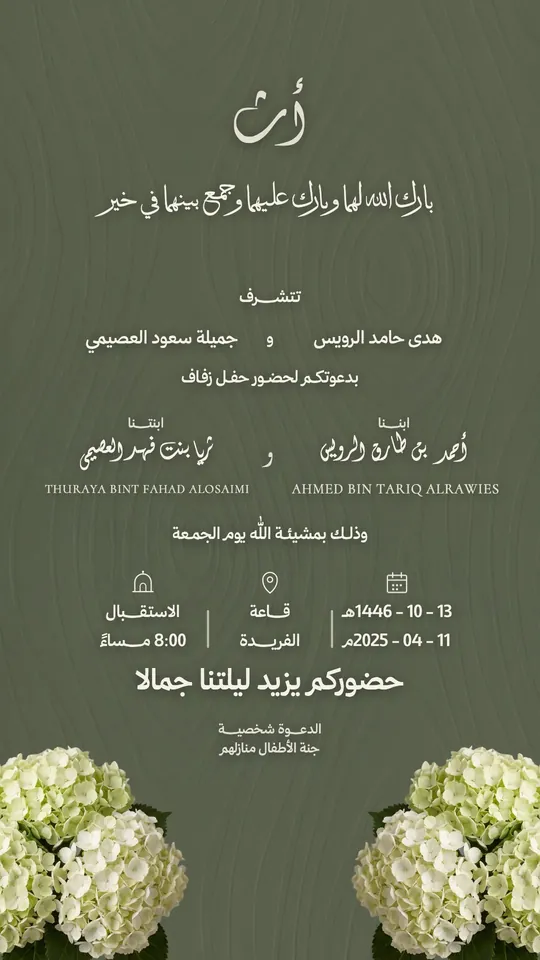 Open Template →
Wedding — Two Families & Hydrangeas
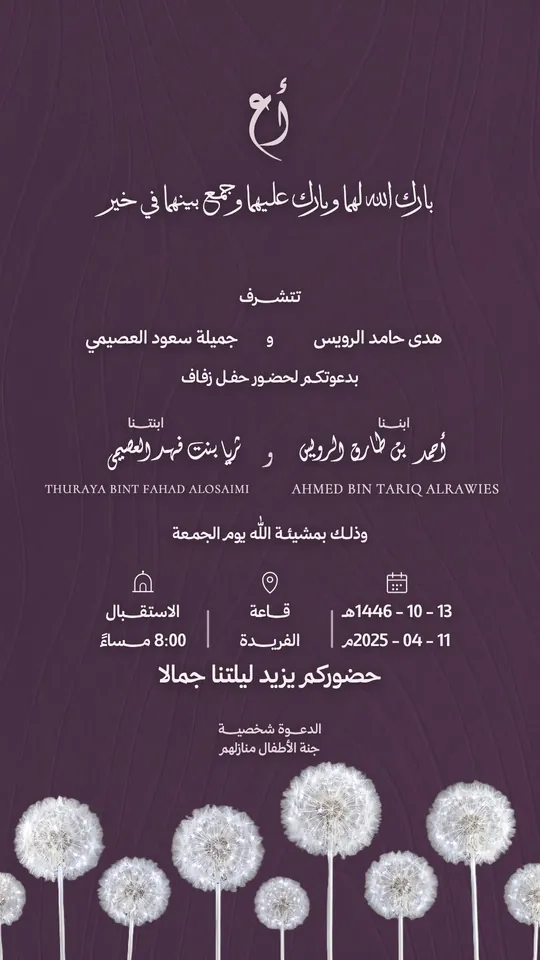 Open Template →
Wedding — Two Families & Dandelions
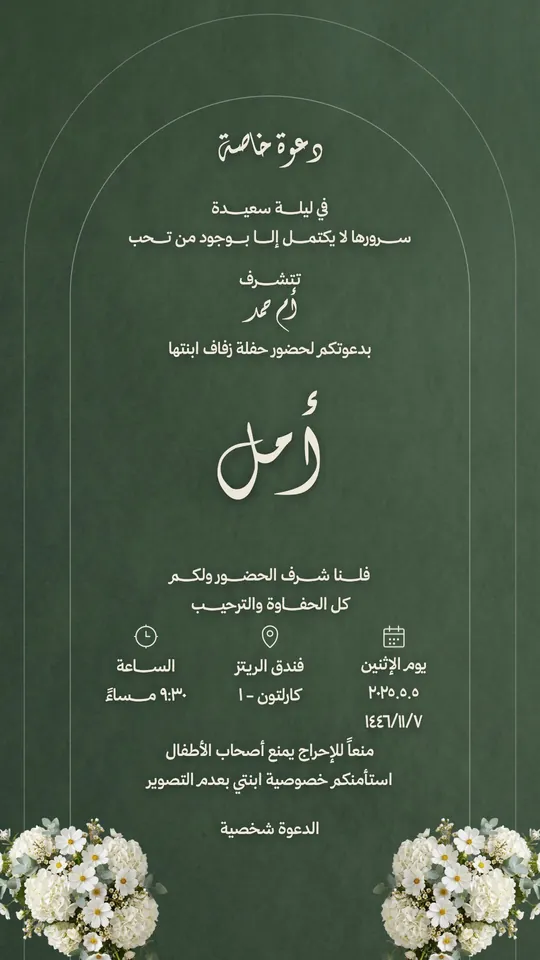 Open Template →
Wedding — Arch & Jasmine
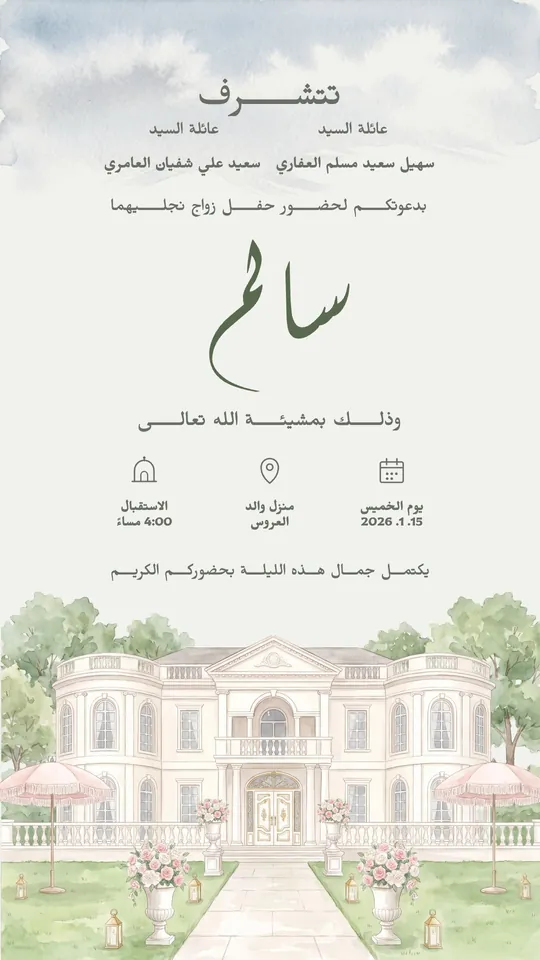 Open Template →
Wedding — Garden & Parasols
Fonts in Wedding Templates
Questions About Wedding Templates
How do I edit a Wedding template?
Open Tiraz, choose the template in the “Occasions & Invitations” category, then tap any text or photo to change it. The font, kashida and colors are all editable.
Can I print a Wedding design?
Yes. With Tiraz Gold you can export a print-ready PDF or a 4K image. Without it, you can export a PNG at the design's full size.
Are the templates story-sized?
Most are 1080×1920 stories (the size is shown on each template); the rest are 1080×1350 posts. You can resize any design in the app.
Start with a Wedding template
Type the names and date, change the font and export at print quality.