 Tiraz
An Invitation Design App with Arabic Calligraphy: How to Choose and Design
Looking for an app to design wedding, nikah, or dinner invitations that writes Arabic correctly and produces a card worthy of the occasion? This article covers what the app should offer, compares the options honestly, then walks you step by step from template to finished invitation in Tiraz.
Design Your Invitation in Tiraz
What an invitation app should give you
Arabic invitations have needs that general design apps often miss, so check these points before you download anything:
- Real calligraphic Arabic fonts: Thuluth, Diwani, and Nastaliq, not just modern fonts, because the couple's names are usually set in Diwani.
- Proper kashida: stretching in the right place within the letters, not a straight line that breaks the word.
- Templates in the local taste: nikah, wedding, engagement, and dinner invitations with correct Arabic wording.
- Hijri and Gregorian dates, written automatically with the weekday, since date errors are the most common mistake on cards.
- Export for print and phone: a print-quality PDF, an image for WhatsApp, and ideally an invitation link.
- RSVP: knowing who's coming without asking every guest.
An honest comparison
- Canva: a huge general library on web, Android, and iPhone, but limited calligraphic Arabic fonts, no joint-aware kashida, and few Gulf-style invitation templates.
- Photoshop and Illustrator: full professional control, but desktop software on subscription that needs skill and special settings just to join Arabic letters.
- A designer or print shop: a custom result, but higher cost, days of waiting, and every later change is a new request.
- Tiraz: an iPhone app built around Arabic calligraphy, with ready nikah, wedding, and engagement templates, calligrapher-style kashida, Hijri and Gregorian dates, print PDF export, and an RSVP invitation link. It isn't on Android yet, the web version is coming, and some features such as the print PDF are part of Tiraz Gold.
Designing an invitation in Tiraz, step by step
Open the nikah templates
Download Tiraz from the App Store, then on Home tap the title of the nikah shelf to see all its templates; you can also browse them first in nikah templates. Templates with a crown are part of Tiraz Gold, the rest open for free. Pick the design closest to your taste, since every text and color in it can change afterward.
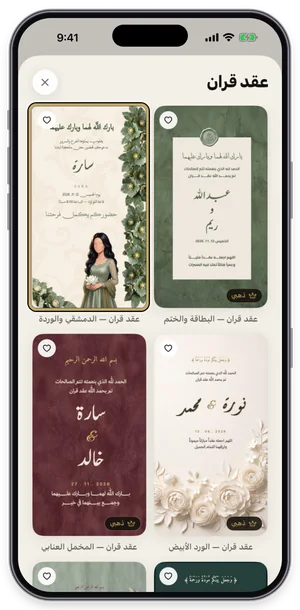
The nikah shelf in Tiraz: tap a template to open it in the editor. Type the names and details
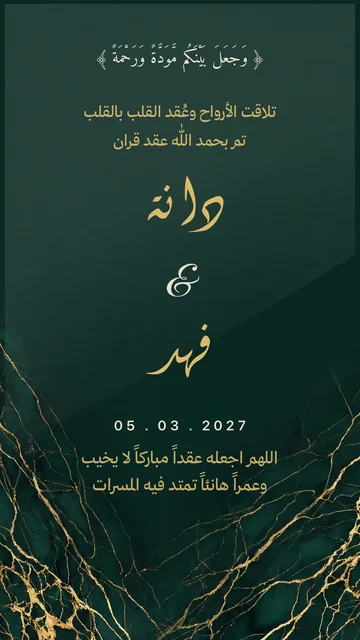
Double-tap the text you want to change to open the text editor, replace the sample name («دانة») with yours and tap ✓. Change each text separately and keep its line breaks, so the template keeps its layout. The usual mistake is pasting a whole paragraph into one text, which shrinks the type and breaks the design.
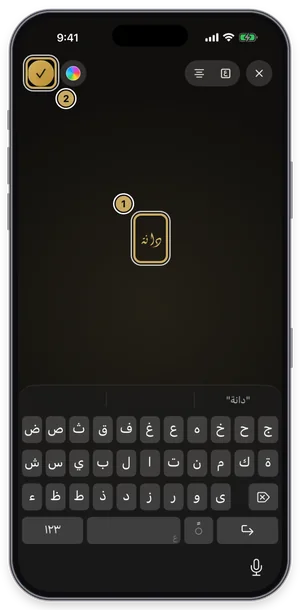
The text editor: type your name over the sample name, then tap ✓. Choose the font
With the text selected, open Fonts, switch to the Diwani tab and try fonts while seeing your own word in each one. Fonts with a crown are part of Tiraz Gold, and a font downloads the first time you use it. Keep to two fonts: a calligraphic one for names and a clear one for details.
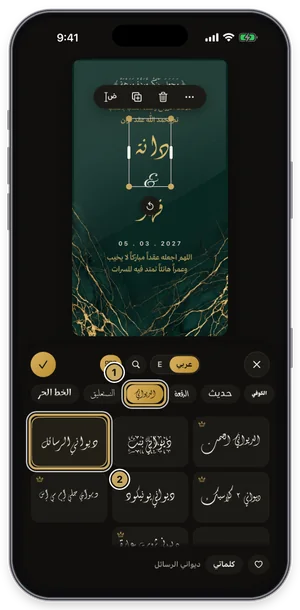
The fonts panel on the Diwani tab: the current font is outlined in gold. Write the date in Hijri and Gregorian
Select the date text and open Date (or add a new date from the toolbar), pick the day and choose Hijri, Gregorian, or both, adding the weekday and time if you like. Tiraz calculates Hijri with the Umm al-Qura calendar, so there's nothing to convert yourself. Double-check the day you picked; date mistakes are the most common error on cards.
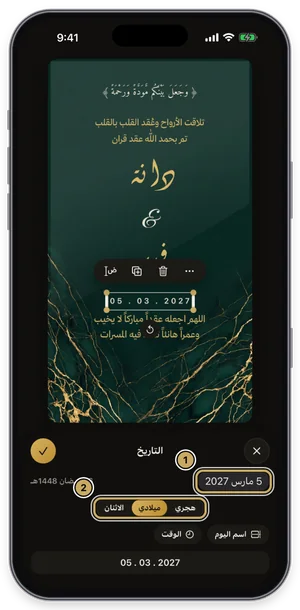
The date panel: Hijri, Gregorian, weekday, and time. Add a QR code for the location
Choose QR Code from the toolbar and paste the location link from Google or Apple Maps, or pick a WhatsApp number or text. Tiraz puts the code in a free spot that covers no text, on a white card that reads over any background. Scan it with your phone camera before sending to make sure it opens the right place.
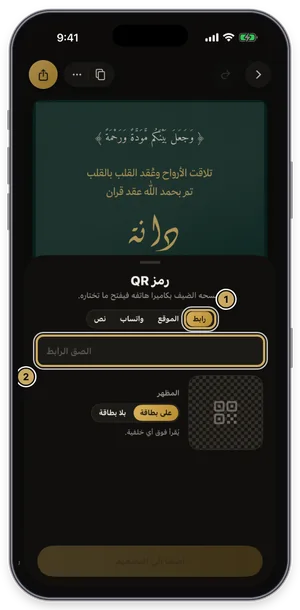
The QR code sheet: a link, a location, WhatsApp, or text. Export or share the design
Tap the gold share button at the top of the editor to open Export: a full-size PNG for free, and a print PDF, 4K, and transparent backgrounds with Gold. Tap Share to send it straight to WhatsApp, or Save to keep it in Photos. For a print shop always choose PDF; a phone image prints soft.
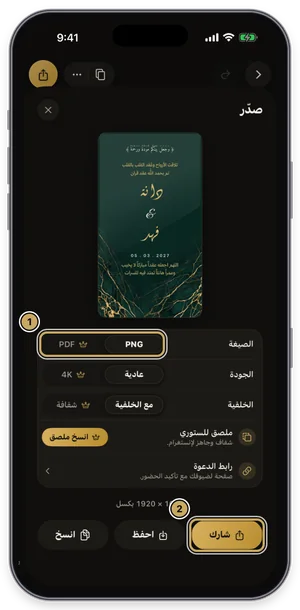
The export sheet: format, quality, and background, then share or save. Create the invitation link
From the export sheet choose Invitation Link; Tiraz reads the occasion's name from your design, and you complete the host, day, time, and the venue on a map. Leave Ask Guests to RSVP on, then create the link. The free plan allows one live occasion whose page stays up until a week after the day; Gold gives unlimited invitations.
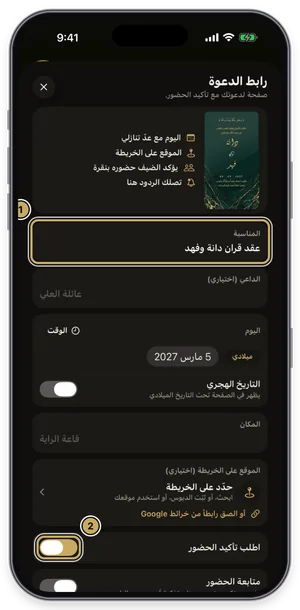
The invitation link form: occasion, host, day, venue, and RSVP.
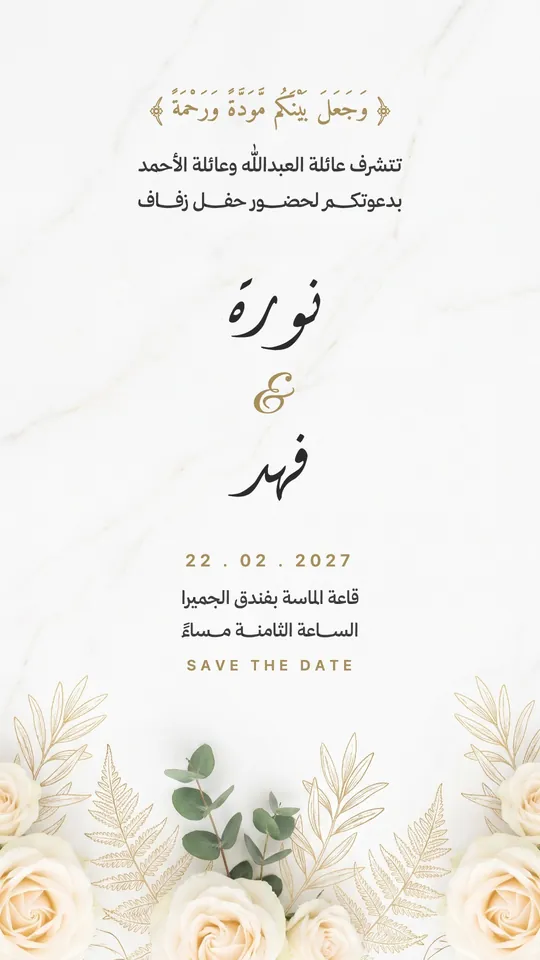 Open Template →
 Open Template →
 Open Template →
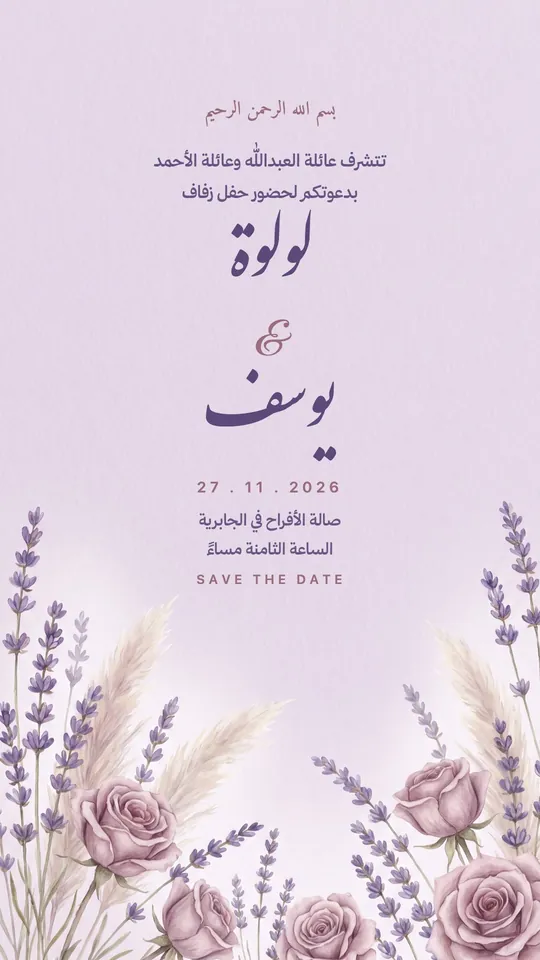 Open Template →
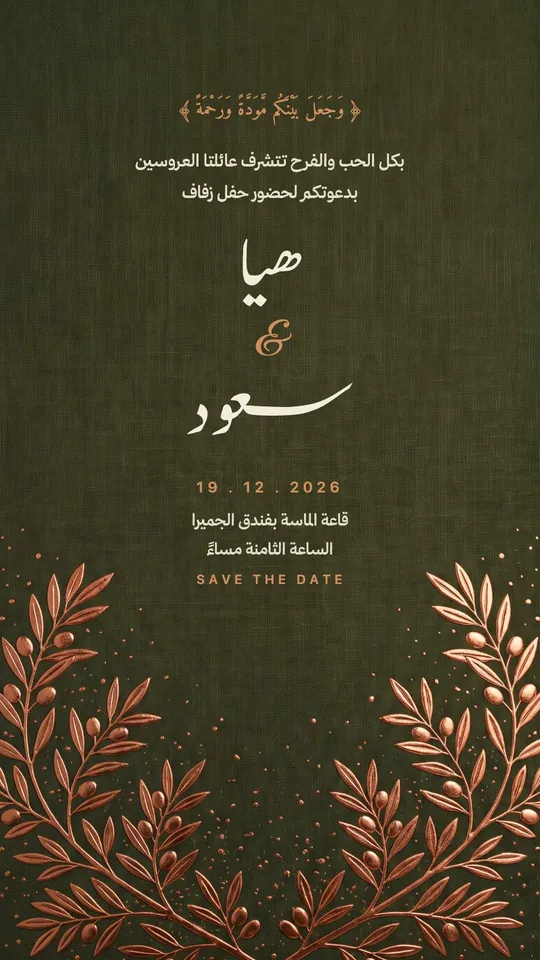 Open Template →
 Open Template →
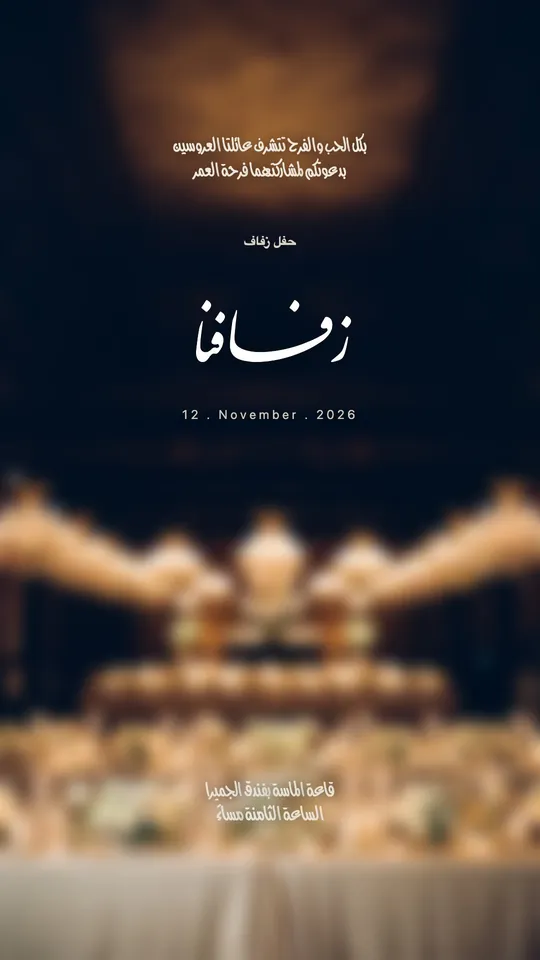 Open Template →
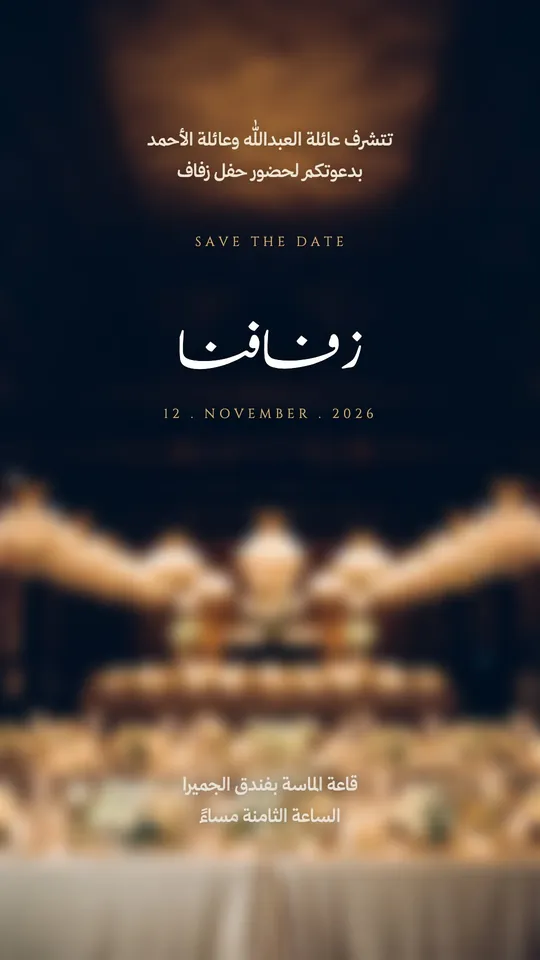 Open Template →
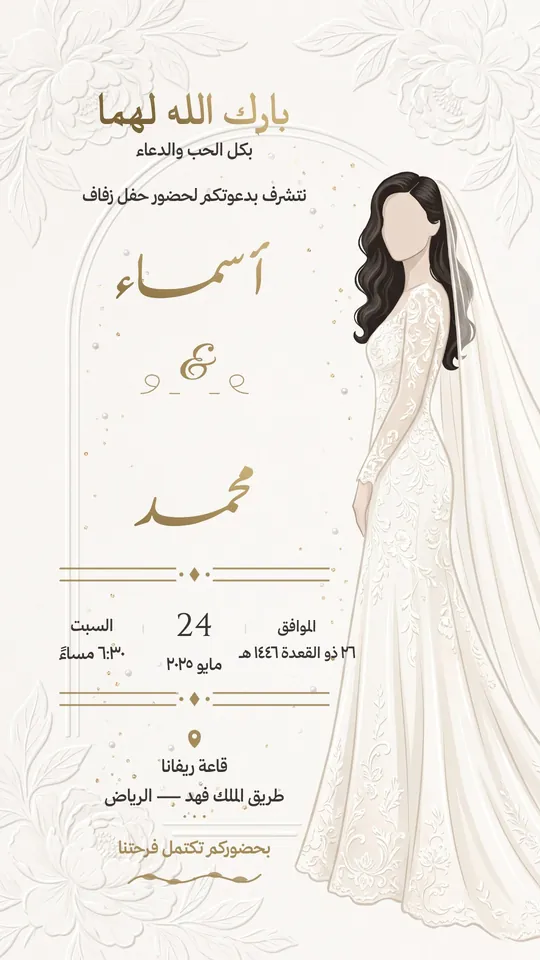 Open Template →
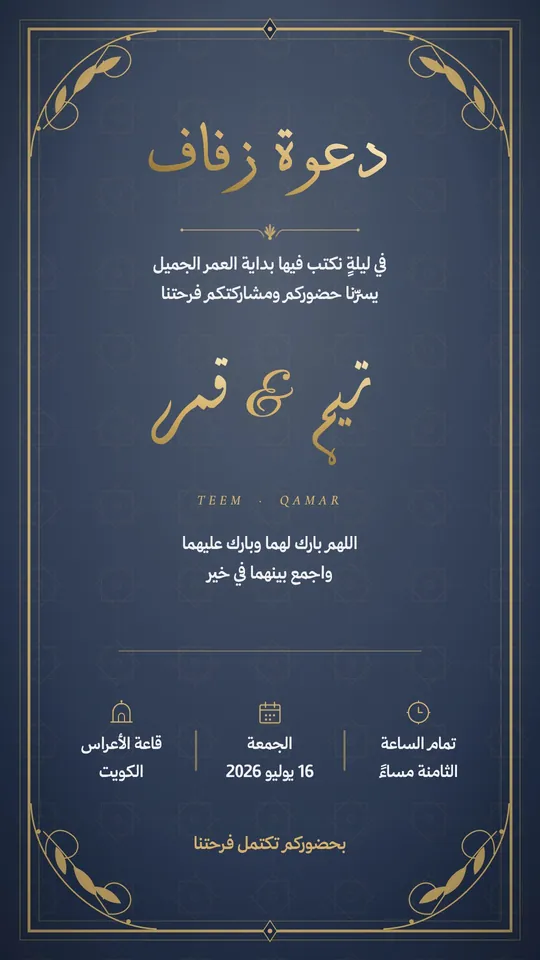 Open Template →
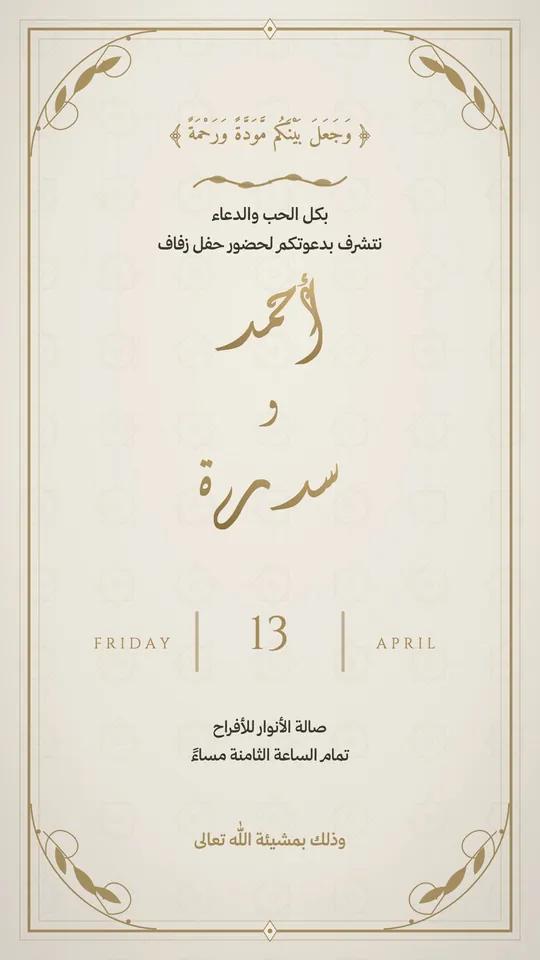 Open Template →
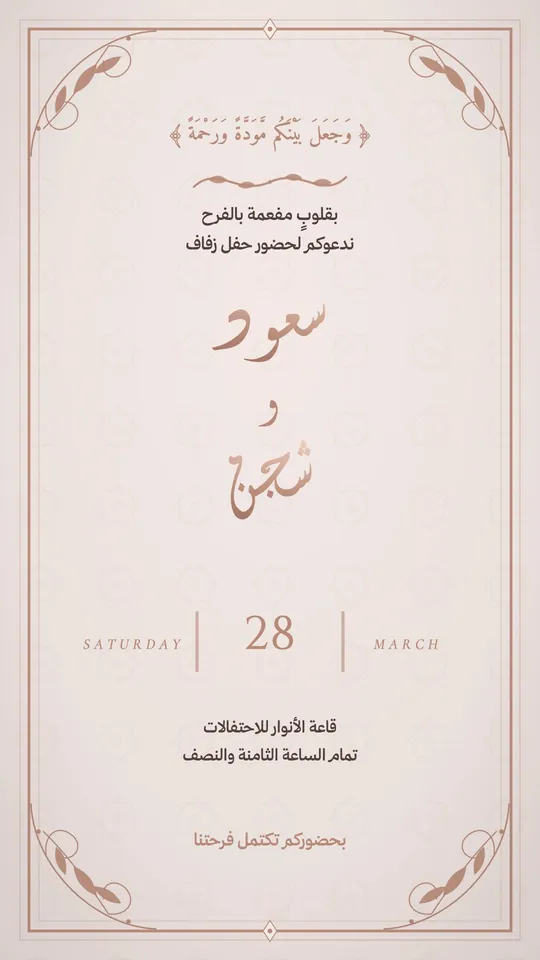 Open Template →
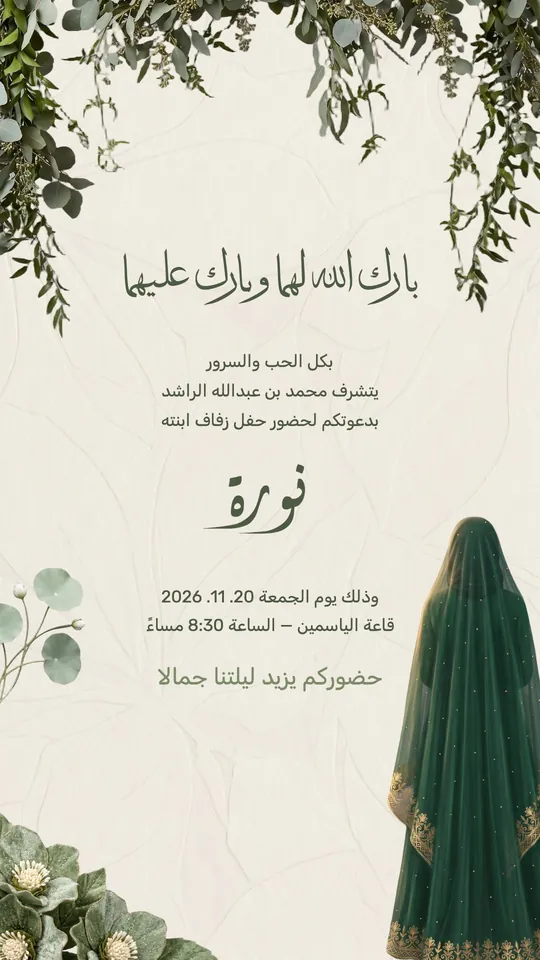 Open Template →
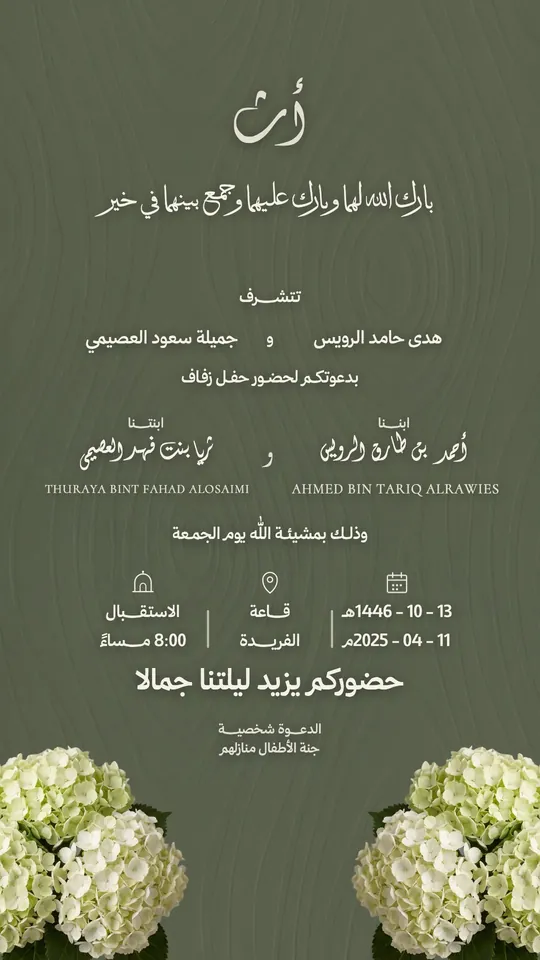 Open Template →
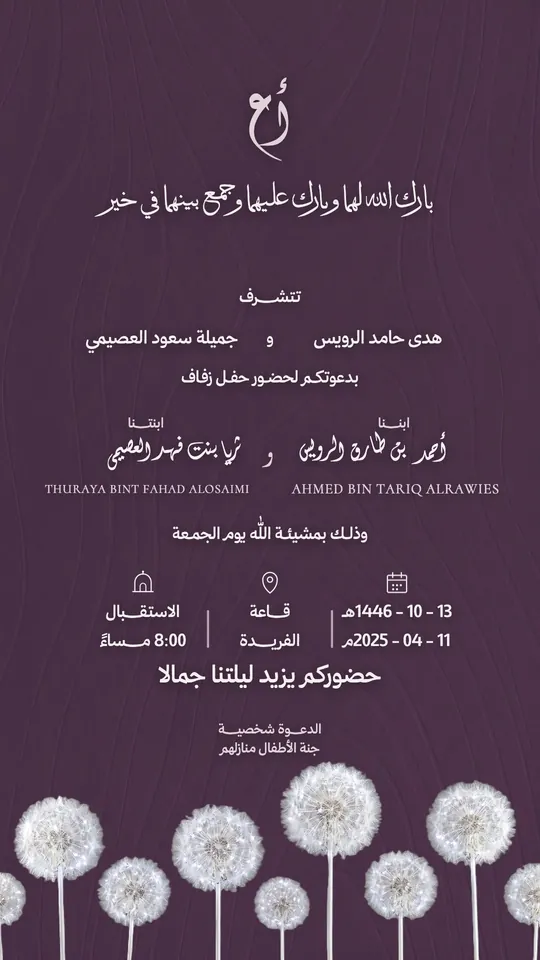 Open Template →
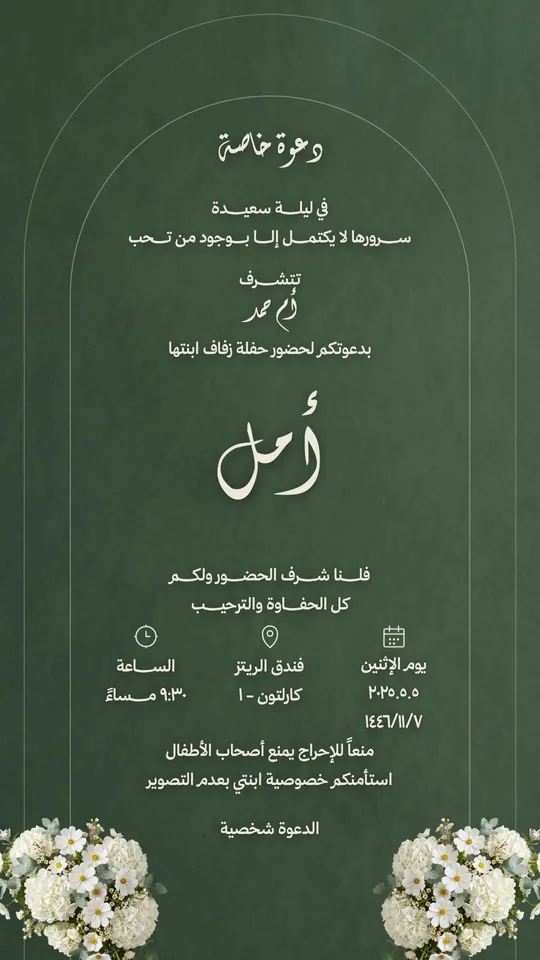 Open Template →
Invitations you can design in the app
- A nikah invitation with the couple's names in Diwani or Thuluth.
- A wedding invitation for men and one for women from the same design, changing only the wording and venue.
- A smaller, lighter engagement invitation in calm colors.
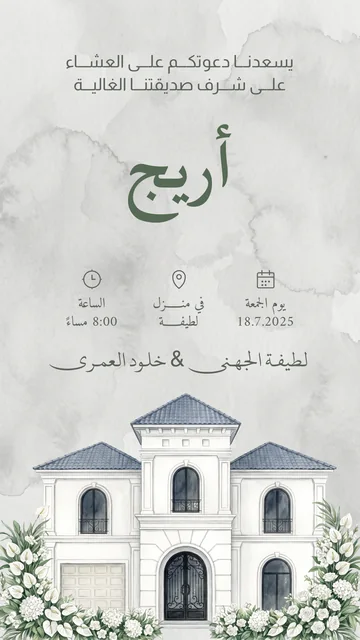
- A dinner or family gathering invitation, or a housewarming from the New Home templates.
- A graduation party, birthday, or business event invitation.

Common invitation design mistakes
- The weekday doesn't match the Hijri or Gregorian date. Let Tiraz write both from the day you pick.
- More than two fonts, so the card looks crowded. One calligraphic font for names and one clear font for details is enough.
- Stretching with a plain tatweel, which breaks the word. Use the stretch drawn by the font itself.
- Text too small to read on a phone. Check the invitation on your phone before sending.
- Printing a phone image at a print shop, which comes out soft. Print from a 300 DPI PDF.
Invitation fonts in the app
Some of the fonts in Tiraz for the couple's names and the headline, all tested for kashida letter by letter:
The app has more than 230 Arabic and Latin font families that download the first time you use them, some free and some in Gold. Browse every font.
From invitation to the big day
- Invitation link: a page on tiraz.app with the design, a countdown, the venue on a map and Add to Calendar; guests RSVP there and you see the count in the app.
- Entry tickets (Gold): every confirmed guest gets a coded ticket for Apple Wallet, scanned at the door even offline.
- Resize without stretching: move the invitation from story to post or print size and everything keeps its proportions.
- My Occasion widget: your design and the days left on your Home Screen.
For the wording itself, read the articles on wedding invitation wording and “aqd qiran” in calligraphy.
What does it cost?
Tiraz is free to download: you design, export a full-size PNG, and publish one invitation link whose page stays up until a week after the event. Tiraz Gold unlocks the Gold templates and fonts and longer kashida, and adds the print PDF, 4K, transparent backgrounds, unlimited invitations, and entry tickets, monthly or yearly, starting with a 3-day free trial; the App Store shows the price in your currency.
Common Questions
What is the best app for Arabic wedding invitations?
Is there a free invitation design app?
Does Tiraz work on Android?
Can a print shop print the invitation?
How long does it take to design an invitation?
Can I fully edit the template?
More Articles
- Nikah in Arabic Calligraphy: Fonts, Wording, and Design
- Arabic Condolence Messages, Thank-You Wording, and Ready Cards
- Quran Fonts: Hafs and Warsh for Writing Verses
- Arabic Fonts for Photoshop and Adobe, and How to Type Arabic Correctly
- Types of Arabic Calligraphy, and When to Use Each One
- Free Arabic Fonts for Design and Commercial Use
- Arabic New Baby Wishes and Birth Announcement Cards
- Arabic Wedding Invitation Wording and Formal Templates
- Arabic Graduation Wishes and Graduation Party Invitations
- Ramadan and Eid Greetings in Arabic, and Greeting Cards
- Designing a Digital Invitation with a Link and RSVP
- An App for Writing in Arabic Calligraphy on iPhone
- Arabic Fonts on iPhone: What Actually Works
- An Arabic Name Decoration App: Your Name in Ornate Calligraphy
- Designing a Ramadan 2027 Imsakiya
- Designing a Named Greeting Card on Your Phone
- A Canva Alternative for Arabic Design: An Honest Comparison
- All Articles →
Design your next invitation in Tiraz
Gulf-inspired templates, authentic Arabic calligraphy, and print-quality export, right from your phone.