 Tiraz
Remove the Background From a Photo
Cut out a person, a product, or a flower in seconds and place it in your design over any background. The model runs on your device, so your photo never leaves your phone.
What It Is
Background removal separates a photo's subject from what is behind it: the person or product stays, and the background becomes transparent. In Tiraz an AI model does it on the iPhone itself, precise down to strands of hair and the edges of petals.
After the cutout you can refine the edges, bring back anything erased by mistake with the restoring eraser, or cut by hand. The photo then stays a layer in your design: scale it, rotate it, and put text behind or in front of it.
When to Use It
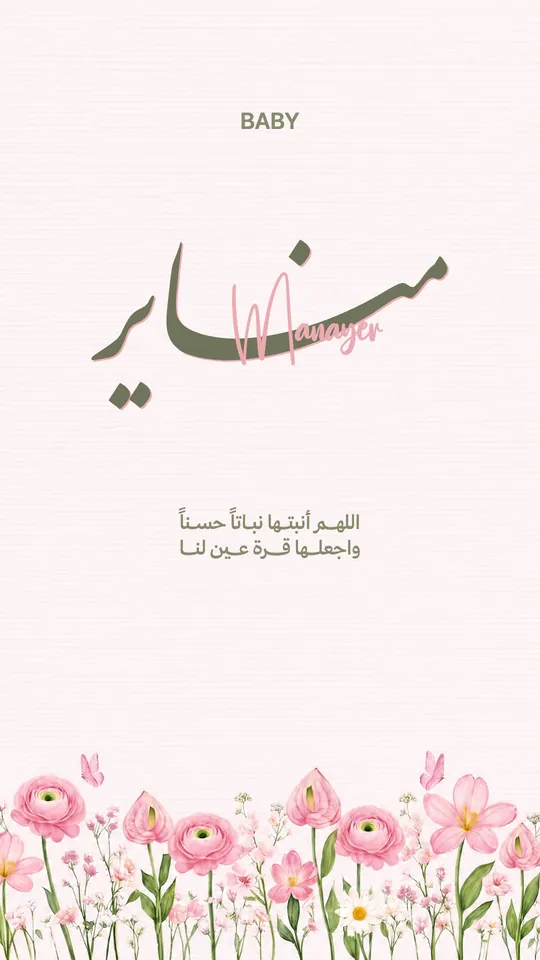
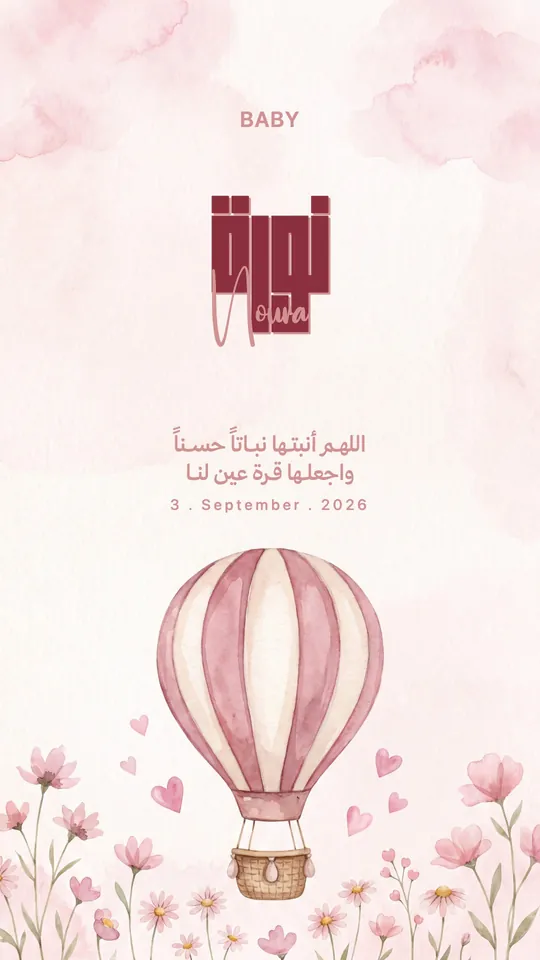
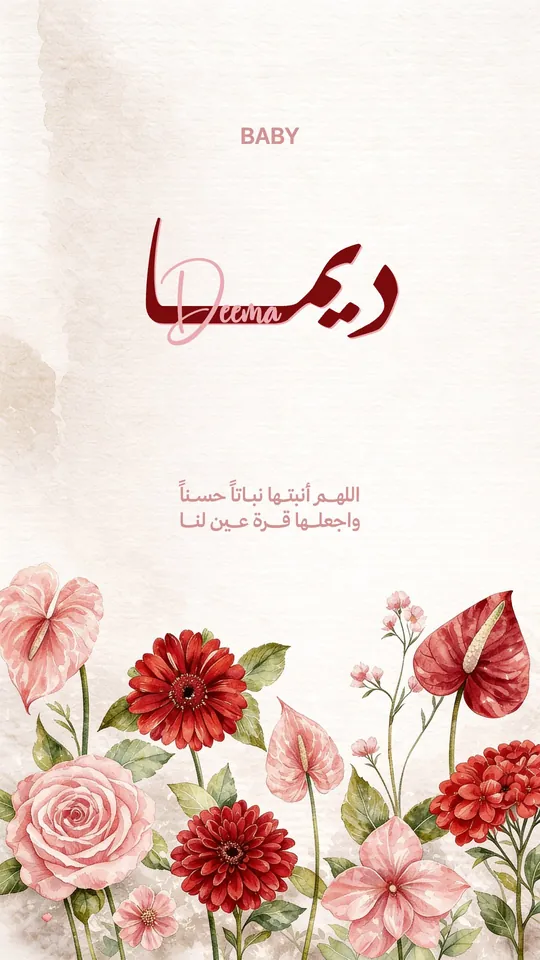
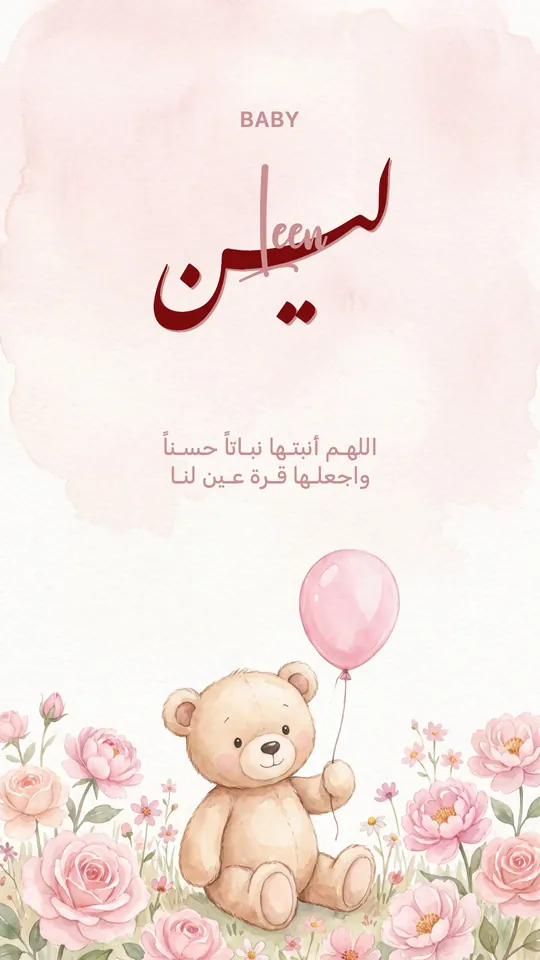
A portrait on an invitation or greeting
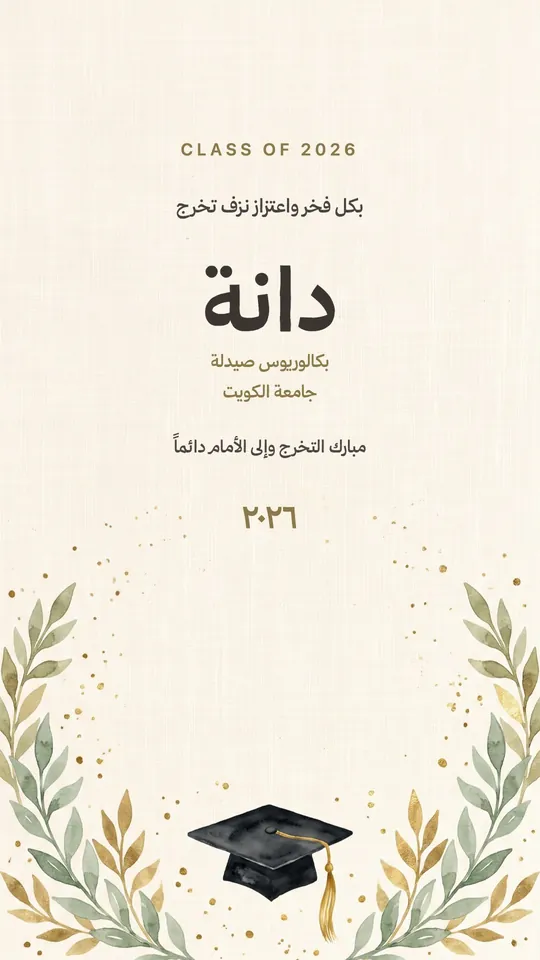
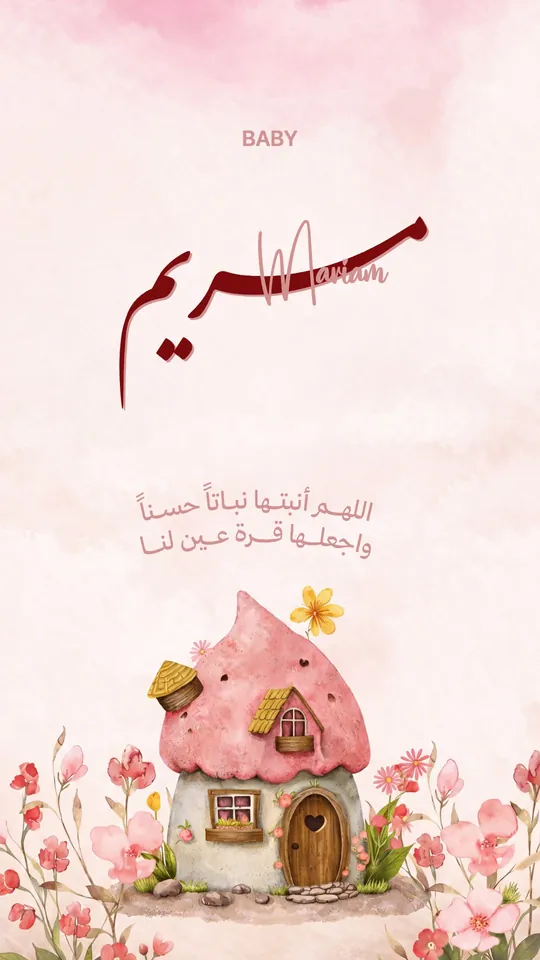
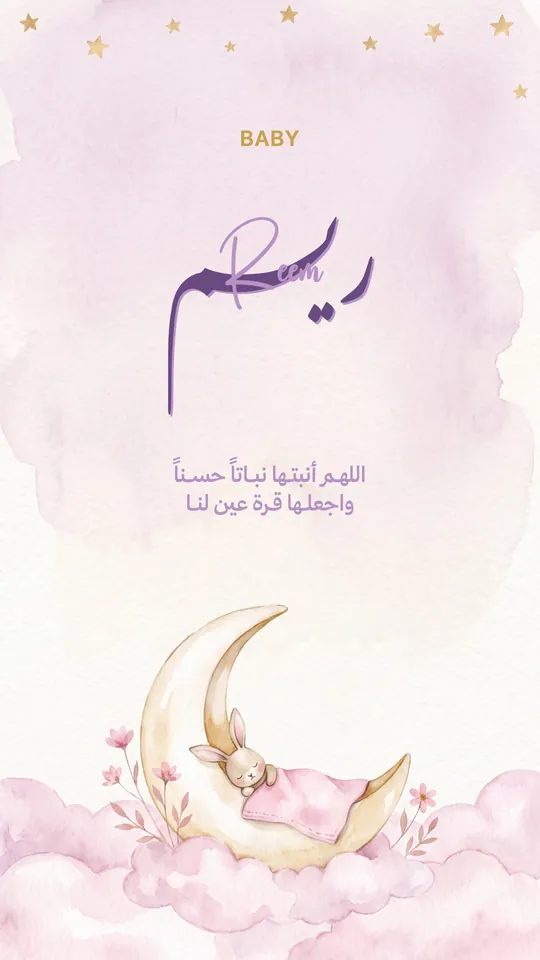
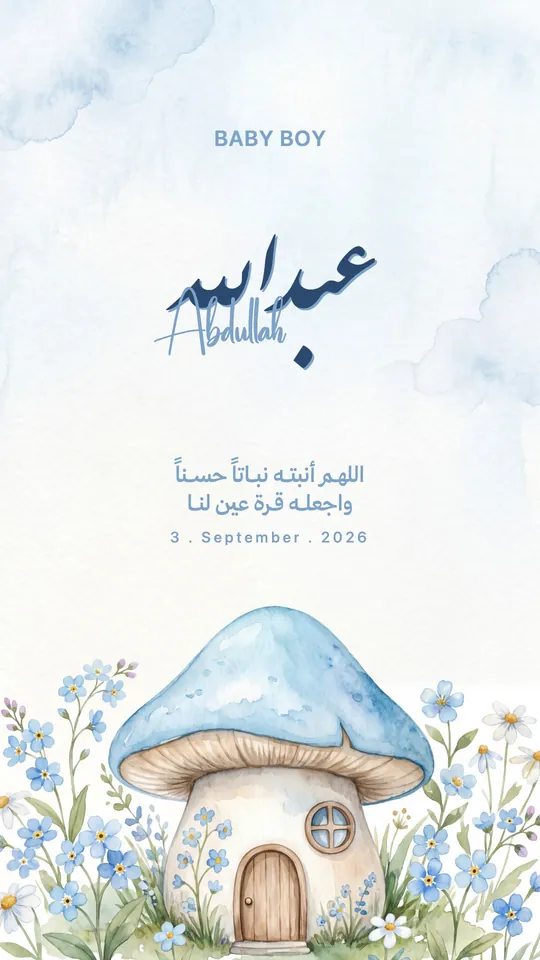
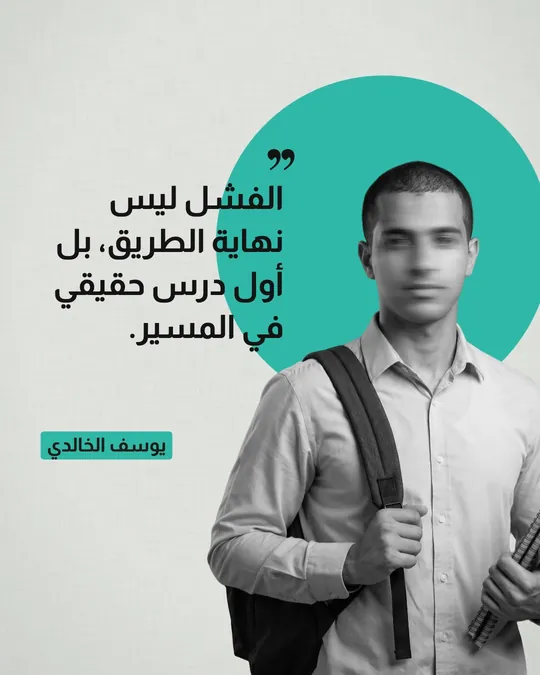
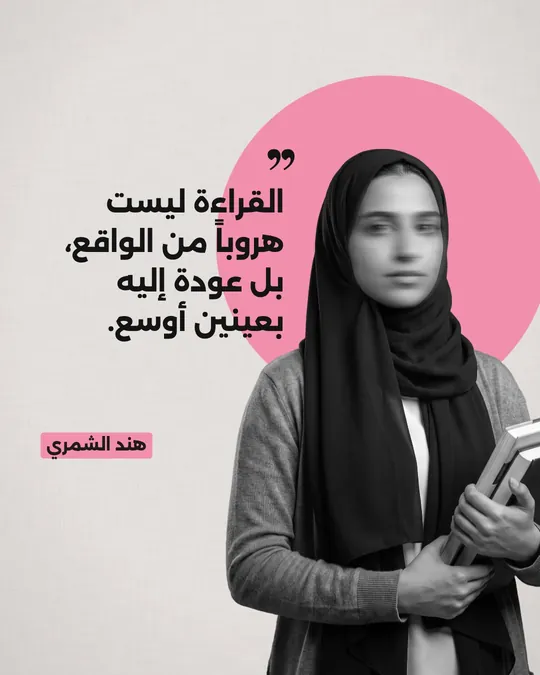
Put the graduate's or the baby's photo over the template's background instead of its original one, so it looks part of the design.
Product photos for a shop
Cut out the product and place it on your brand color or on a clean white background for your shop's posts.
Your own stickers and pieces
Cut out a flower, a coffee cup, or a logo and use it as a piece in more than one design.
How to Use It in Tiraz
Add your photo
Open a template or a blank page, tap Photo, and pick the picture from your library.
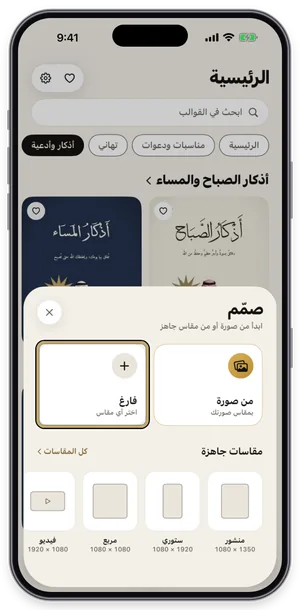
Start from a template, a blank page, or a photo. Tap Remove Background
From the photo tools choose Remove Background and the model cuts it out on your device in seconds.
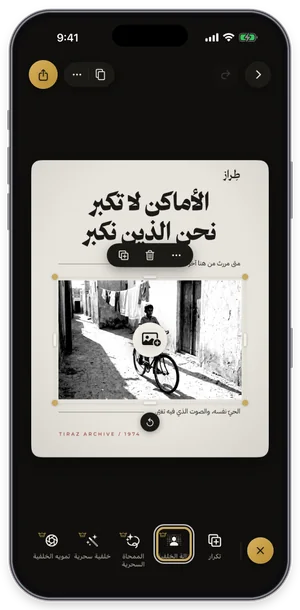
The photo tools: Remove Background, Magic Eraser, and Magic Background. Refine the edges and export
Bring back anything erased or cut by hand, then export the design as PNG, or with a transparent background in Tiraz Gold.
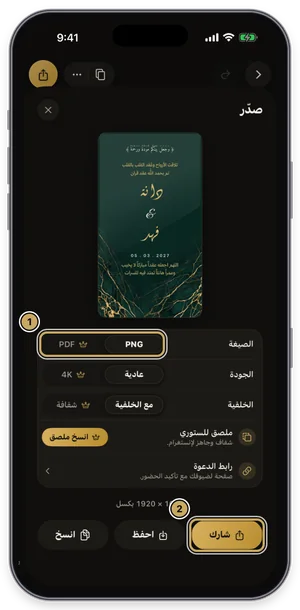
Export: PNG for free; PDF and transparent backgrounds with Gold.



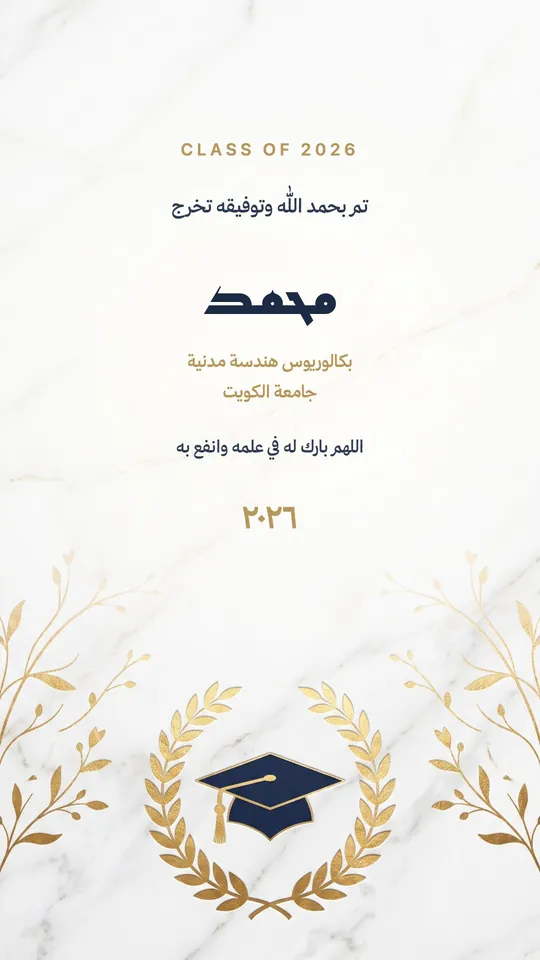
 Open Template →
 Open Template →
 Open Template →
 Open Template →
 Open Template →
 Open Template →
 Open Template →
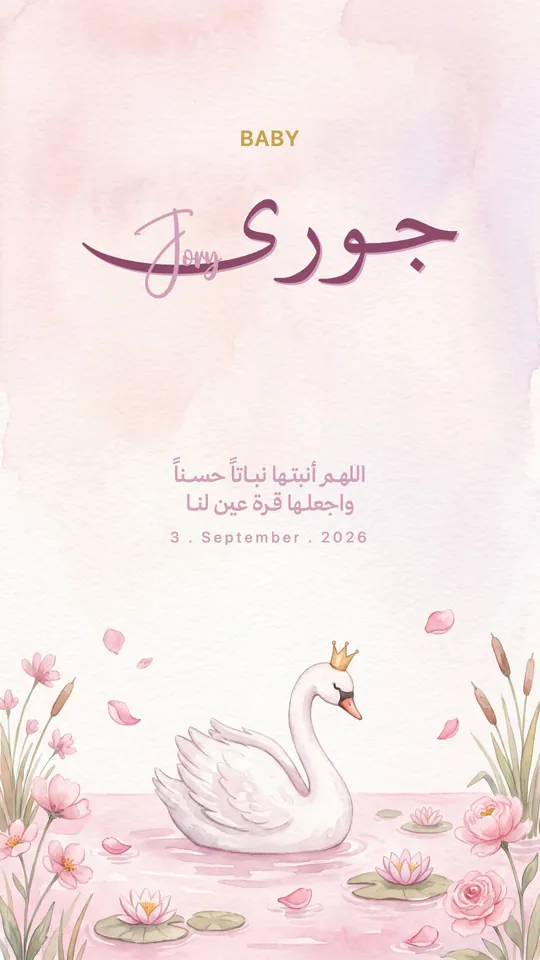 Open Template →
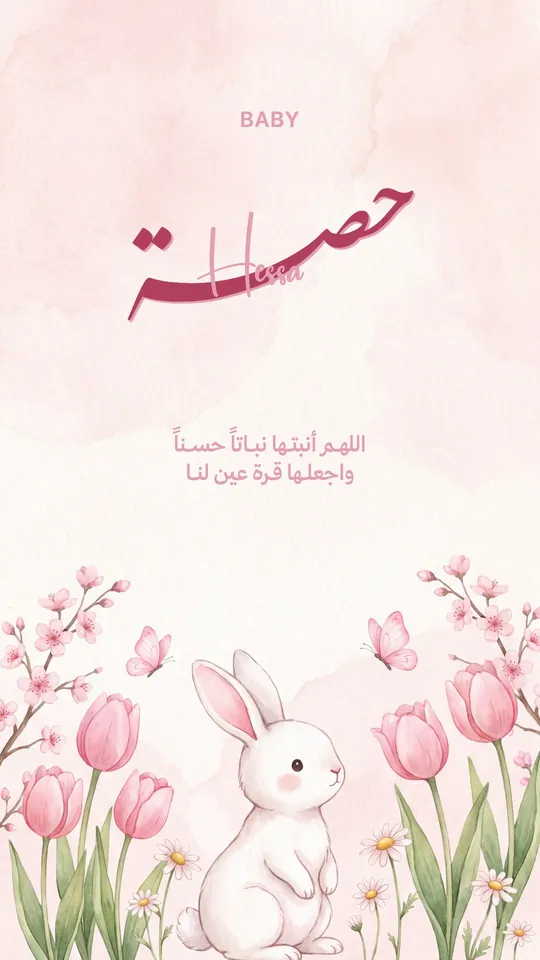 Open Template →
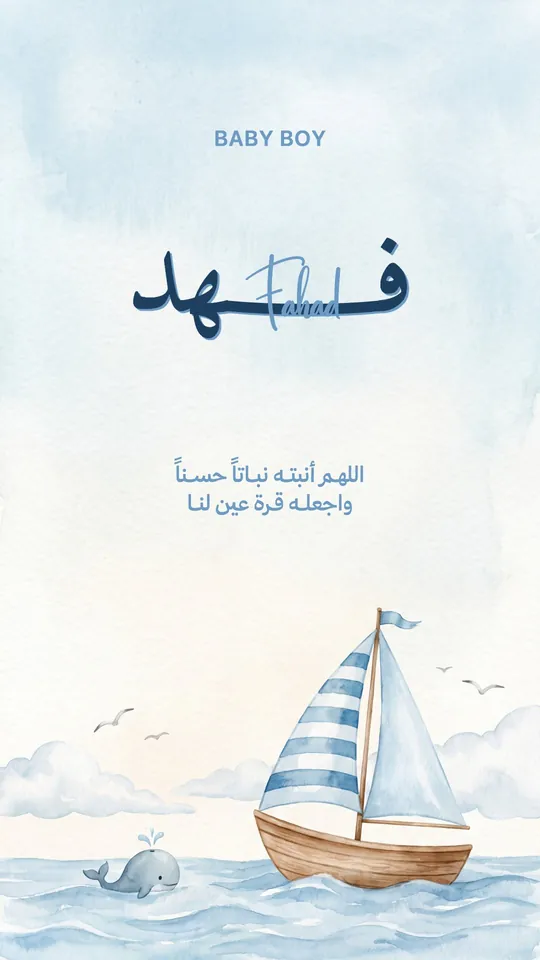 Open Template →
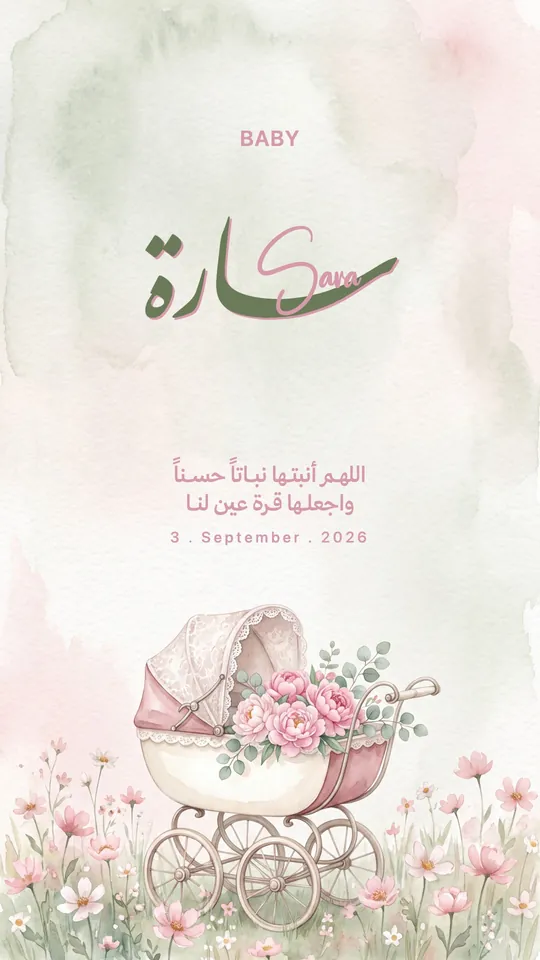 Open Template →
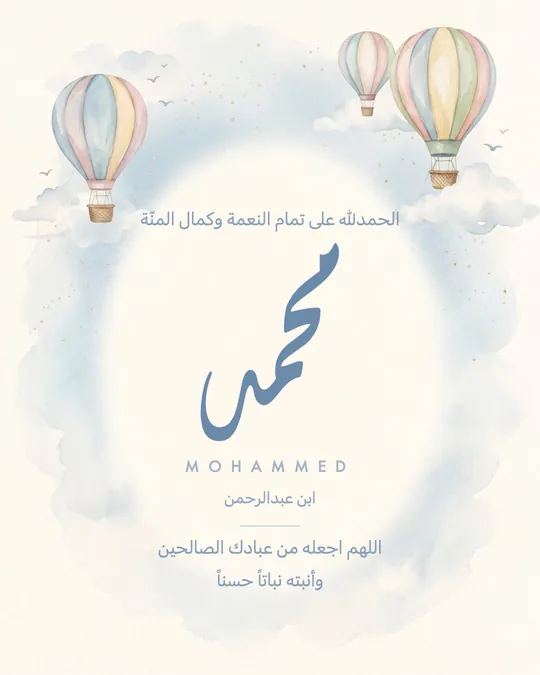 Open Template →
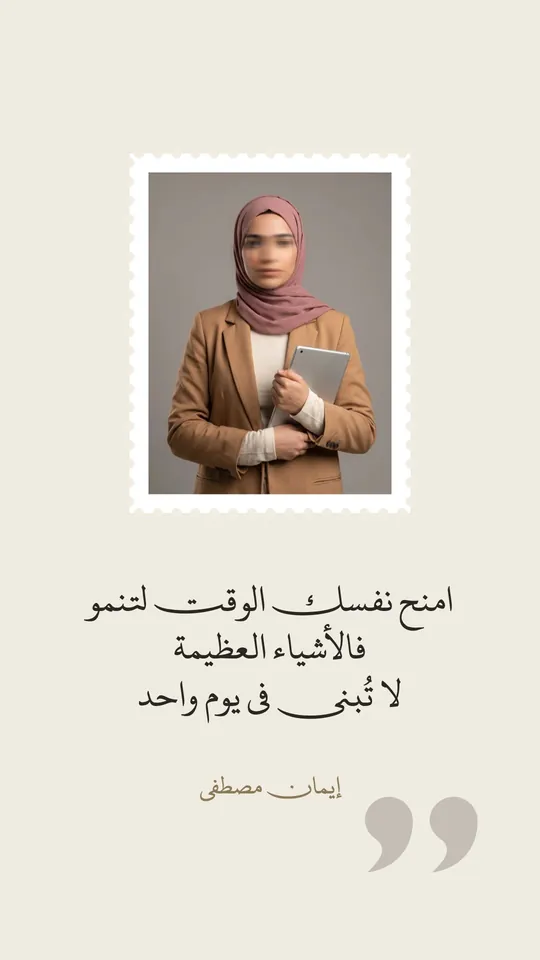 Open Template →
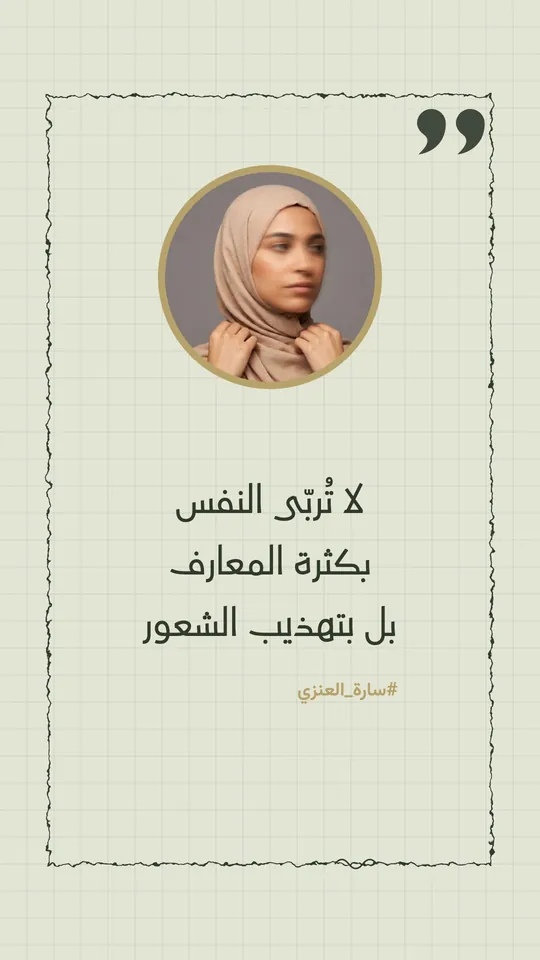 Open Template →
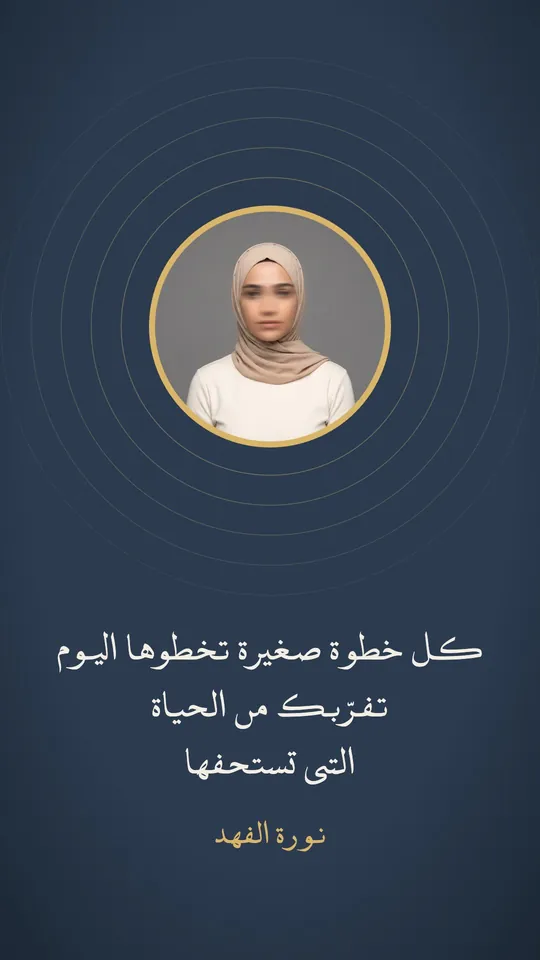 Open Template →
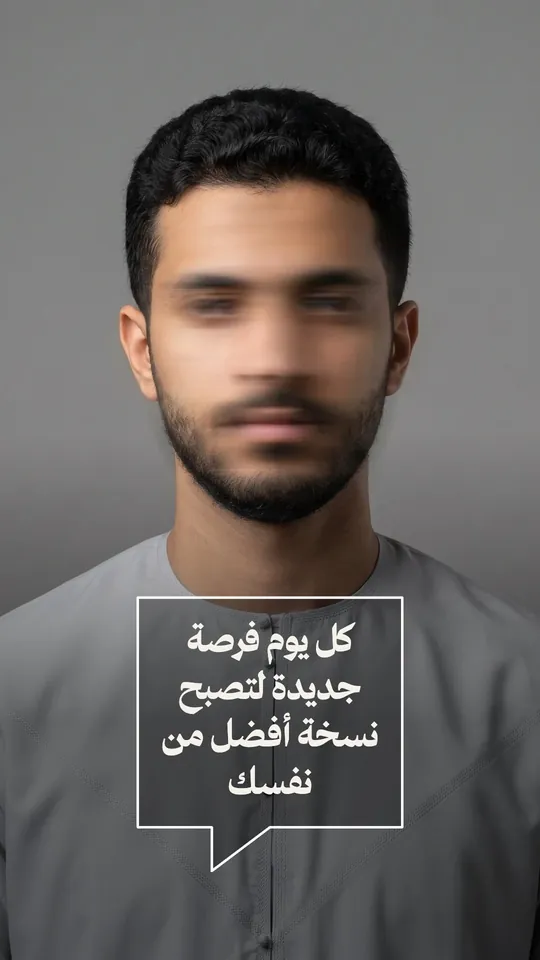 Open Template →
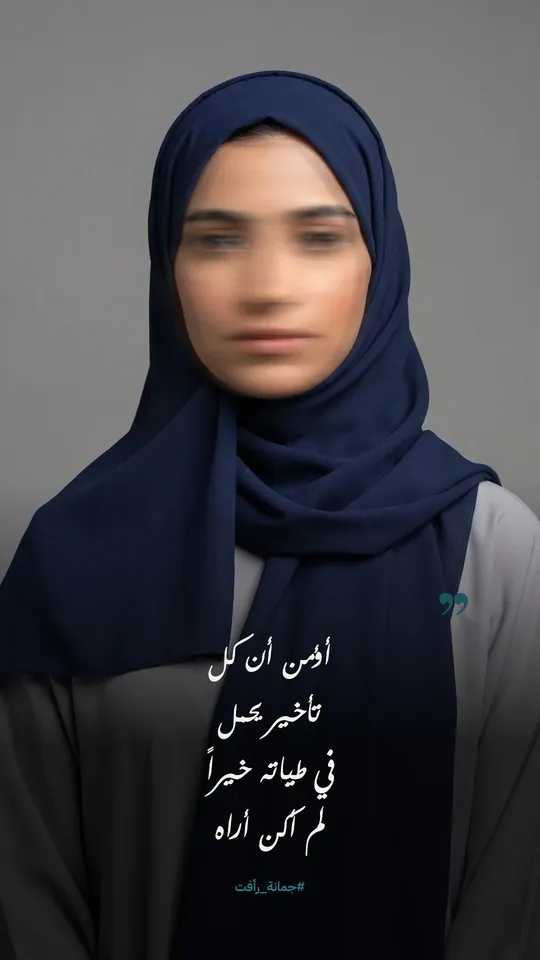 Open Template →
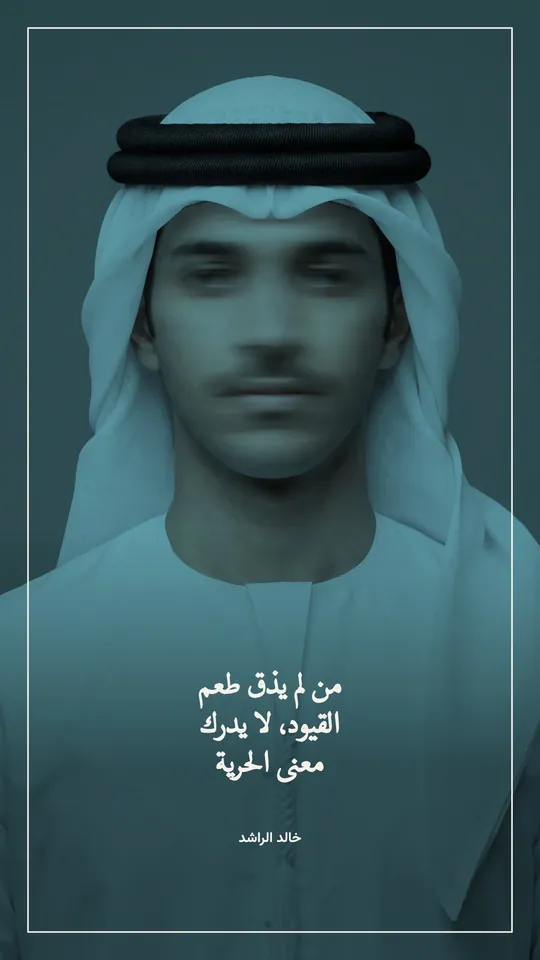 Open Template →
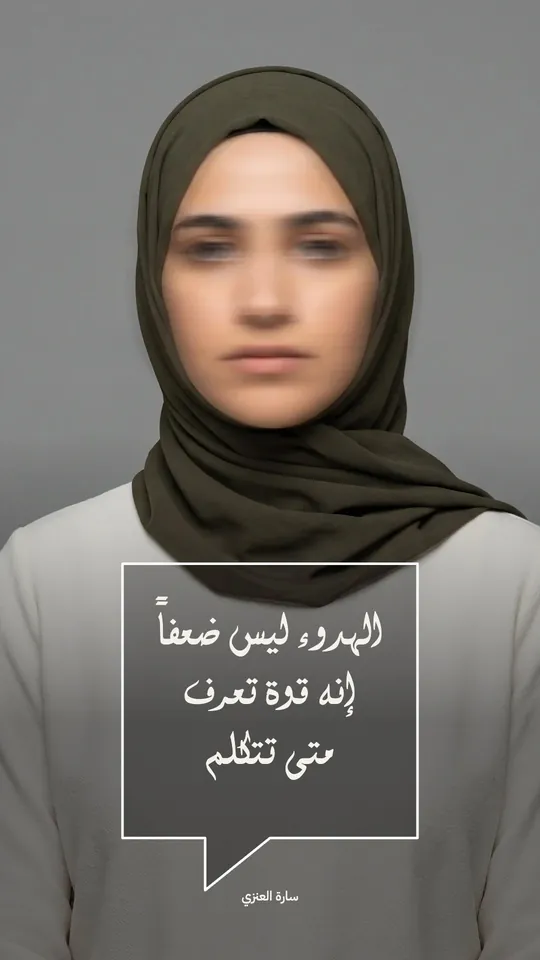 Open Template →
 Open Template →
 Open Template →
 Open Template →
 Open Template →
 Open Template →
Common Questions
Is my photo uploaded to remove the background?
Is background removal free?
How do I save a photo with a transparent background?
What if the cutout erases part of the hair or a hand?
More Tools in Tiraz
Magic Eraser: Remove Objects From a Photo
Erase anything from a photo and AI fills in what was behind it.
Learn More →Color a Single Word Inside Your Text
Give any word its own color or font without splitting the text.
Learn More →Curved Text, With Every Letter Still Joined
Arc, circle, wave, and free path, with Arabic letters still joined.
Learn More →Online Invitation With a Link and RSVP
An invitation page on tiraz.app where guests RSVP.
Learn More →Free QR Code Generator
A free QR maker in your browser, and the code on your invitation in the app.
Learn More →Instagram Fonts: Fancy Text to Copy and Paste
Fancy text to copy and paste, and a story picture in a real Arabic font.
Learn More →Hijri and Gregorian Date Converter
A Hijri–Gregorian converter in your browser, and the date on your design.
Learn More →Print Your Invitation: A Print-Ready PDF
A 300 DPI PDF with bleed and crop marks, or AirPrint.
Learn More →Resize Your Design Without Stretching
From story to post or any size, without stretching.
Learn More →My Brand: Your Identity on Every Design
Your logo, colors, and fonts on any template in one tap.
Learn More →Design your next invitation in Tiraz
Gulf-inspired templates, authentic Arabic calligraphy, and print-quality export, right from your phone.