 Tiraz
Curved Text, With Every Letter Still Joined
Most apps place letters on an arc one by one, and an Arabic word falls apart. Tiraz shapes the whole word first and then bends it, so it stays joined the way a calligrapher wrote it.
What It Is
Curved text makes a line follow an arc instead of a straight line. It's the basis of round stamps and logos, and it adds movement to headings on invitations and greetings.
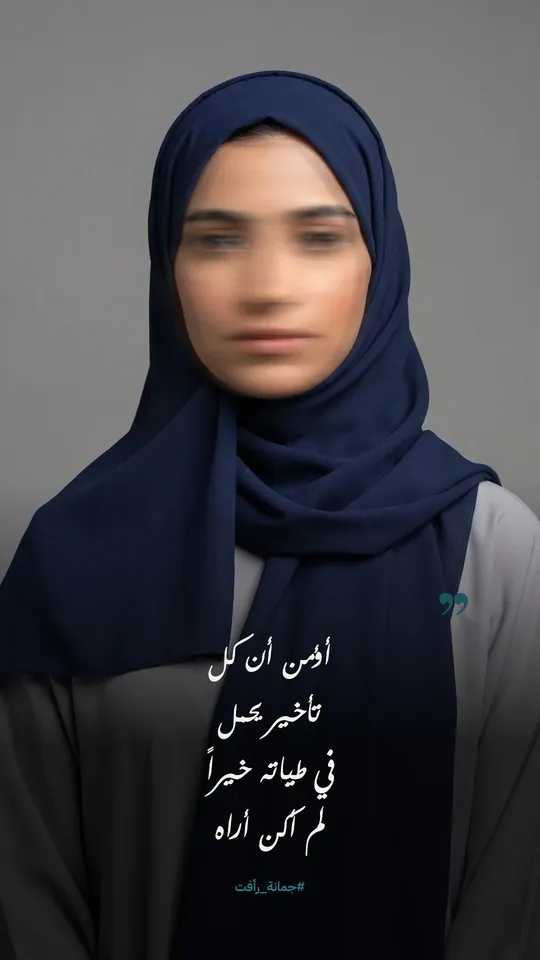
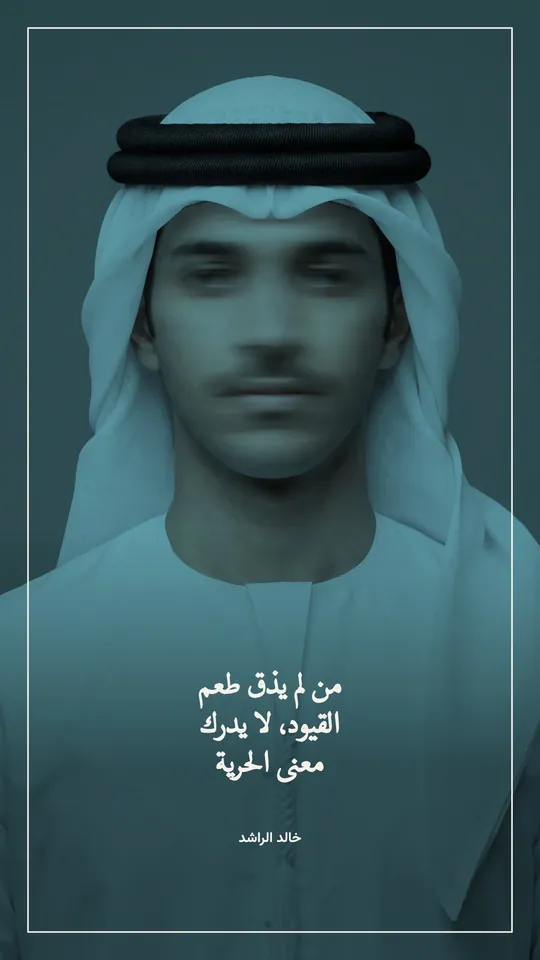
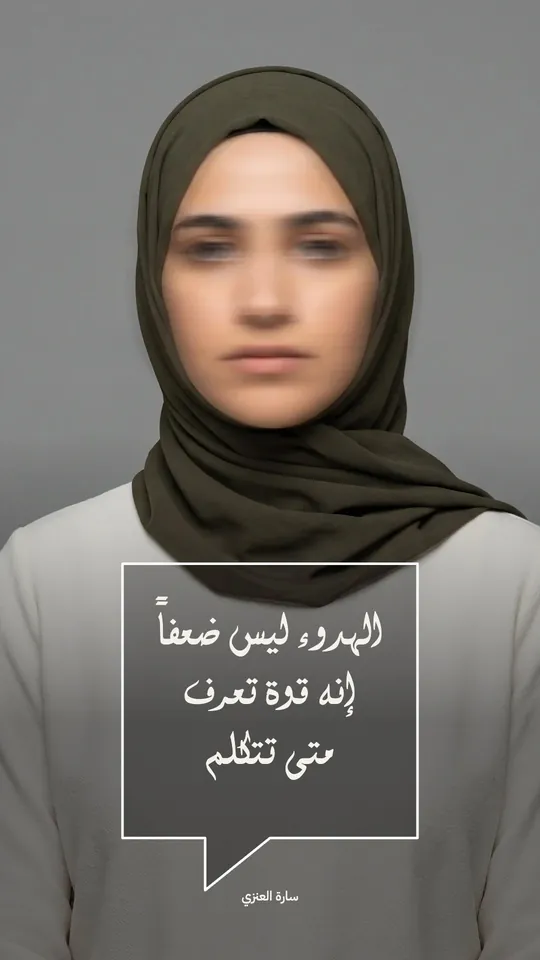
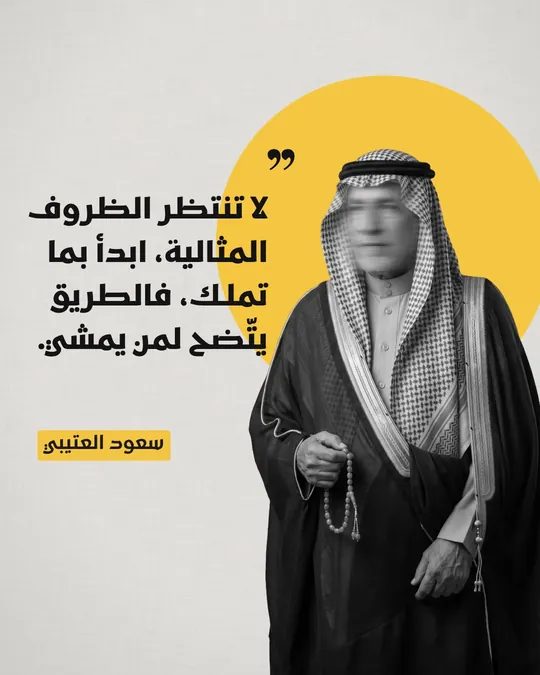
Tiraz has three modes: an arc from gentle to a full circle, up or down; a wave with adjustable height and count; and a free path you draw with your finger for the text to follow.
When to Use It
Stamps and logos
Write the shop's or family's name on a full circle around a logo or a letter.
Headings on invitations and greetings
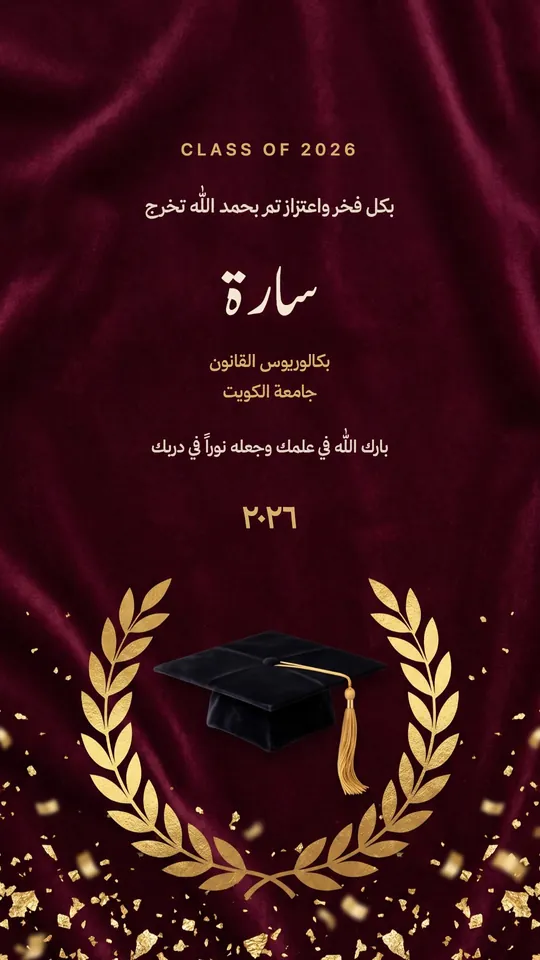
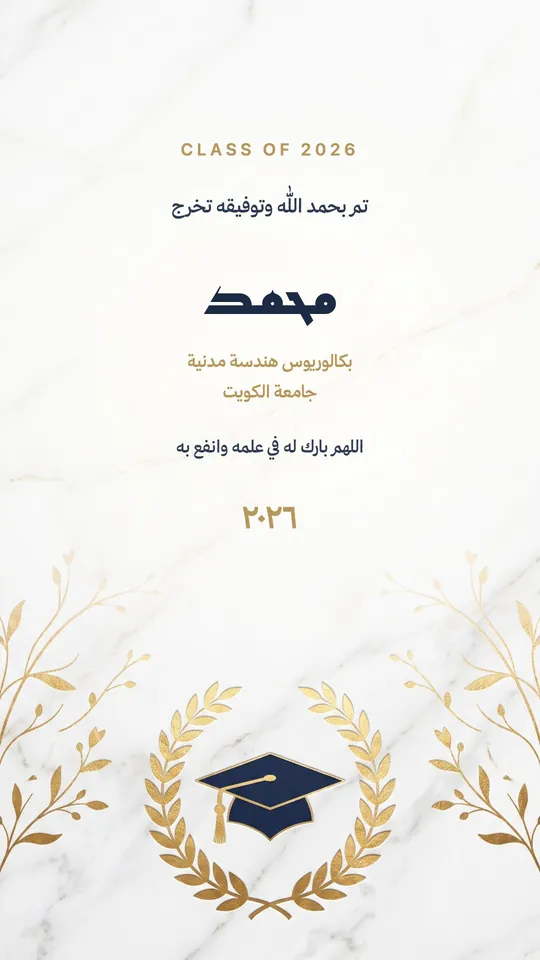
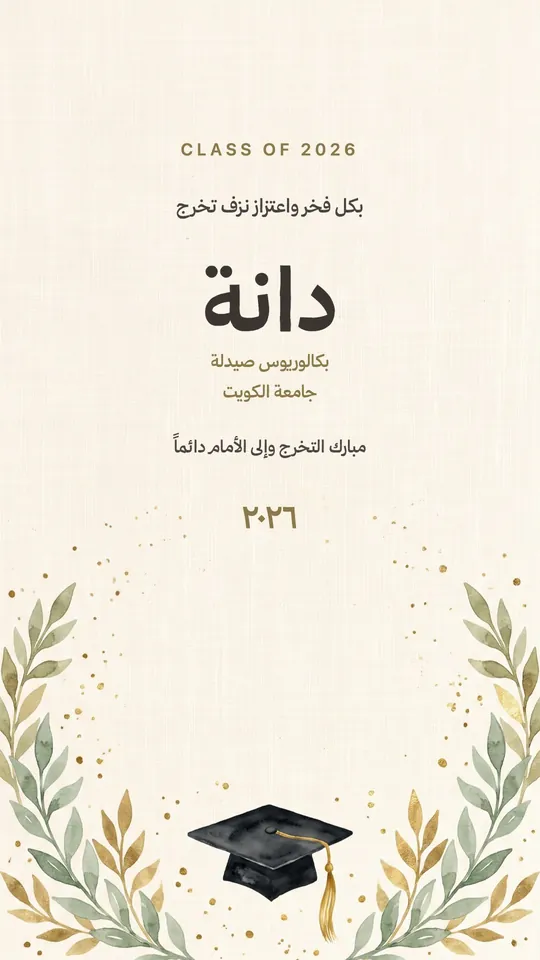
Set Eid Mubarak or Graduation Party on a gentle arc above the design.
Text that follows a shape
Draw a path around a photo or a piece so the text wraps around it.
How to Use It in Tiraz
Select the text
Tap the text in your design and choose Curve Text from the text bar.
Choose an arc, a wave, or a path
Drag the arc's angle, set the wave, or draw the path with your finger.
Position it and export
Move and scale the text like any layer, then export your design.
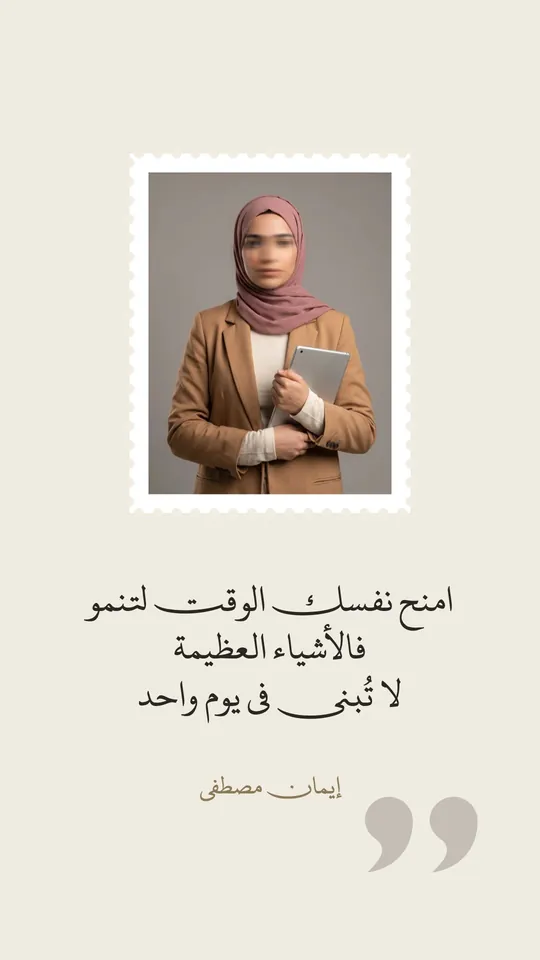 Open Template →
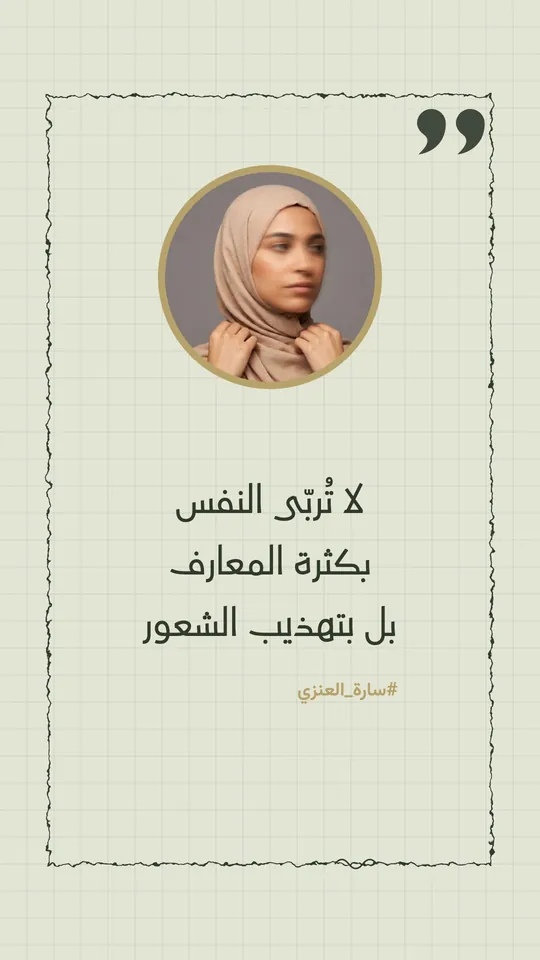 Open Template →
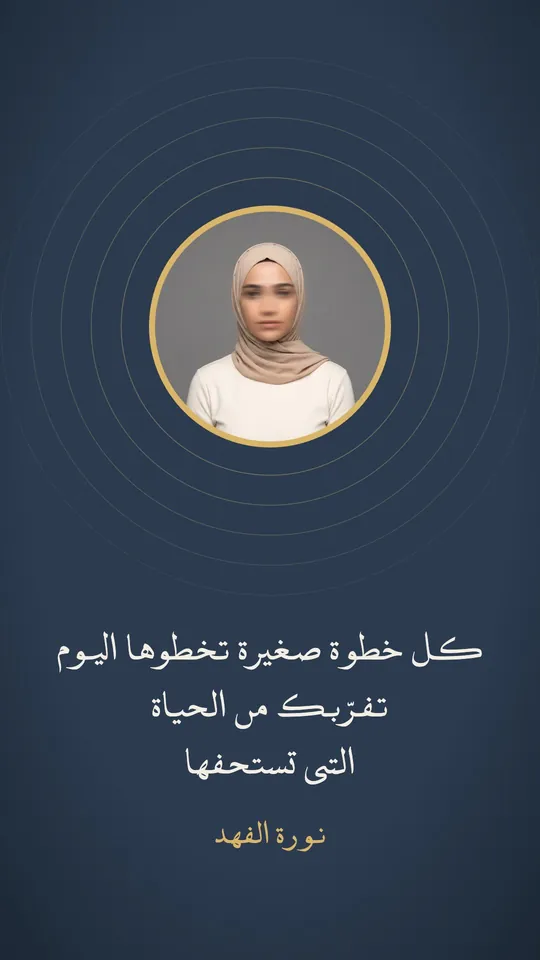 Open Template →
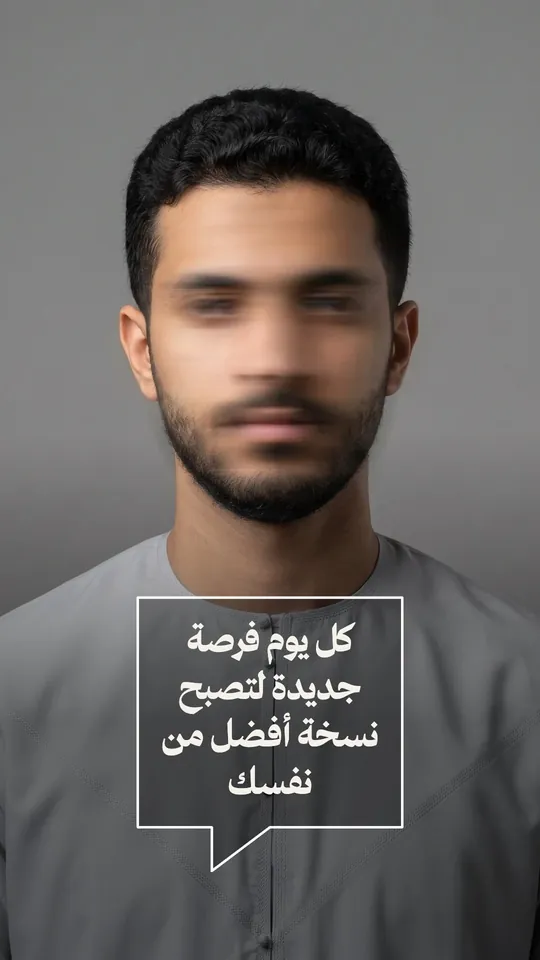 Open Template →
 Open Template →
 Open Template →
 Open Template →
 Open Template →
 Open Template →
 Open Template →
 Open Template →
 Open Template →

 Open Template →
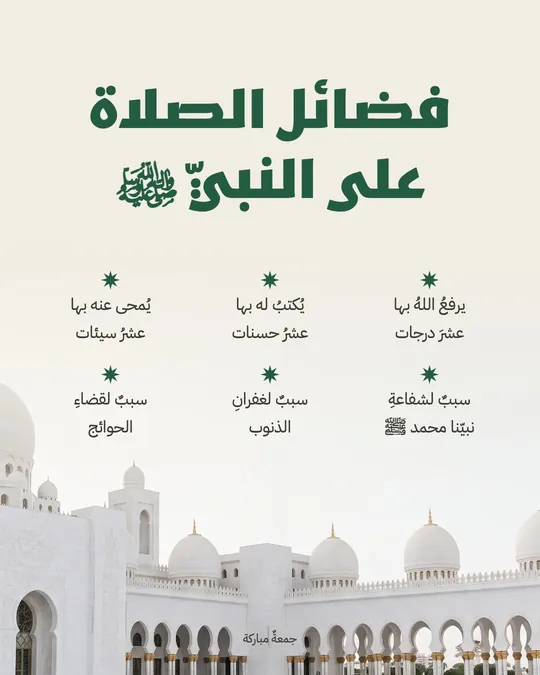 Open Template →
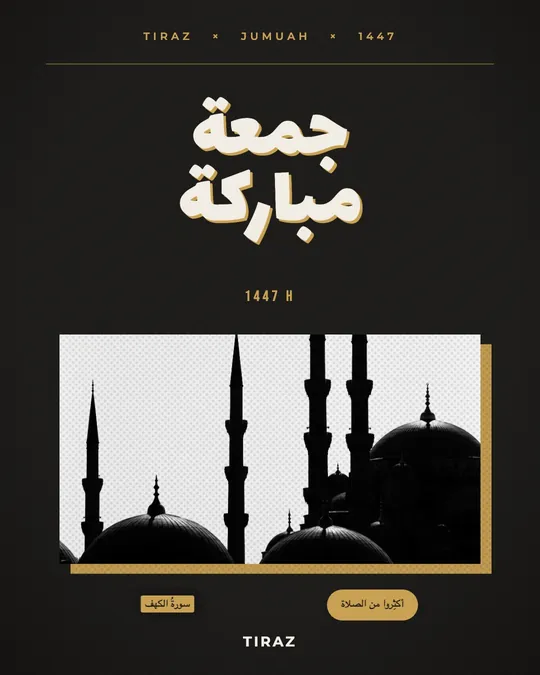 Open Template →
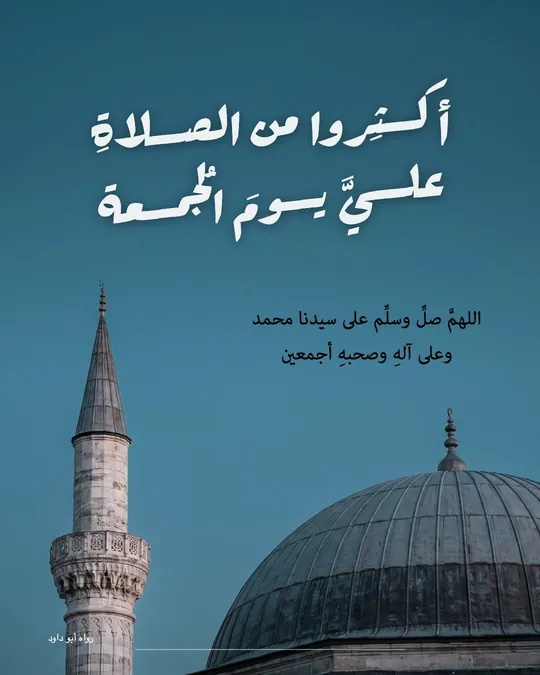 Open Template →
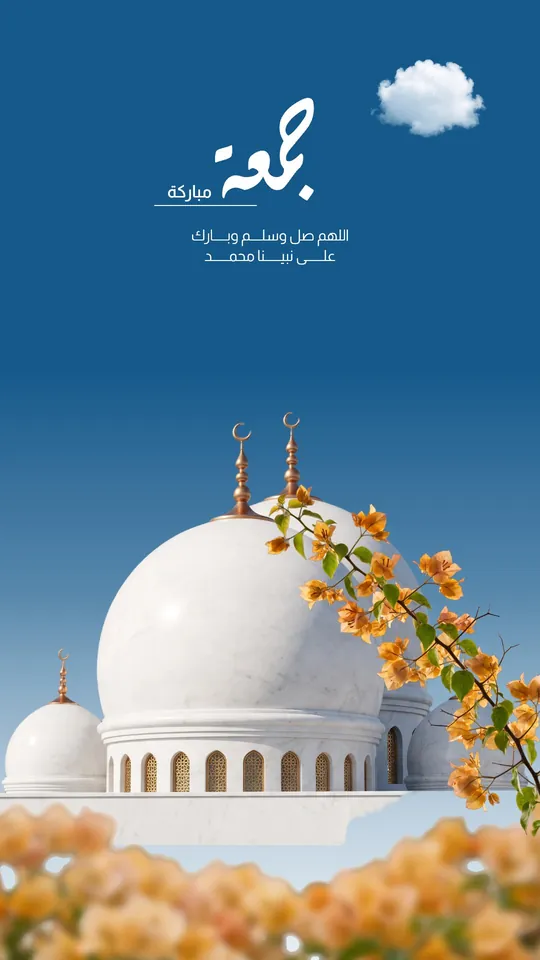 Open Template →
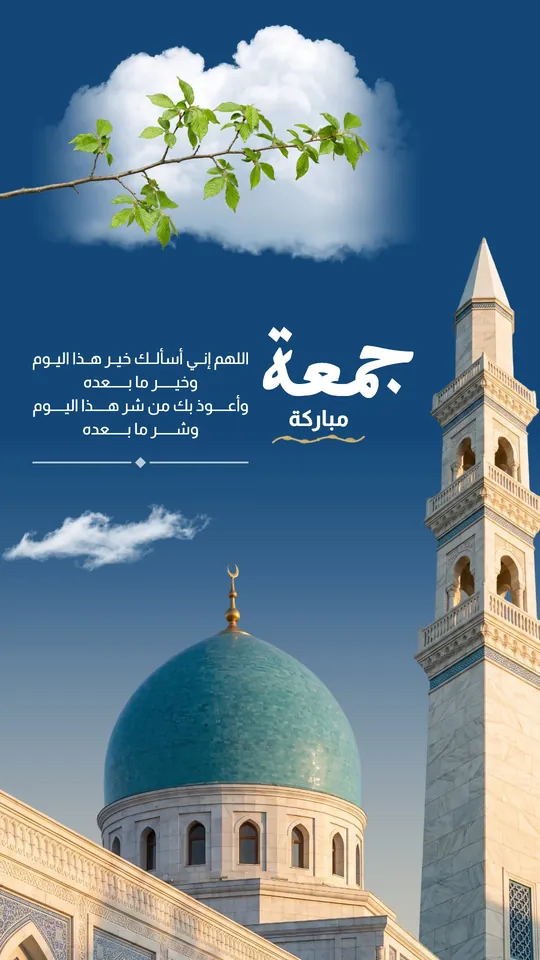 Open Template →
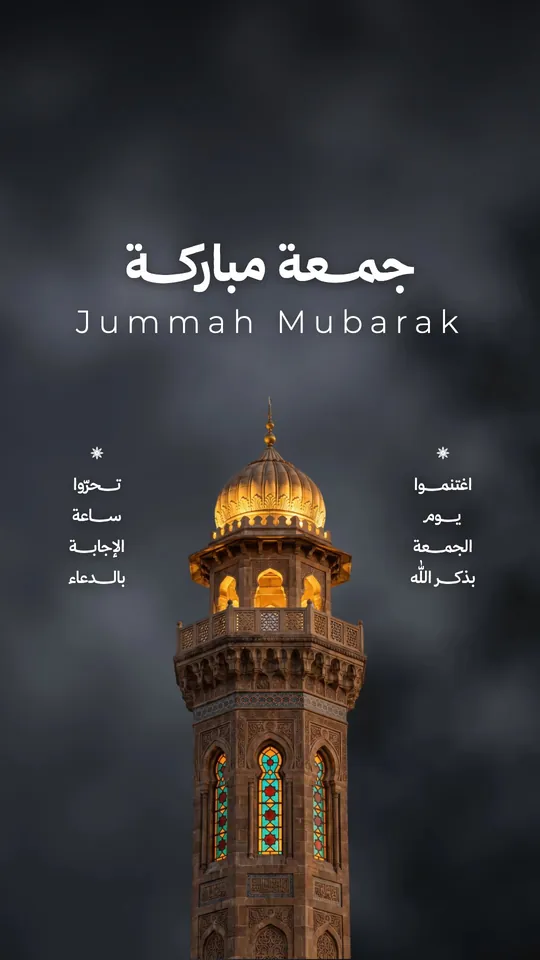 Open Template →
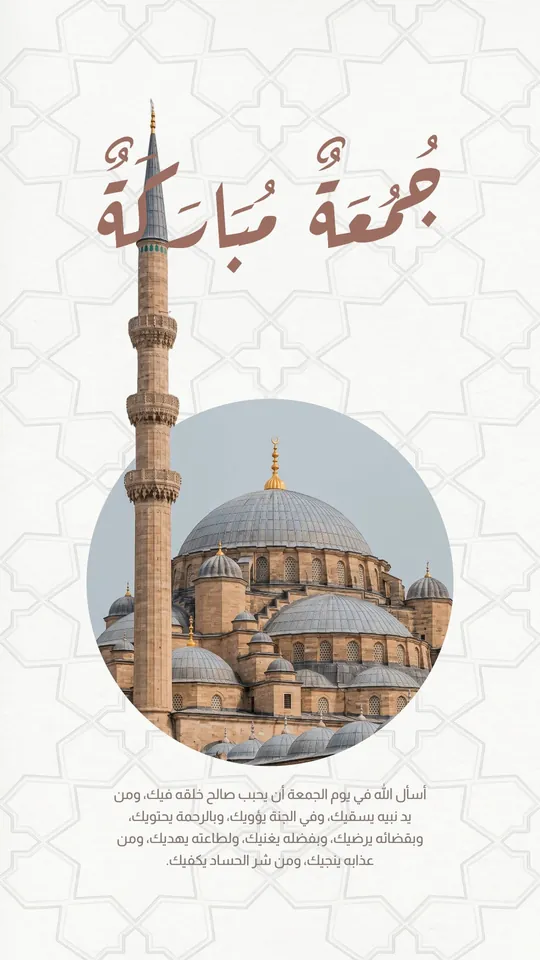 Open Template →
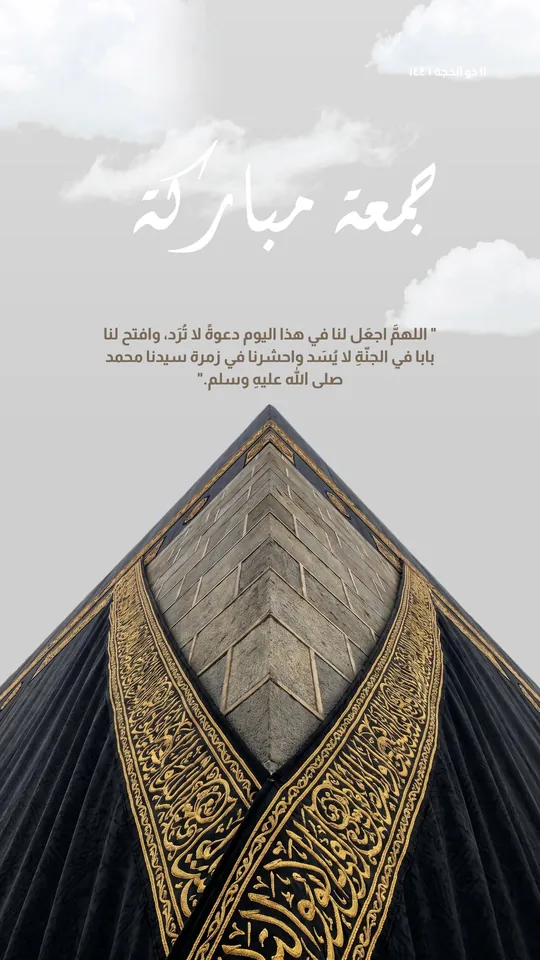 Open Template →
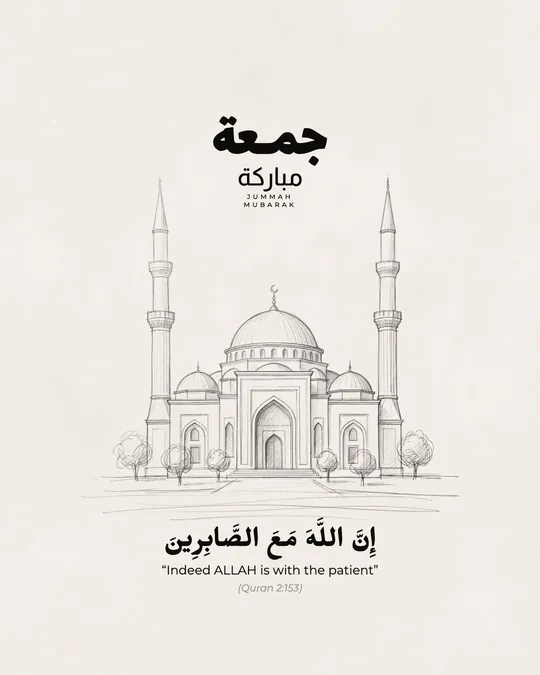 Open Template →
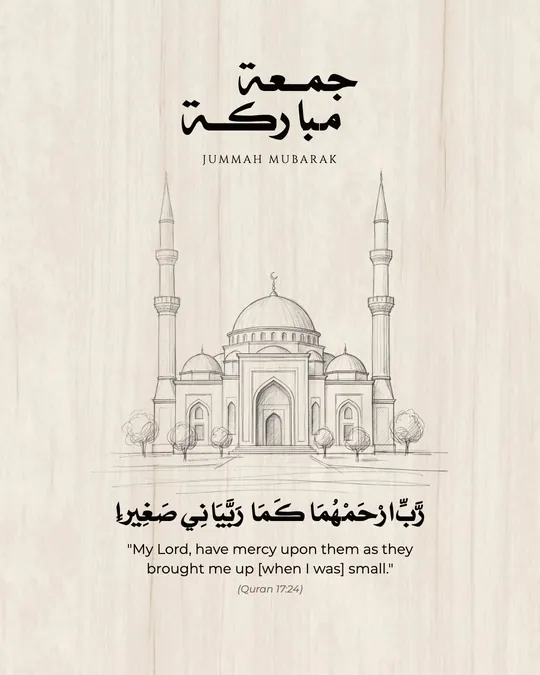 Open Template →
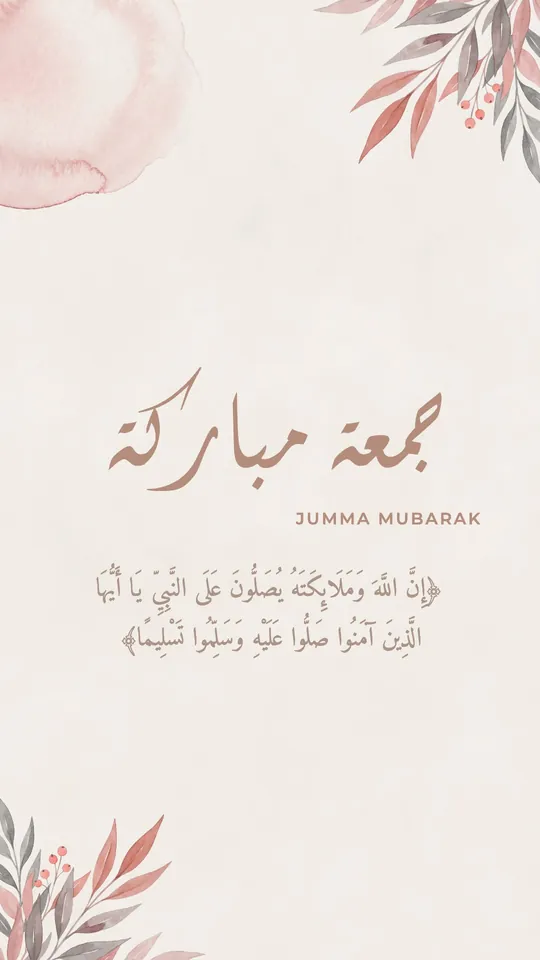 Open Template →
Common Questions
Is curved text free?
Why do Arabic letters break apart on an arc in other apps?
Does it work with every font?
Can I write along the bottom of a circle?
More Tools in Tiraz
Remove the Background From a Photo
Cut out any photo down to hair and edges, on your device.
Learn More →Magic Eraser: Remove Objects From a Photo
Erase anything from a photo and AI fills in what was behind it.
Learn More →Color a Single Word Inside Your Text
Give any word its own color or font without splitting the text.
Learn More →Online Invitation With a Link and RSVP
An invitation page on tiraz.app where guests RSVP.
Learn More →Free QR Code Generator
A free QR maker in your browser, and the code on your invitation in the app.
Learn More →Instagram Fonts: Fancy Text to Copy and Paste
Fancy text to copy and paste, and a story picture in a real Arabic font.
Learn More →Hijri and Gregorian Date Converter
A Hijri–Gregorian converter in your browser, and the date on your design.
Learn More →Print Your Invitation: A Print-Ready PDF
A 300 DPI PDF with bleed and crop marks, or AirPrint.
Learn More →Resize Your Design Without Stretching
From story to post or any size, without stretching.
Learn More →My Brand: Your Identity on Every Design
Your logo, colors, and fonts on any template in one tap.
Learn More →Design your next invitation in Tiraz
Gulf-inspired templates, authentic Arabic calligraphy, and print-quality export, right from your phone.