 Tiraz
Color a Single Word Inside Your Text
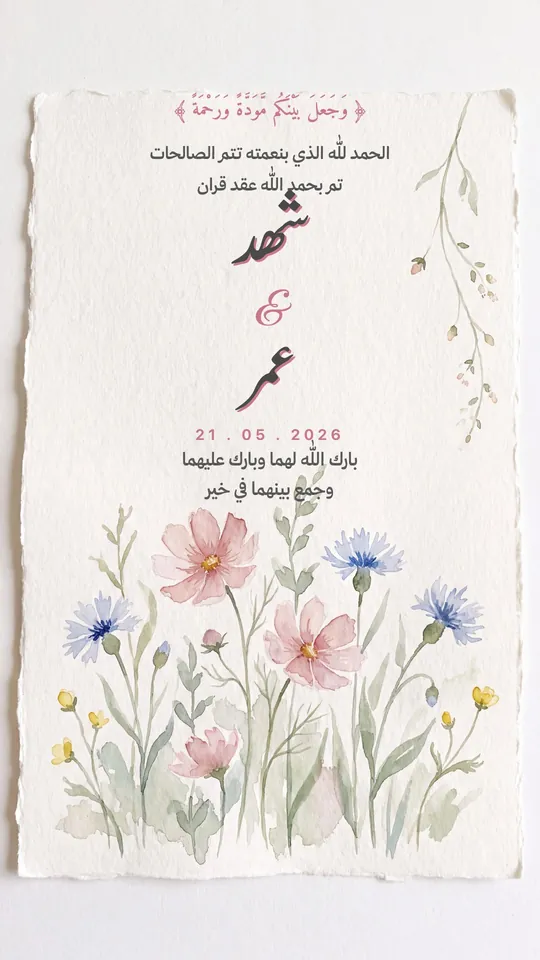
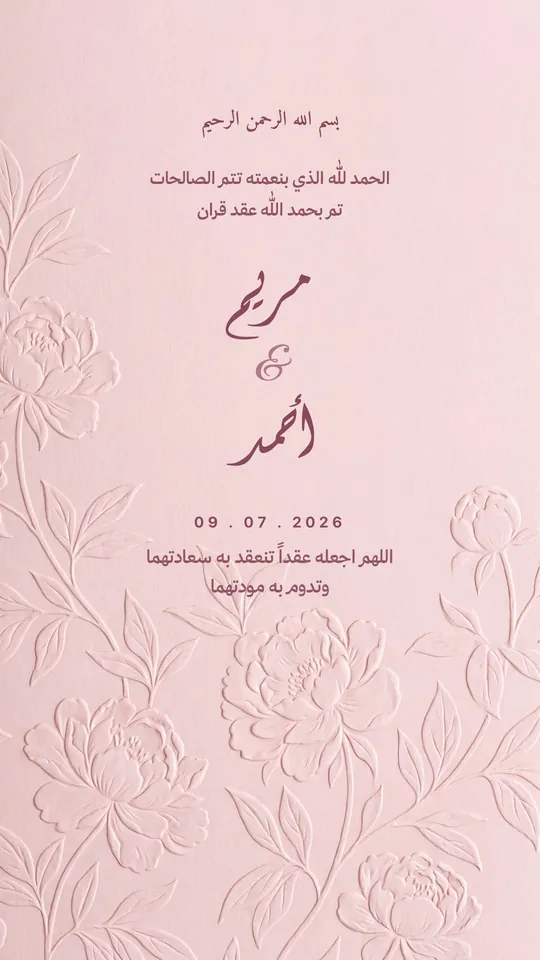
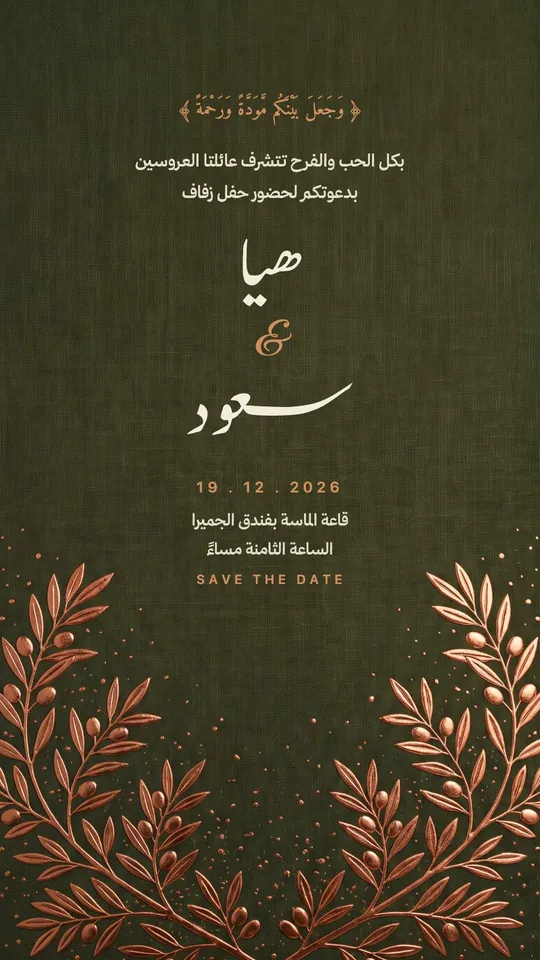
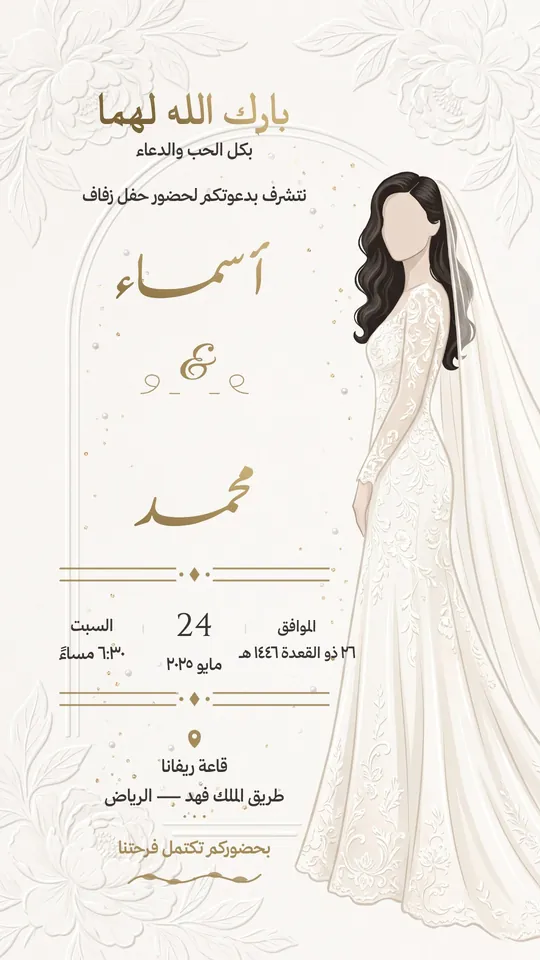
The bride's name in gold, or the word Mubarak in another color: select the word and color it, and the line stays one piece of text you can keep editing.
What It Is
In most apps, coloring one word means splitting the line into three layers and lining them up by hand, and any change to the wording breaks it apart. In Tiraz you select the word inside the text and change its color, and the line stays one piece of text.
And it's not only color: each word can have its own font, size, highlight, outline, an underline, or a marker stroke, and the Arabic letters stay joined.
When to Use It
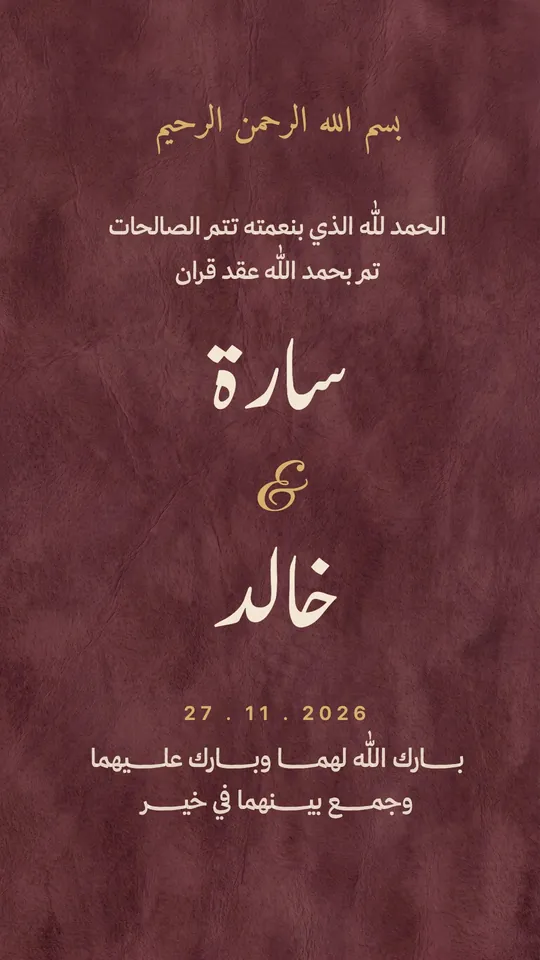
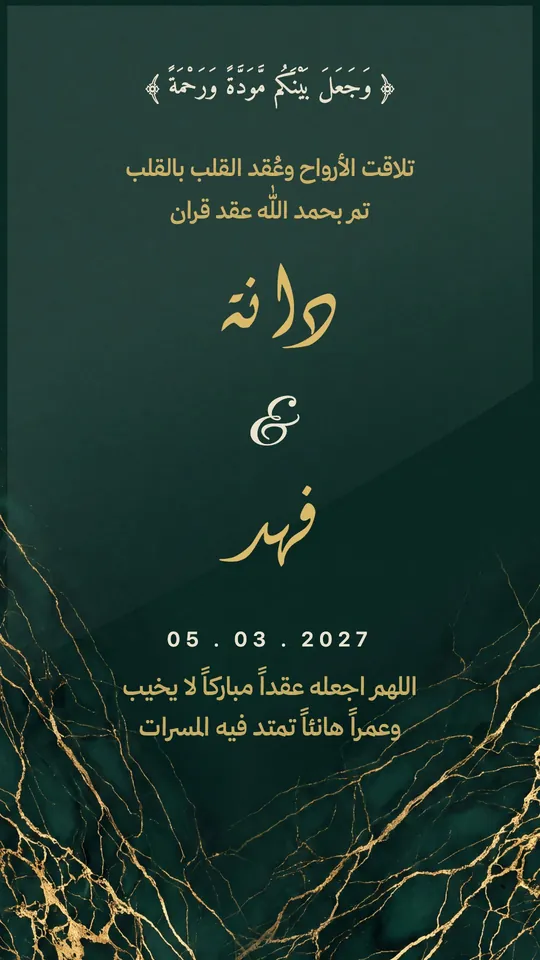
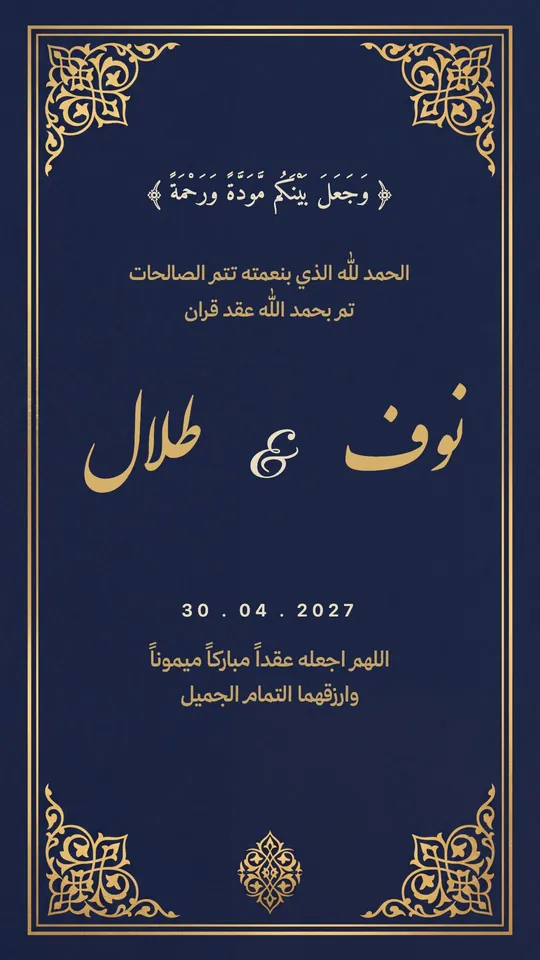
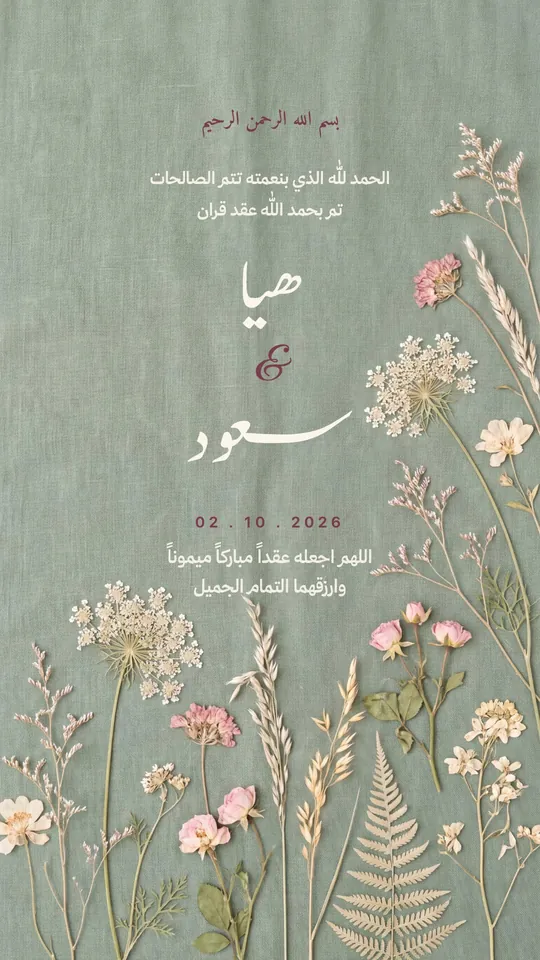
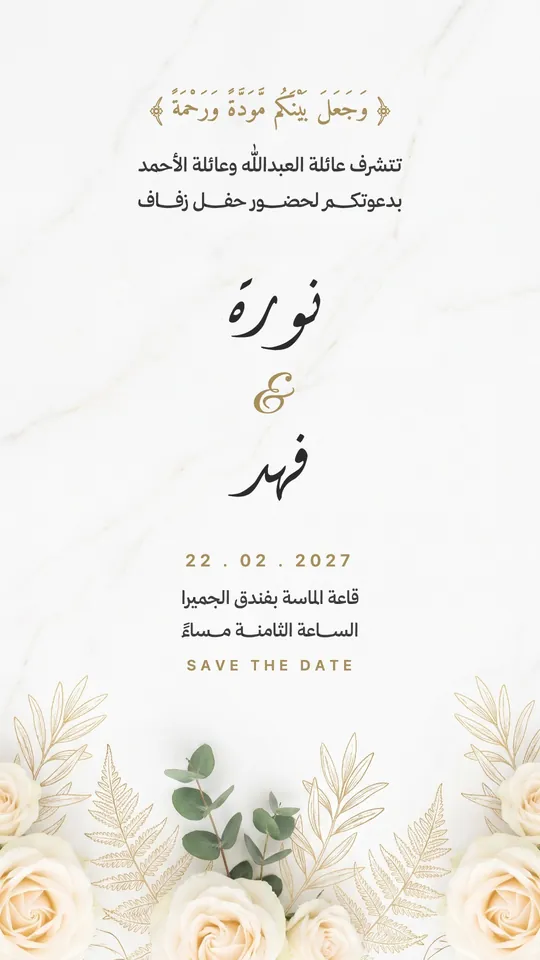
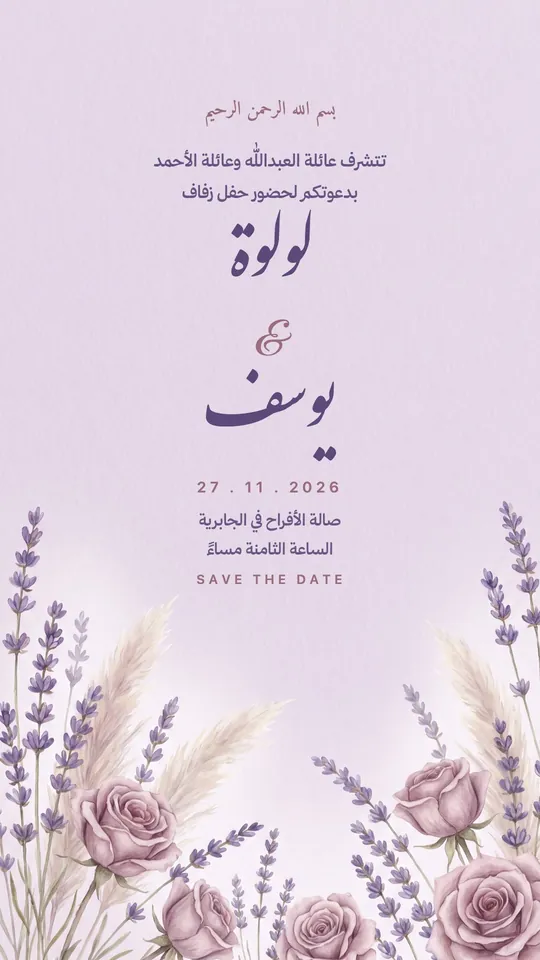
Names on invitations
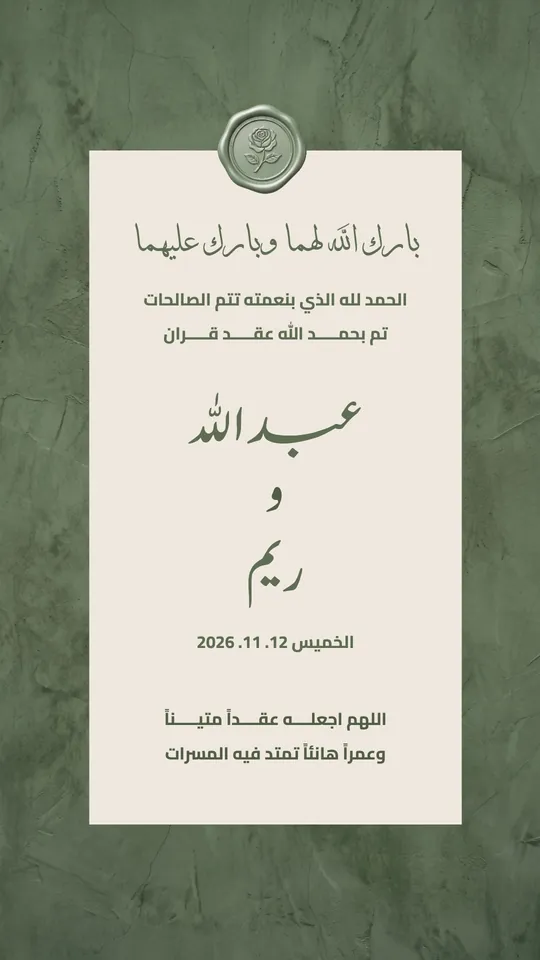
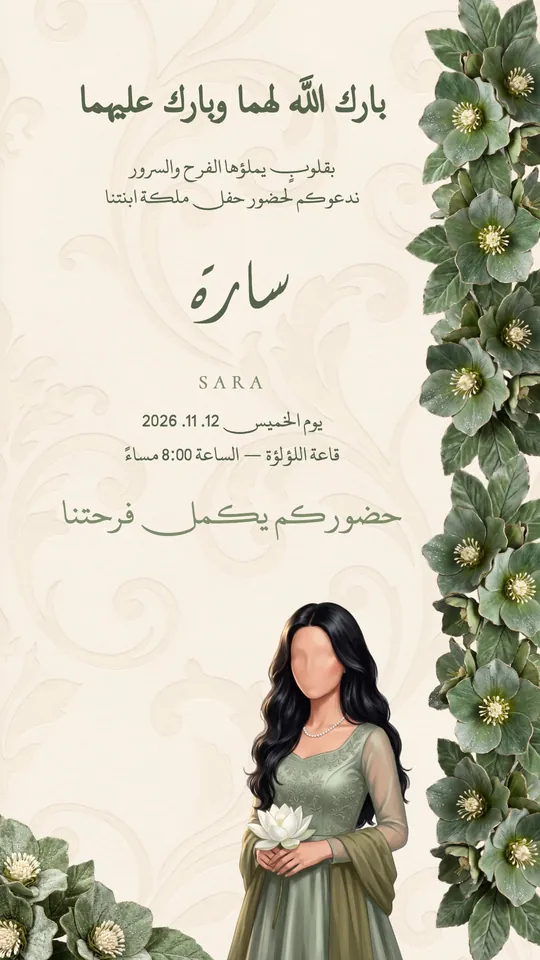
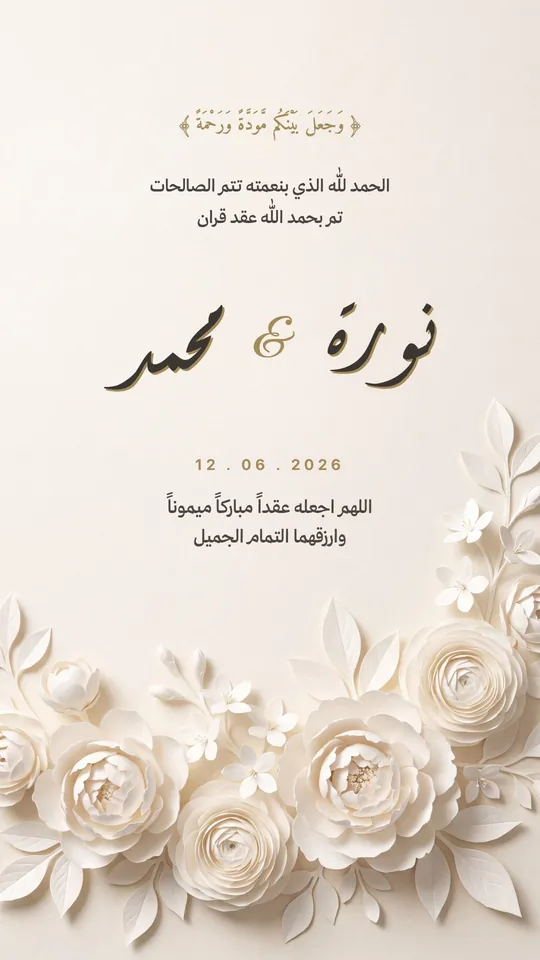
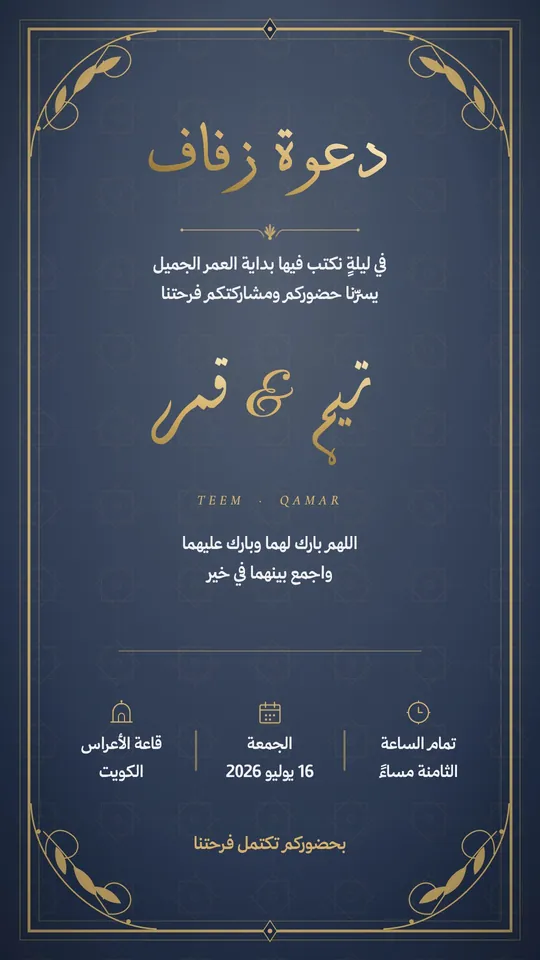
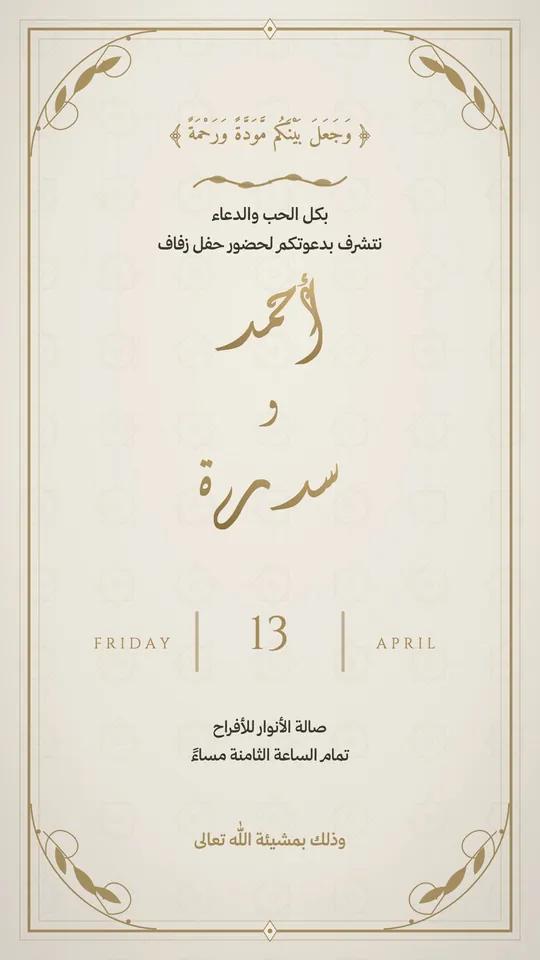
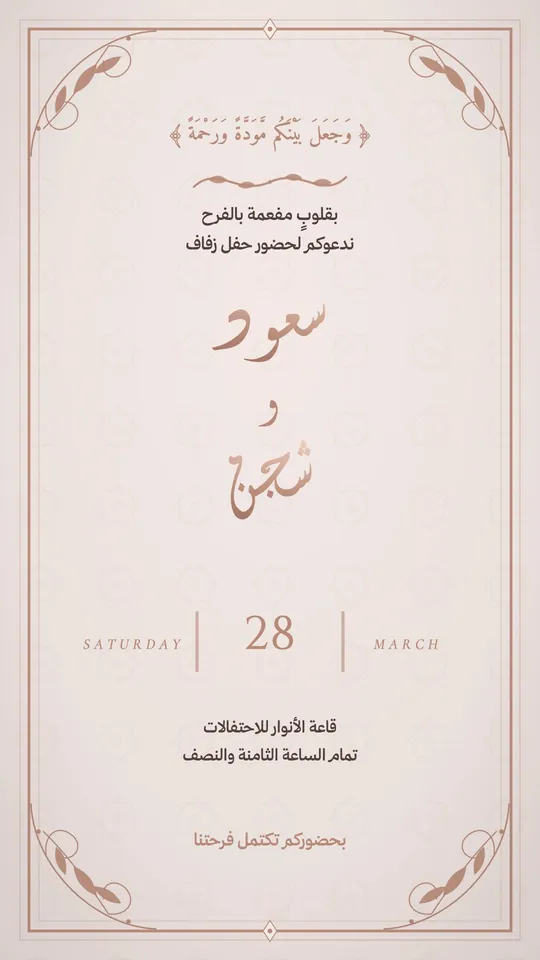
Color the couple's names or the baby's name differently from the rest of the invitation.
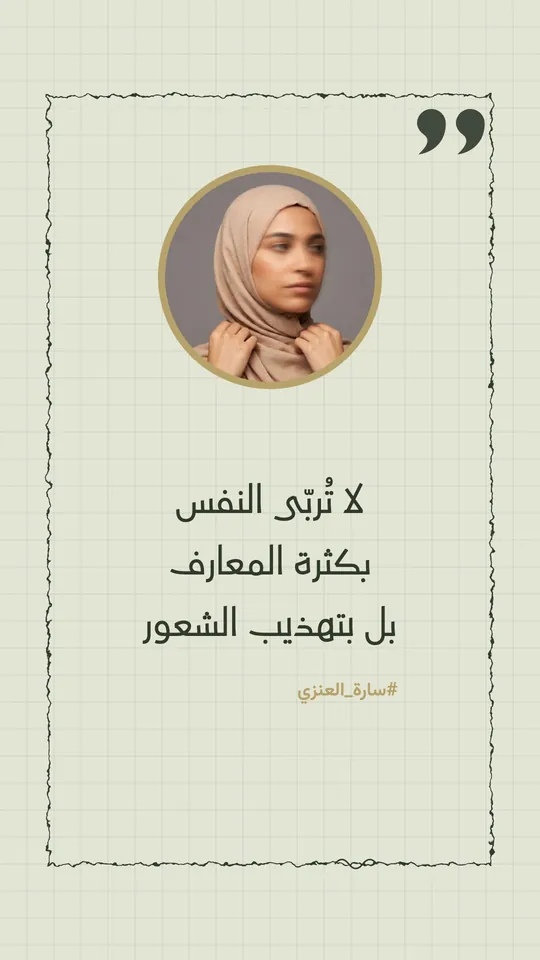
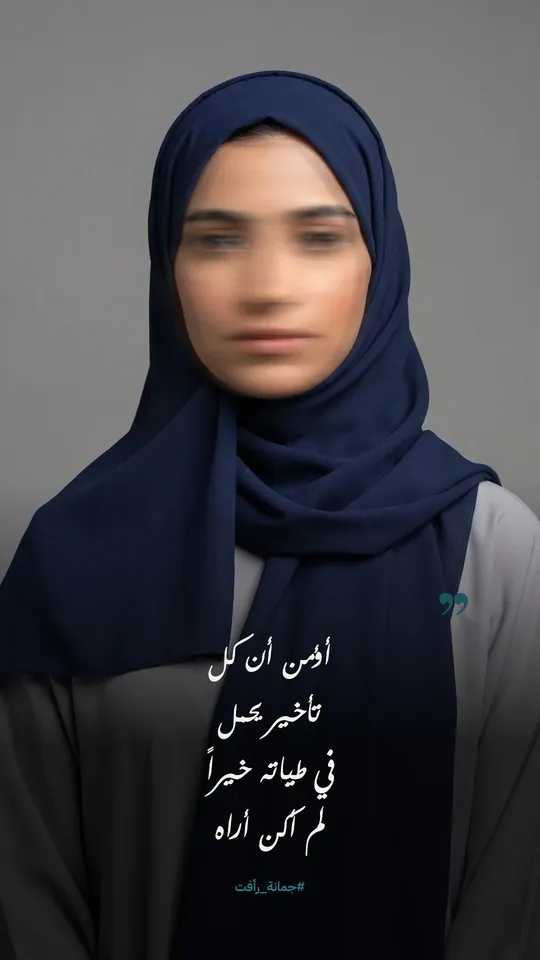
The key word in a quote
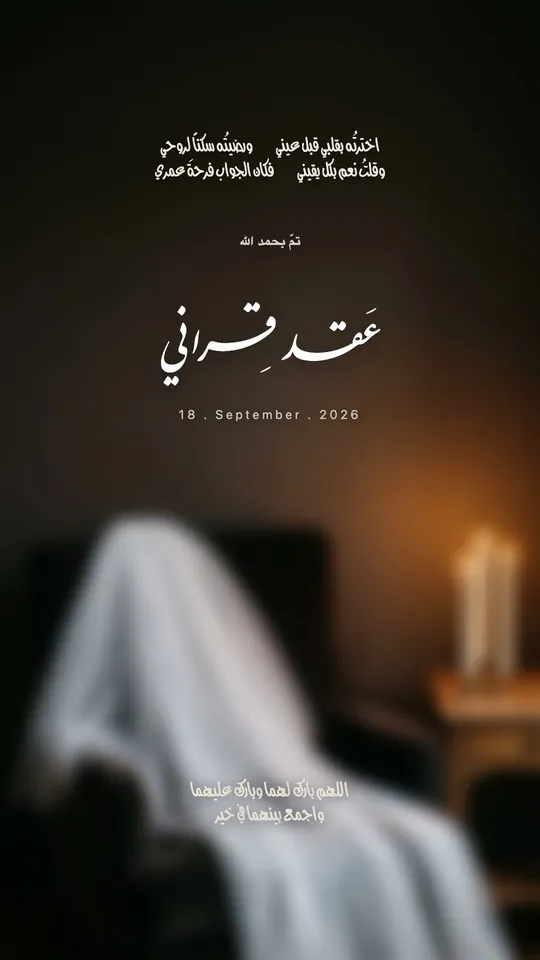
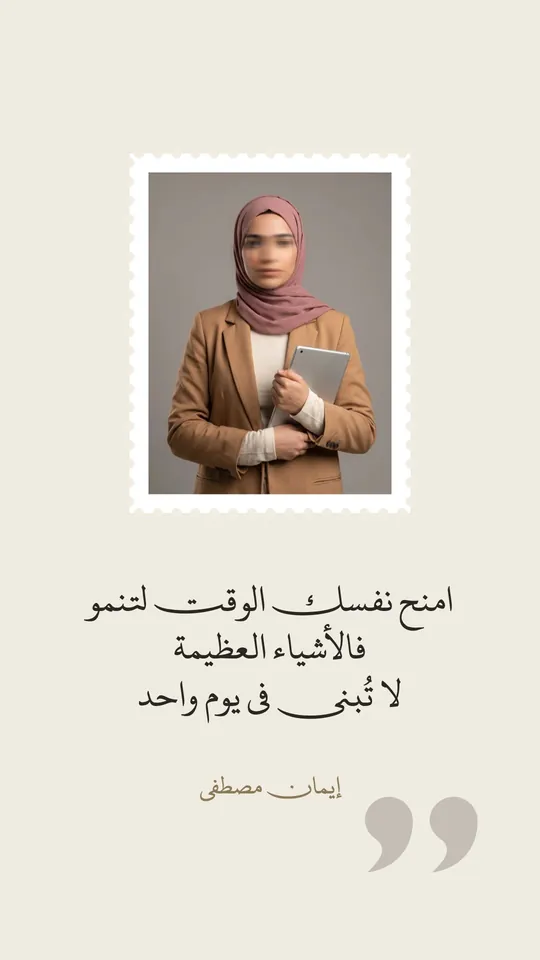
Make one word in a quote stand out with a color or a marker, so the reader sees it first.
The date and the venue
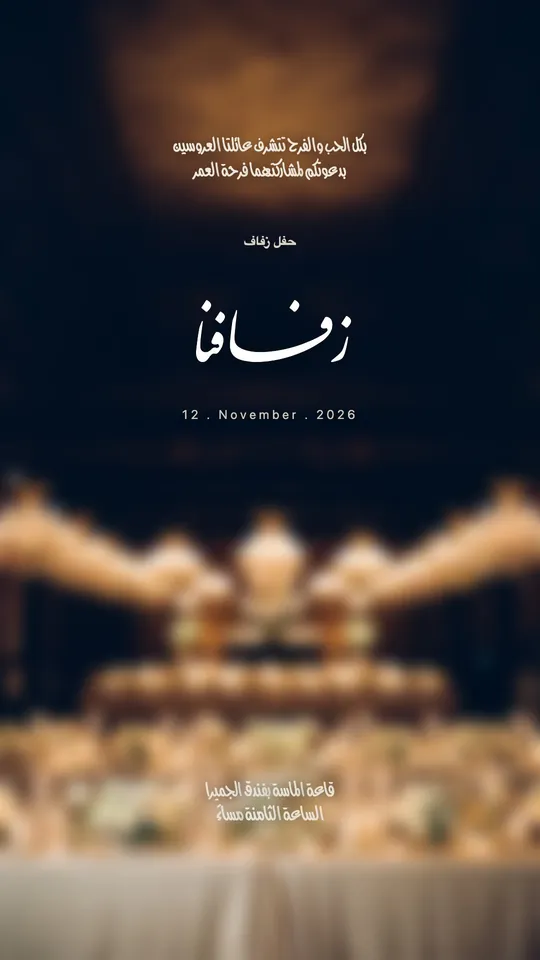
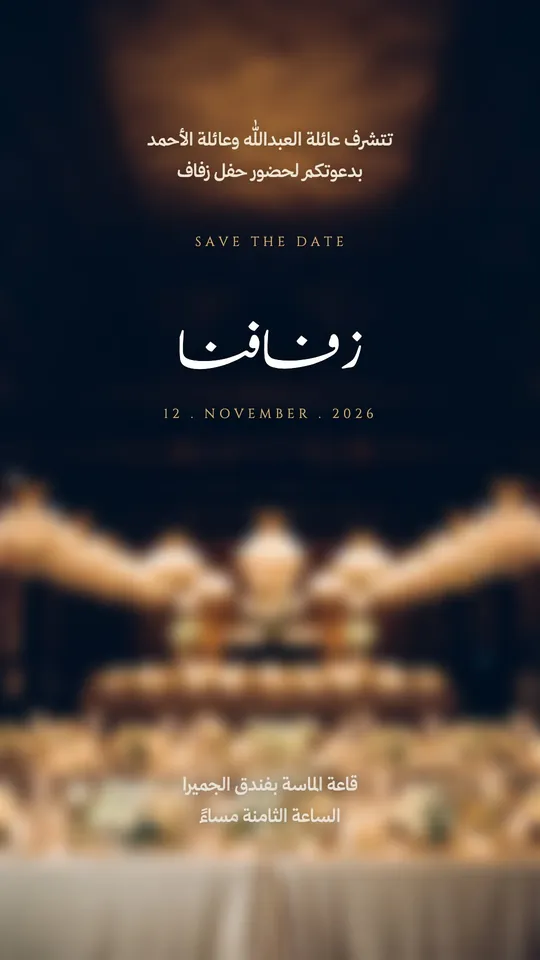
Set the day or the hall's name in your brand color without separating it from the line.
How to Use It in Tiraz
Select the word
Open the Word tool on the text and pick the word you want to color.
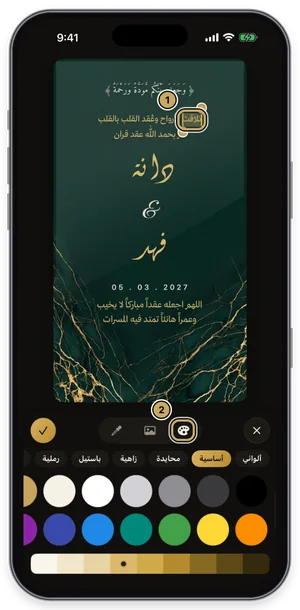
The Word tool: the word selected and the colors open. Choose a color or font
Pick from the design's colors or the color palette, or change the word's font and size.
Keep writing
Edit the text afterward as you like; the word keeps its color.
 Open Template →
 Open Template →
 Open Template →
 Open Template →
 Open Template →
 Open Template →
 Open Template →
 Open Template →
 Open Template →
 Open Template →
 Open Template →
 Open Template →
 Open Template →
 Open Template →
 Open Template →
 Open Template →
 Open Template →
 Open Template →
 Open Template →
 Open Template →
 Open Template →
 Open Template →
 Open Template →
 Open Template →
 Open Template →
 Open Template →
 Open Template →
 Open Template →
 Open Template →
 Open Template →
 Open Template →
 Open Template →
 Open Template →
 Open Template →
 Open Template →
 Open Template →
Common Questions
Is single-word color free?
Do Arabic letters break when part of a word is colored?
Can I change the font of just one word?
How do I set the whole text to one color afterward?
More Tools in Tiraz
Remove the Background From a Photo
Cut out any photo down to hair and edges, on your device.
Learn More →Magic Eraser: Remove Objects From a Photo
Erase anything from a photo and AI fills in what was behind it.
Learn More →Curved Text, With Every Letter Still Joined
Arc, circle, wave, and free path, with Arabic letters still joined.
Learn More →Online Invitation With a Link and RSVP
An invitation page on tiraz.app where guests RSVP.
Learn More →Free QR Code Generator
A free QR maker in your browser, and the code on your invitation in the app.
Learn More →Instagram Fonts: Fancy Text to Copy and Paste
Fancy text to copy and paste, and a story picture in a real Arabic font.
Learn More →Hijri and Gregorian Date Converter
A Hijri–Gregorian converter in your browser, and the date on your design.
Learn More →Print Your Invitation: A Print-Ready PDF
A 300 DPI PDF with bleed and crop marks, or AirPrint.
Learn More →Resize Your Design Without Stretching
From story to post or any size, without stretching.
Learn More →My Brand: Your Identity on Every Design
Your logo, colors, and fonts on any template in one tap.
Learn More →Design your next invitation in Tiraz
Gulf-inspired templates, authentic Arabic calligraphy, and print-quality export, right from your phone.