 Tiraz
My Brand: Your Identity on Every Design
Your logo, colors, and fonts saved in one place. Open any template, apply your fonts and colors in one tap, and it becomes a post for your shop or project.
What It Is
A visual identity is what makes your shop's posts recognizable at first glance: the same logo, colors, and fonts every time. My Brand saves all of it once.
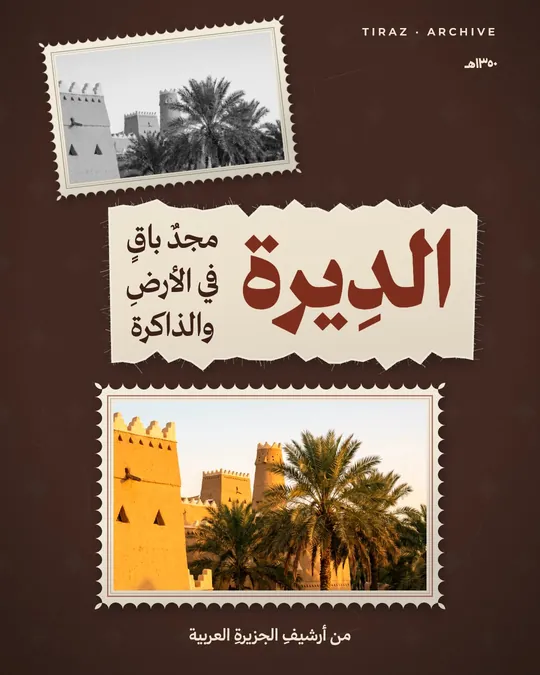
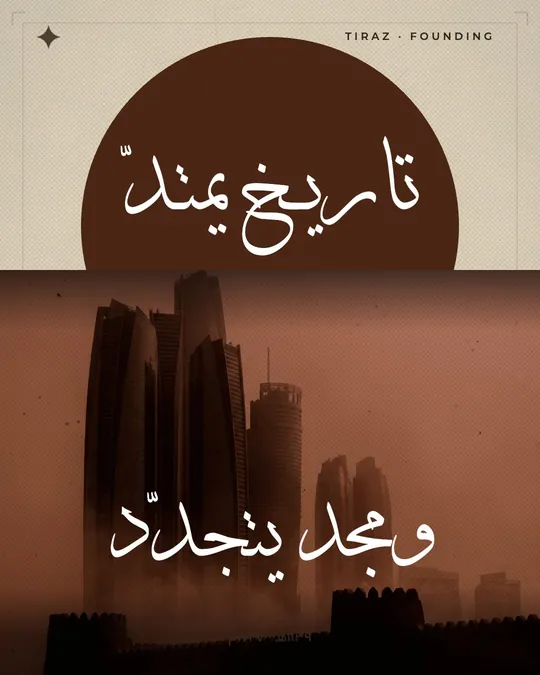
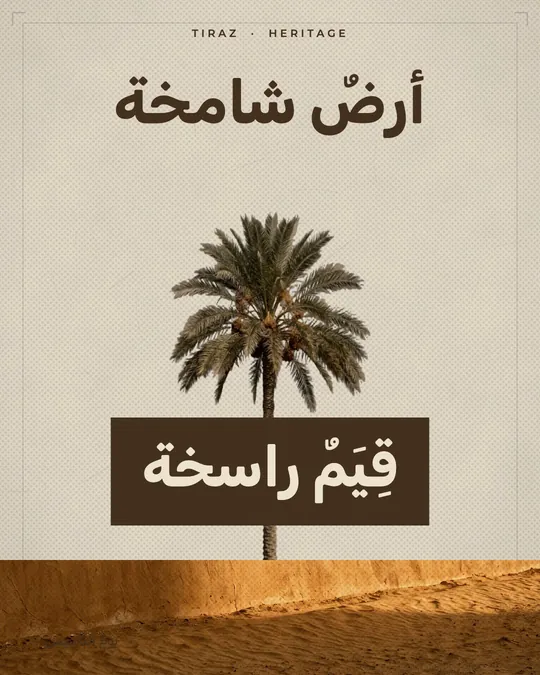
You pick one font for headings and one for body text, your colors, and your logo. Then in any template, Apply My Fonts puts the heading font on the largest text and the body font on the rest, Apply My Colors puts your colors in place of the template's main ones, and your logo goes on in one tap.
When to Use It
Instagram shops
Offers, products, and seasonal greetings in your shop's colors and logo on every post.
Businesses and organizations
An Eid or National Day greeting with the company's name and identity in a minute.
Designers
Save each client's identity and apply it to templates to speed up your work.
How to Use It in Tiraz
Set up My Brand
Add your logo and colors and pick a heading font and a body font.
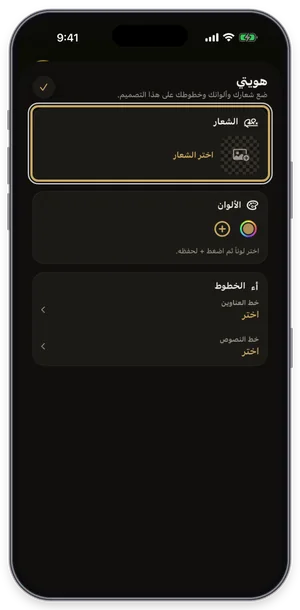
My Brand: the logo, colors, heading font, and body font. Open any template
Pick a template from any section.
Apply your brand
Tap Apply My Fonts and Apply My Colors, and add your logo.

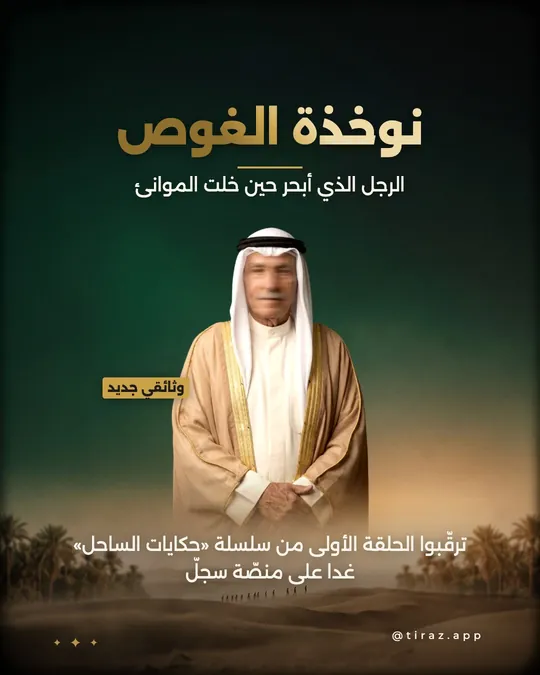
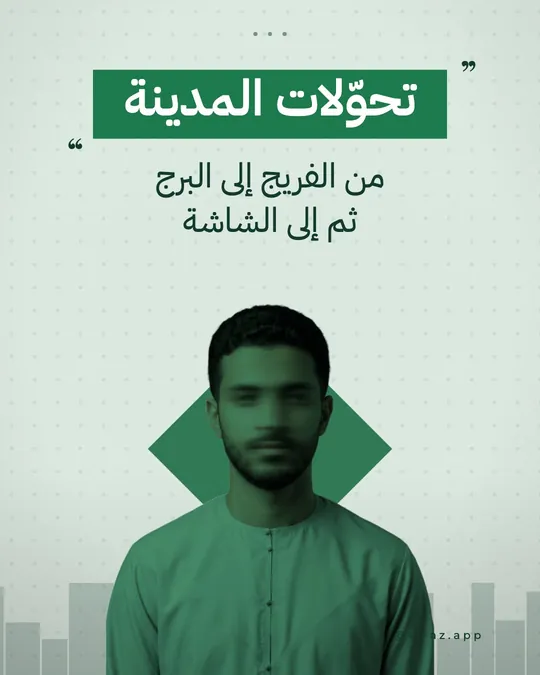
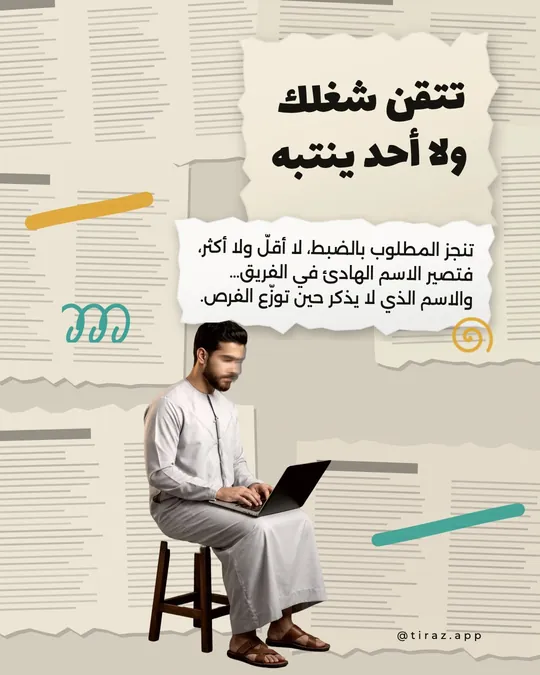
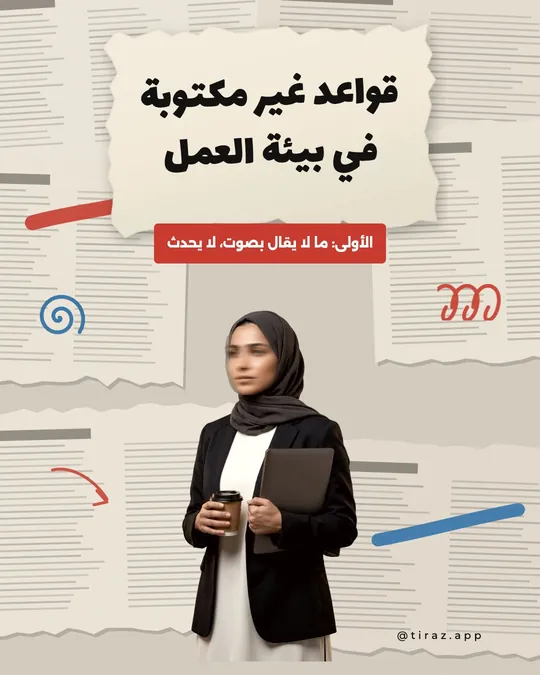

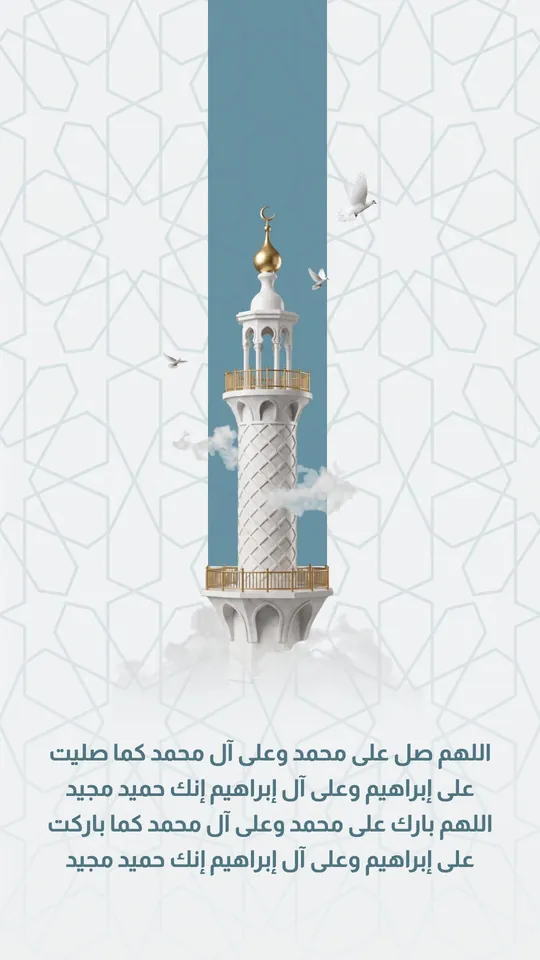 Open Template →
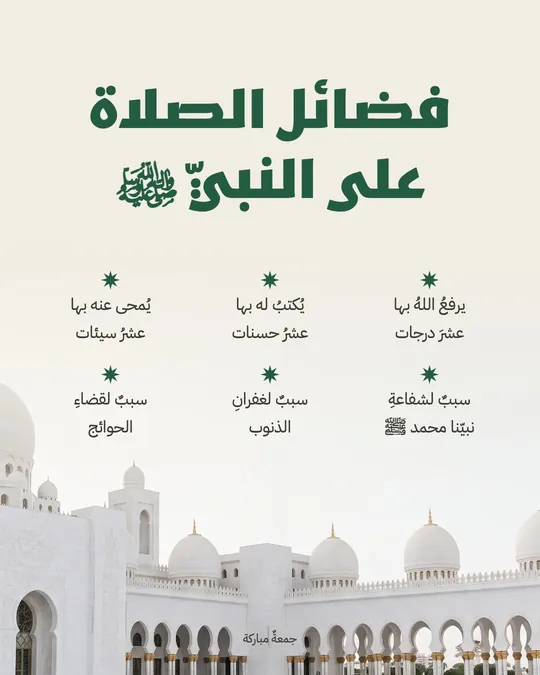 Open Template →
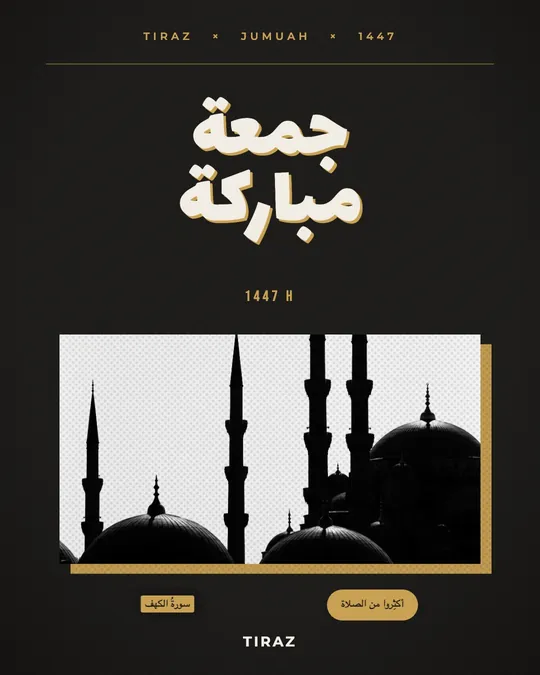 Open Template →
 Open Template →
 Open Template →
 Open Template →
 Open Template →
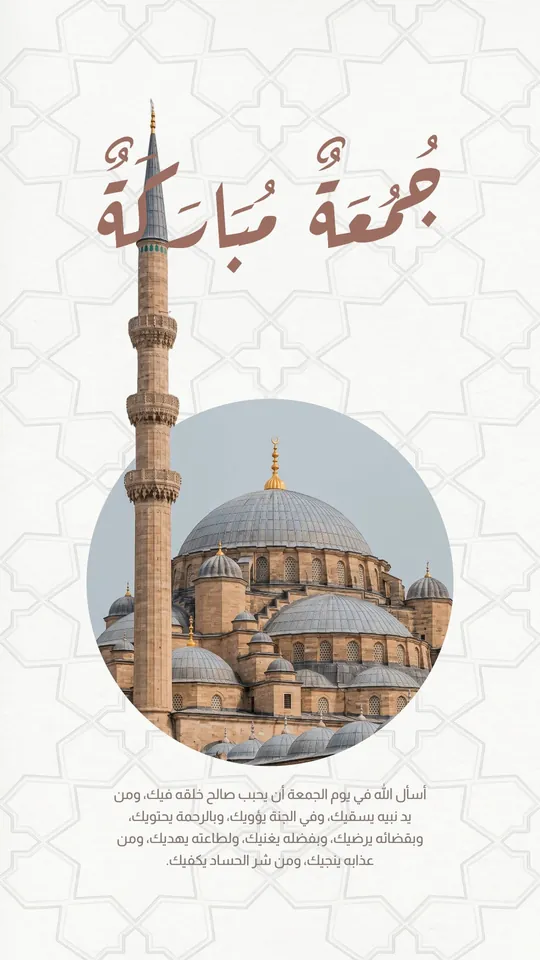 Open Template →
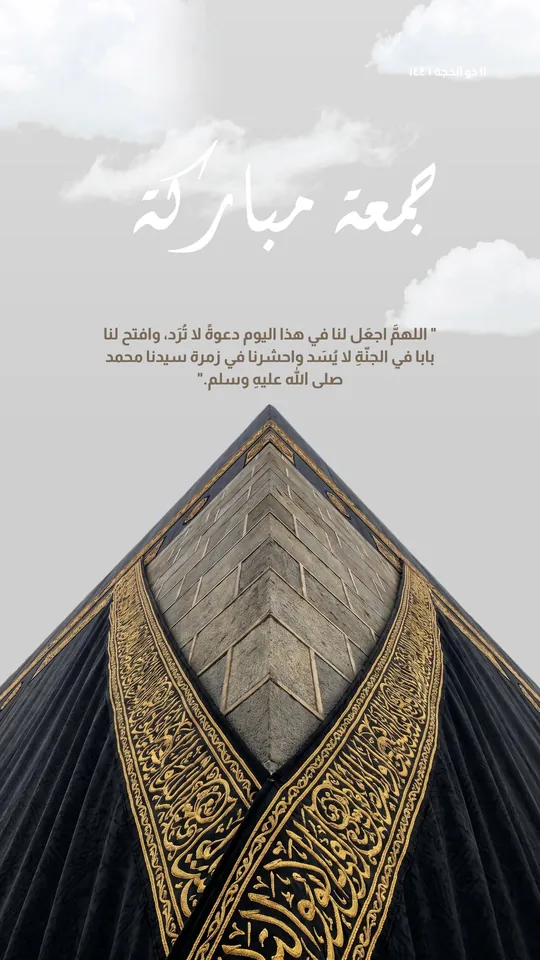 Open Template →
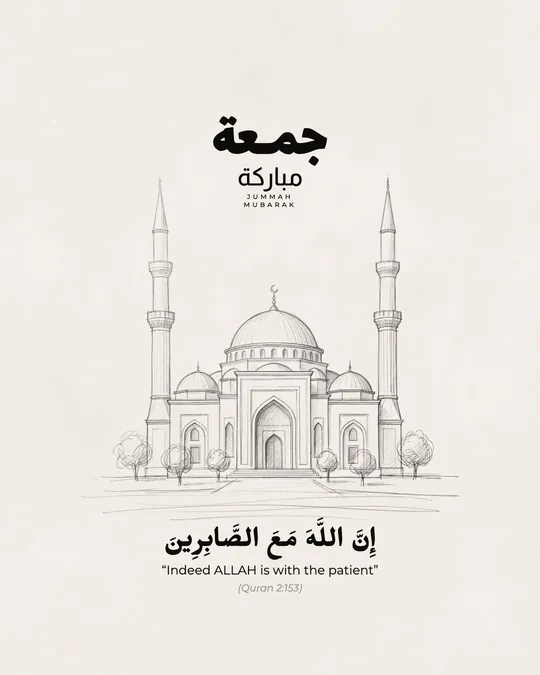 Open Template →
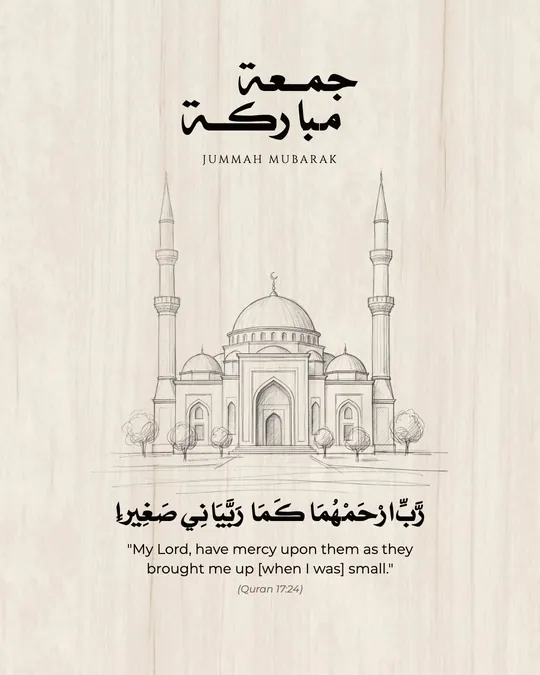 Open Template →
 Open Template →
Common Questions
Is My Brand free?
Can I use my own font?
Do verses and duas change when I apply my brand?
Can I undo after applying my brand?
More Tools in Tiraz
Remove the Background From a Photo
Cut out any photo down to hair and edges, on your device.
Learn More →Magic Eraser: Remove Objects From a Photo
Erase anything from a photo and AI fills in what was behind it.
Learn More →Color a Single Word Inside Your Text
Give any word its own color or font without splitting the text.
Learn More →Curved Text, With Every Letter Still Joined
Arc, circle, wave, and free path, with Arabic letters still joined.
Learn More →Online Invitation With a Link and RSVP
An invitation page on tiraz.app where guests RSVP.
Learn More →Free QR Code Generator
A free QR maker in your browser, and the code on your invitation in the app.
Learn More →Instagram Fonts: Fancy Text to Copy and Paste
Fancy text to copy and paste, and a story picture in a real Arabic font.
Learn More →Hijri and Gregorian Date Converter
A Hijri–Gregorian converter in your browser, and the date on your design.
Learn More →Print Your Invitation: A Print-Ready PDF
A 300 DPI PDF with bleed and crop marks, or AirPrint.
Learn More →Resize Your Design Without Stretching
From story to post or any size, without stretching.
Learn More →Design your next invitation in Tiraz
Gulf-inspired templates, authentic Arabic calligraphy, and print-quality export, right from your phone.