 Tiraz
Resize Your Design Without Stretching
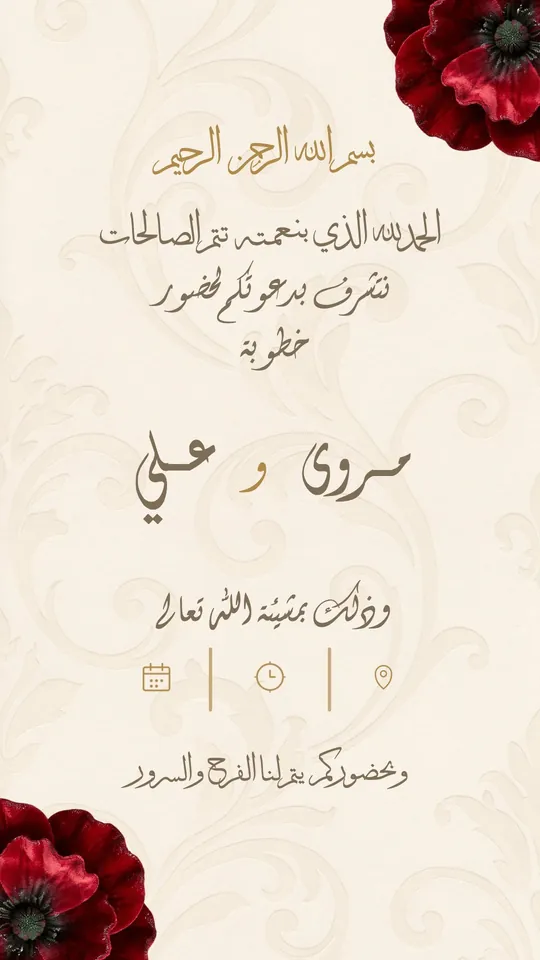
Designed the invitation as a story and need it as a square post? Pick the new size and Tiraz rearranges it without stretching the type or the photo.
What It Is
A plain resize stretches or crops the design. In Tiraz the background fills the new page and every text and photo keeps its place and proportions, so you get the same design in a new shape.
The sizes are ready: Instagram post and story, Snapchat, X post, landscape and YouTube, banner and cover, or a custom size in pixels. The result saves as a new copy, so the original stays as it is.
When to Use It
One invitation for story and post
Post the same invitation as a story and a post without designing it twice.
Covers and banners
Turn a greeting into a landscape cover or a banner for your account.
Print size
Pick a custom size that matches the print shop's card.
How to Use It in Tiraz
Open Size
From your design choose Resize.
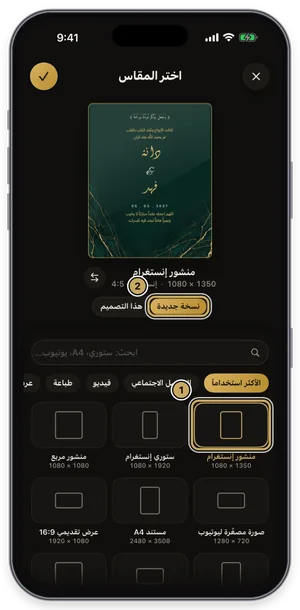
The size window: a preview at the new size and the ready sizes. Choose the new size
Preview the design at each size before you confirm.
Save it as a new copy
Save the result as a new copy so the original stays as it is.
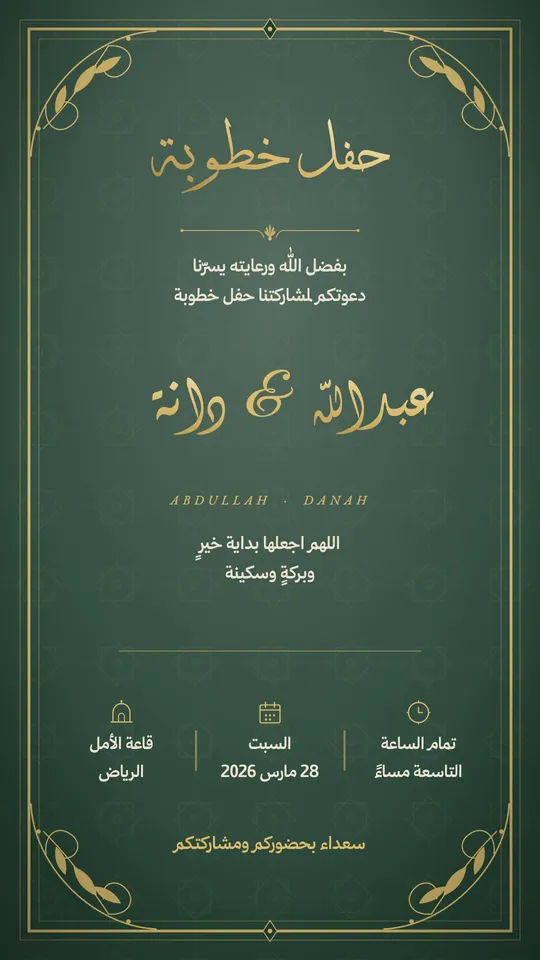 Open Template →
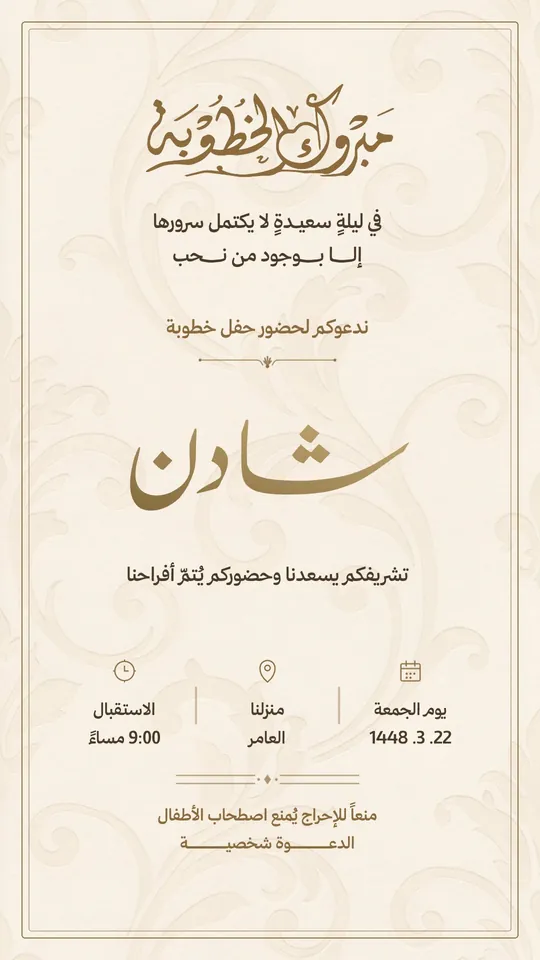 Open Template →
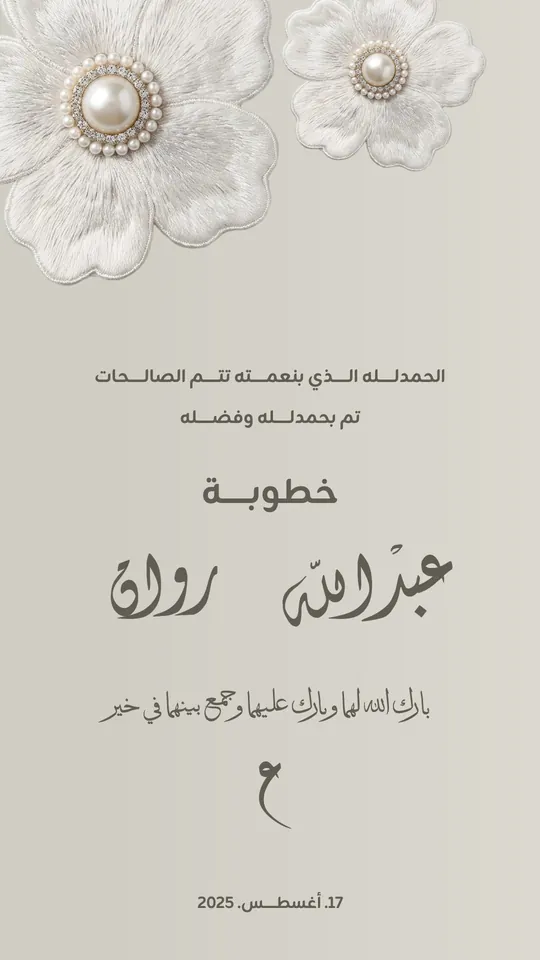 Open Template →
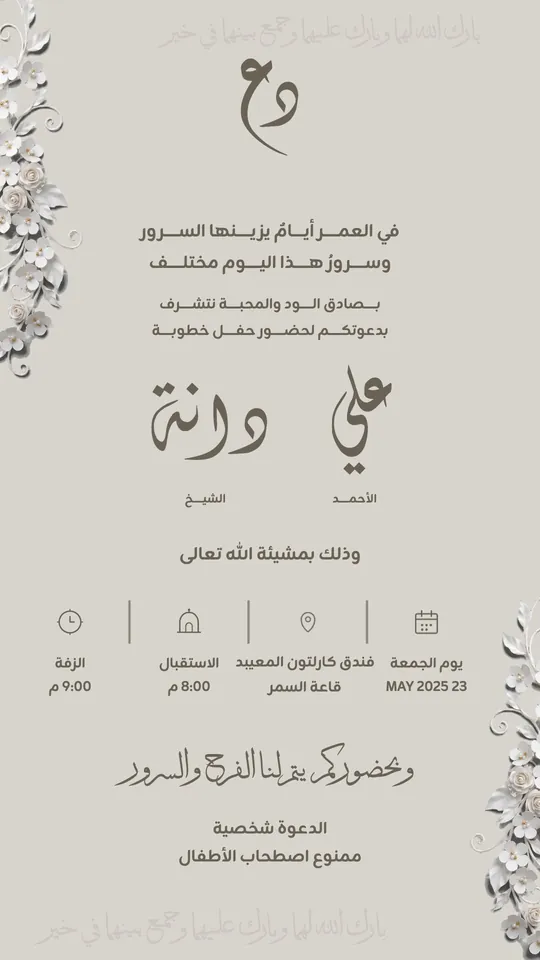 Open Template →
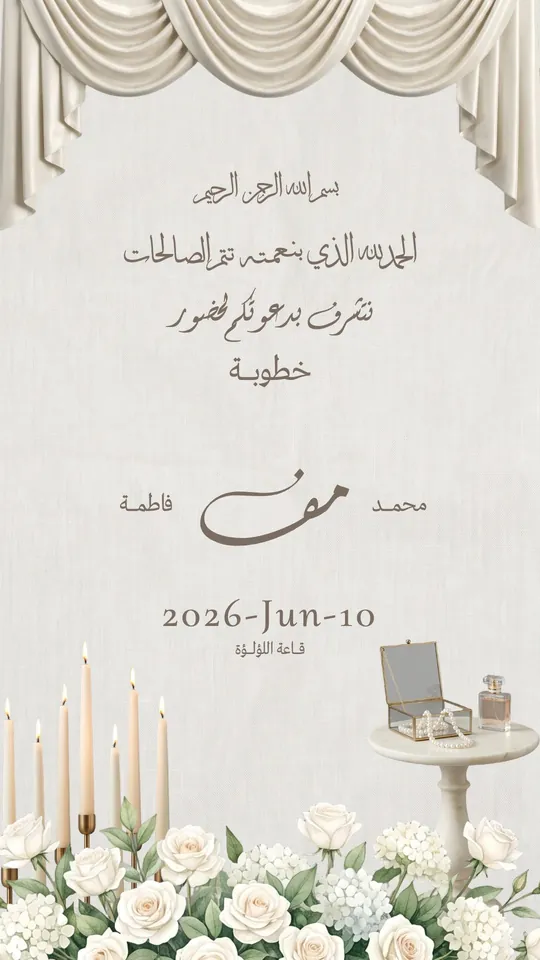 Open Template →
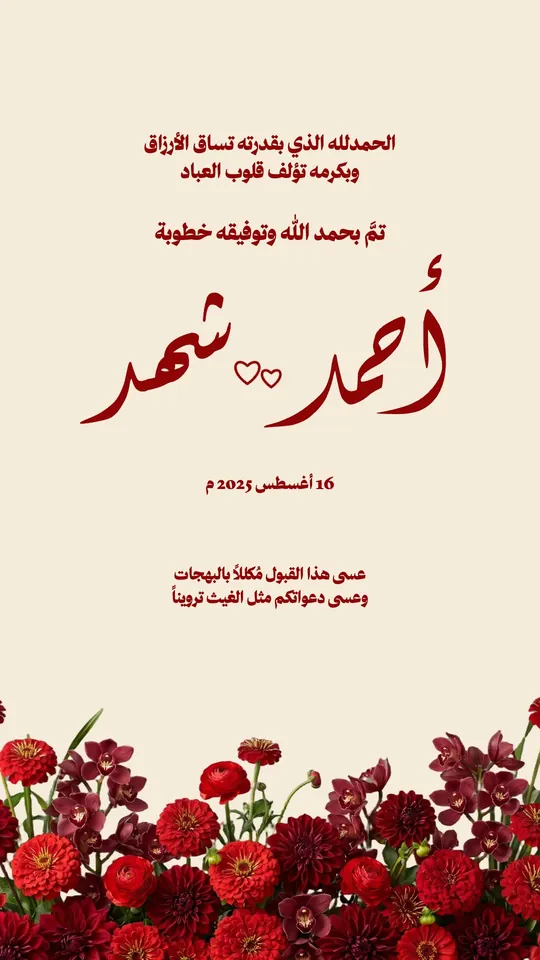 Open Template →
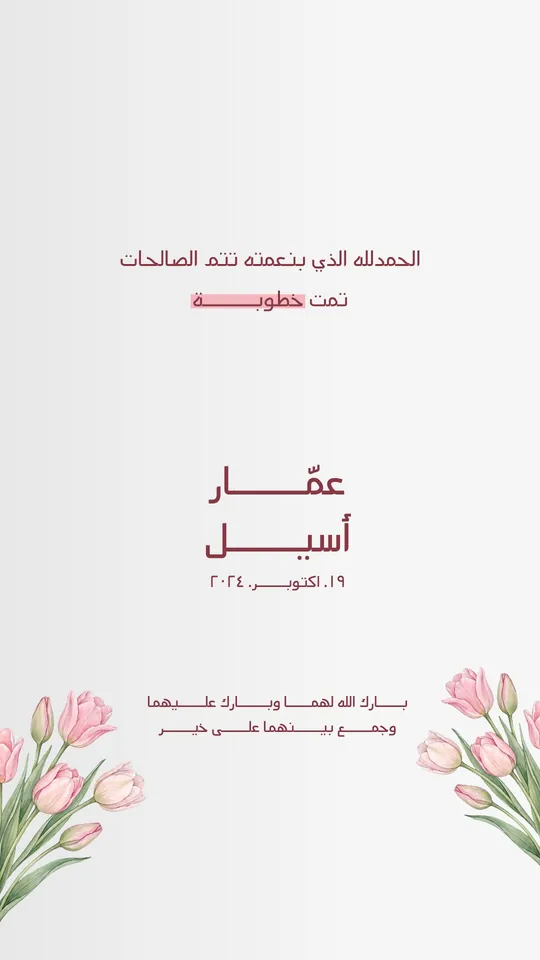 Open Template →
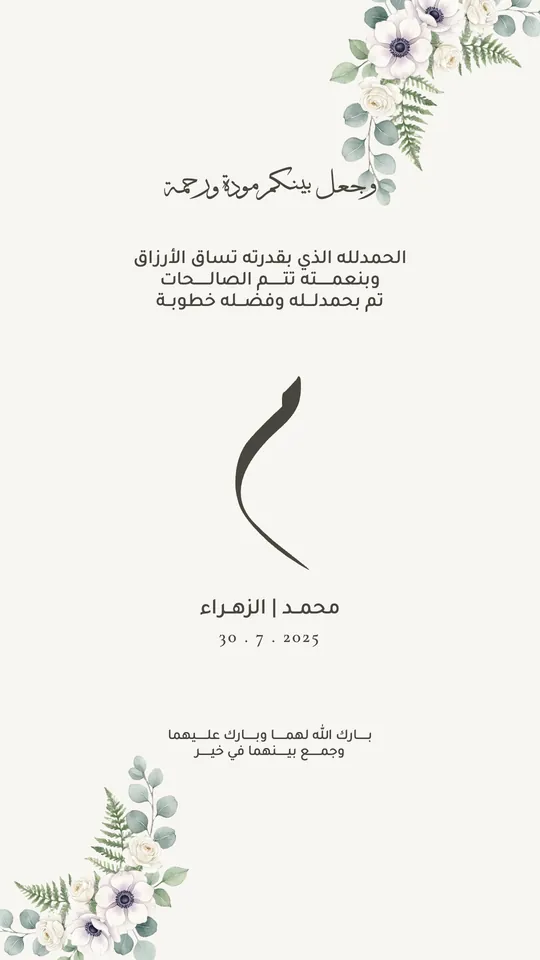 Open Template →
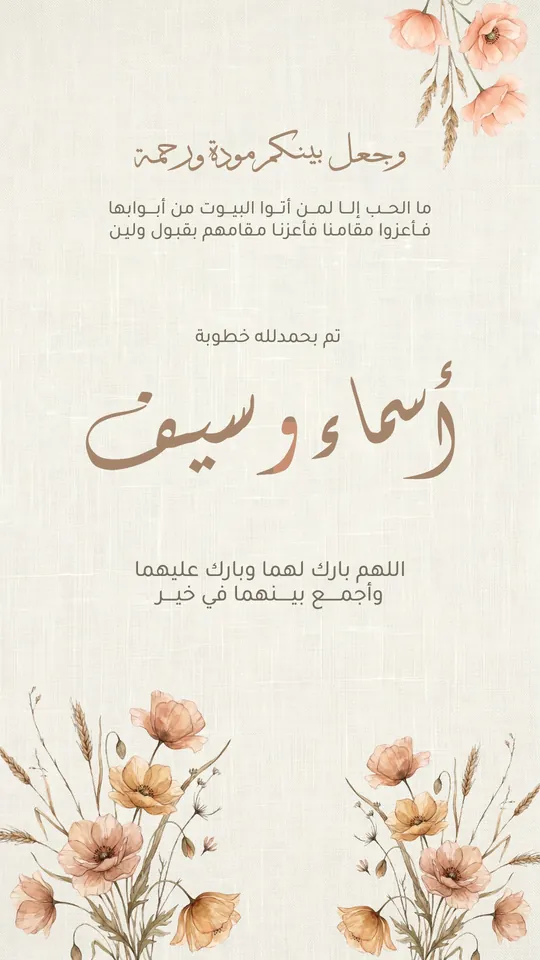 Open Template →
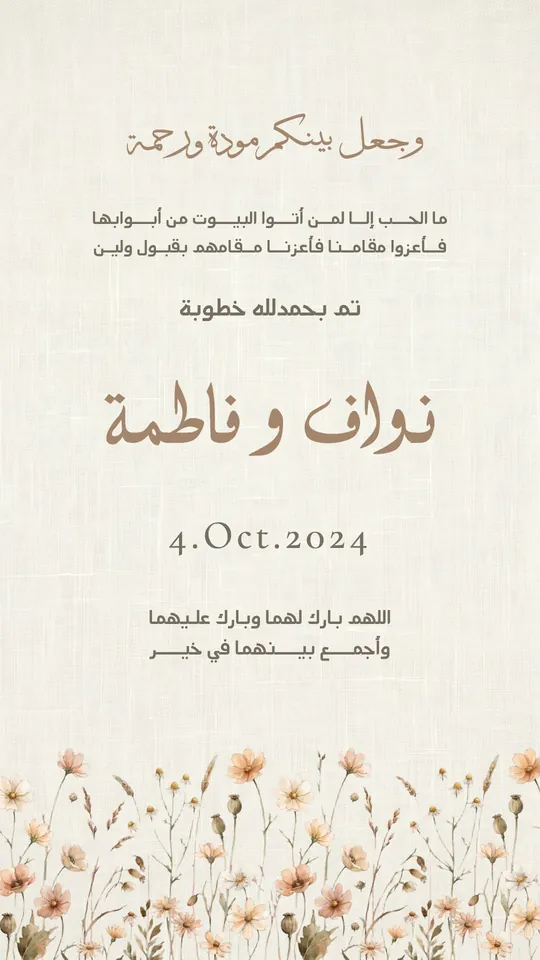 Open Template →
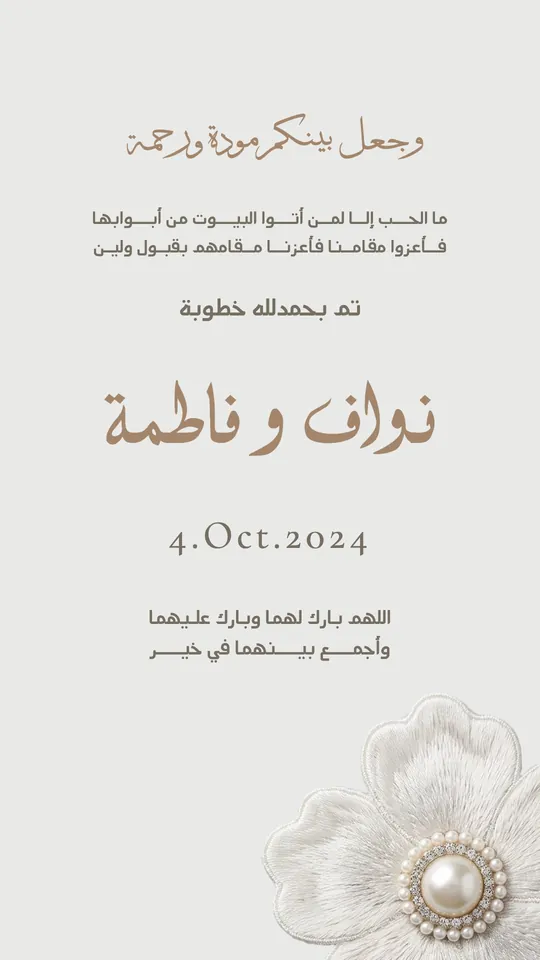 Open Template →
 Open Template →
 Open Template →
 Open Template →
 Open Template →
 Open Template →
 Open Template →
 Open Template →
 Open Template →
 Open Template →
 Open Template →
 Open Template →
 Open Template →
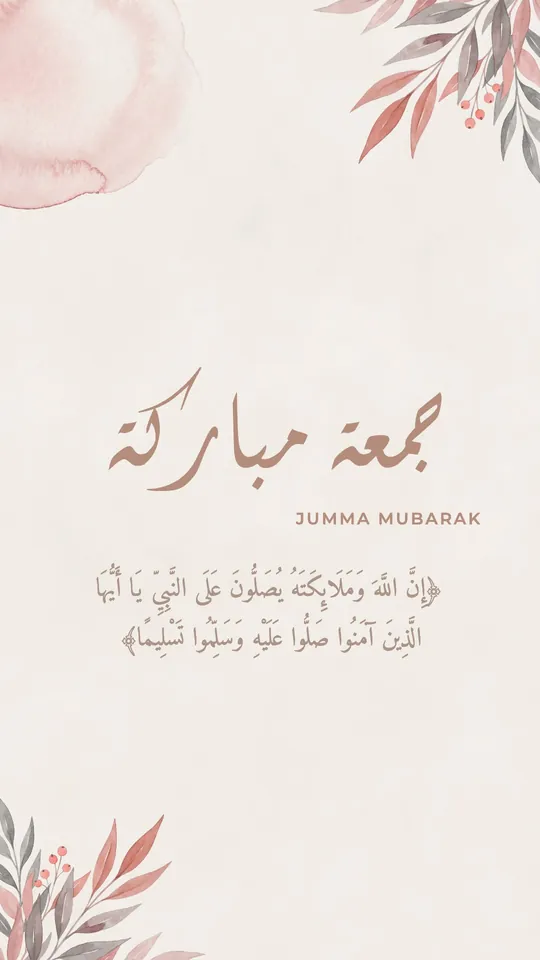 Open Template →
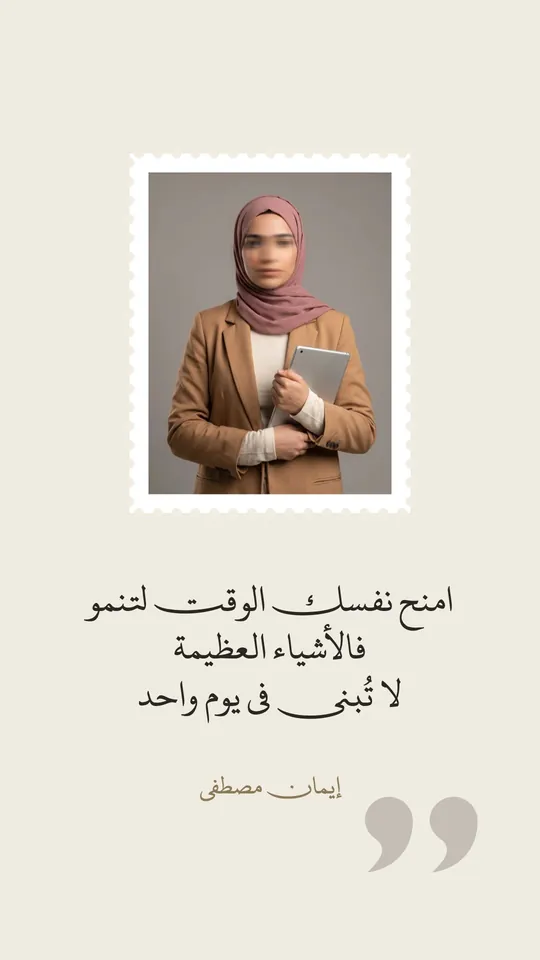 Open Template →
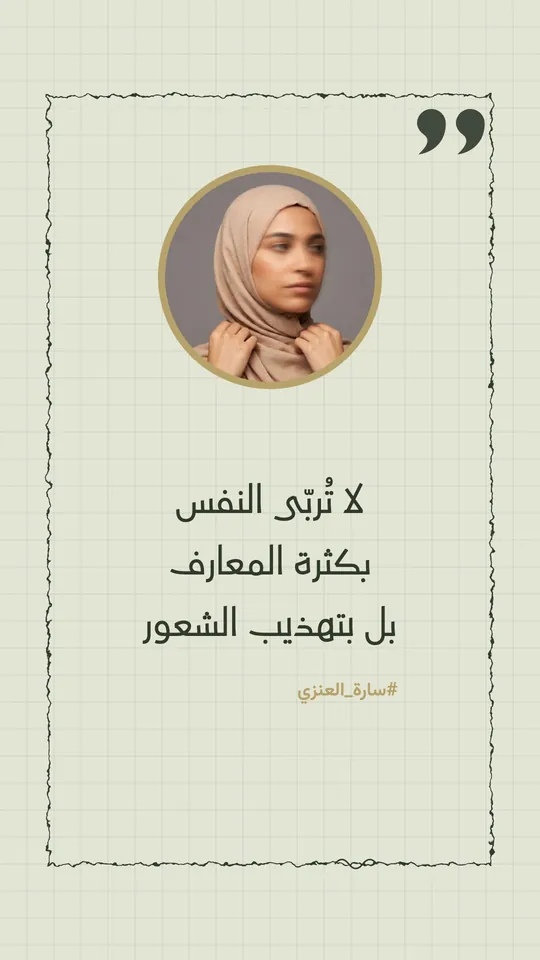 Open Template →
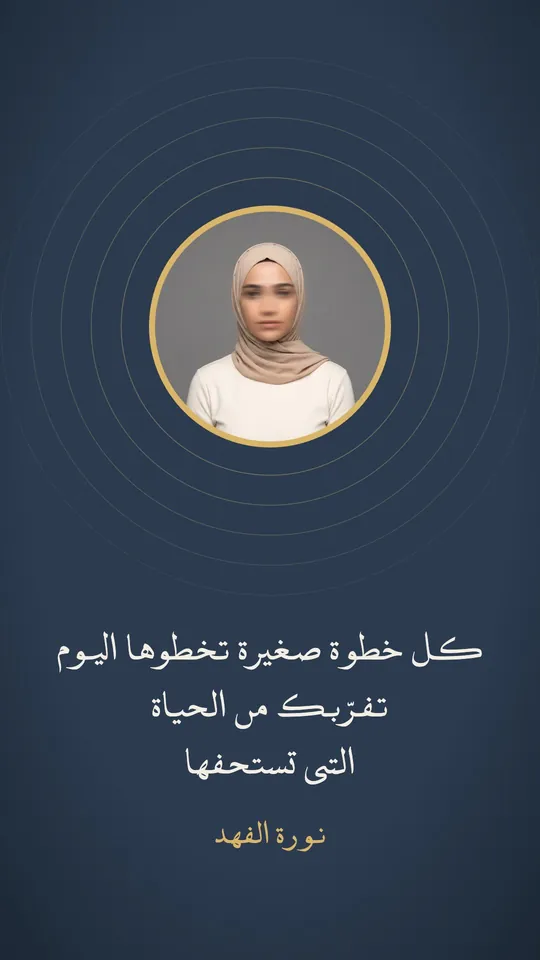 Open Template →
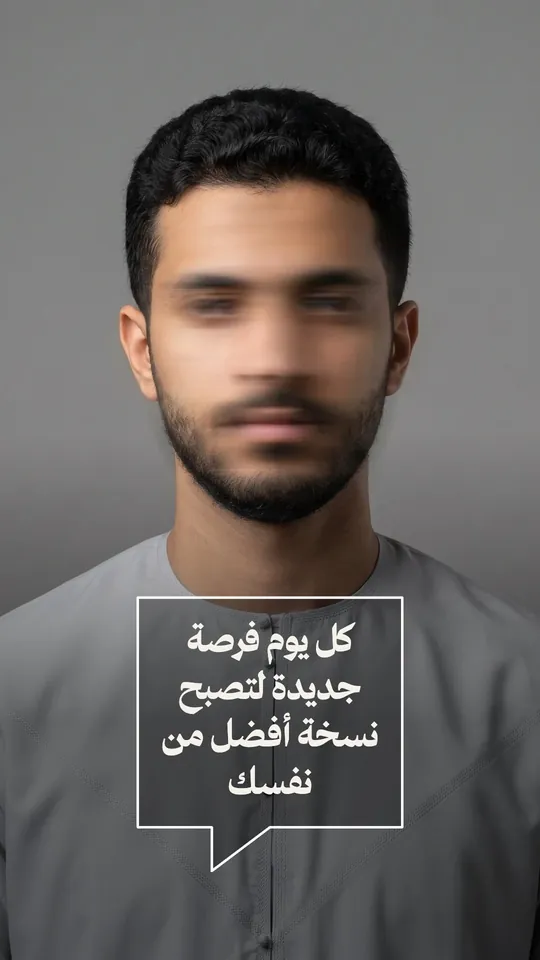 Open Template →
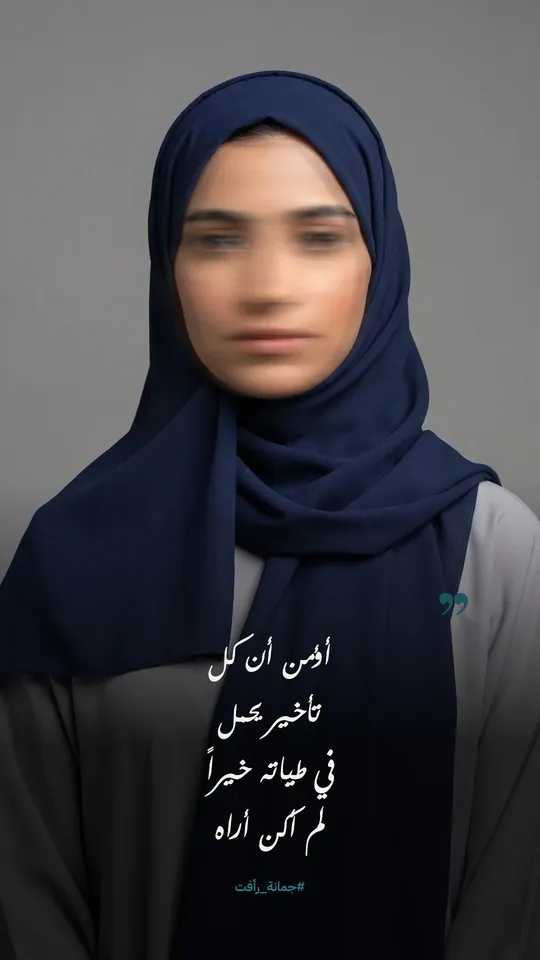 Open Template →
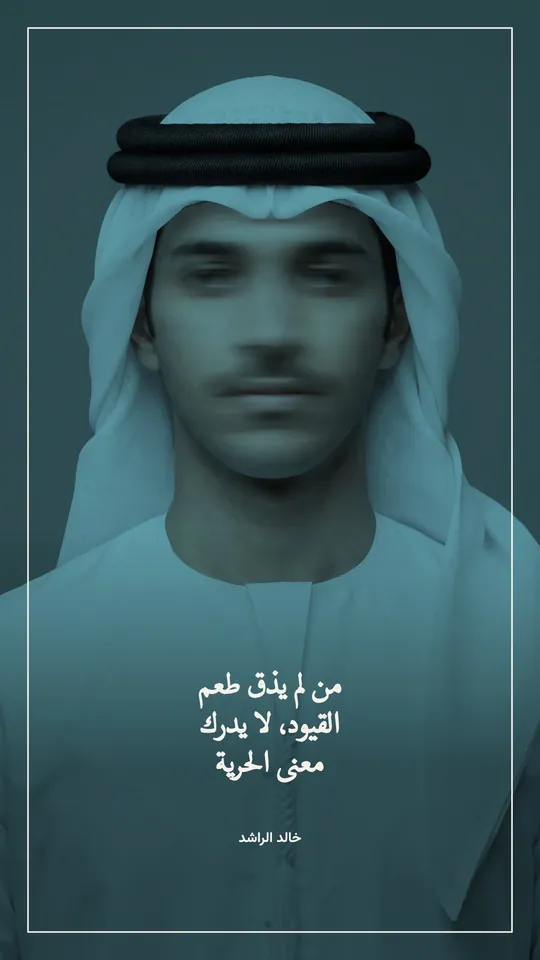 Open Template →
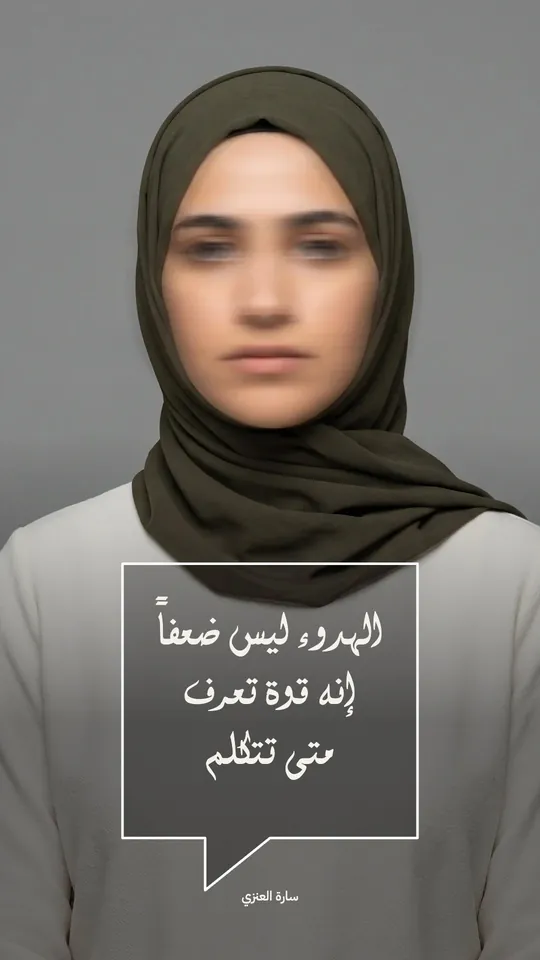 Open Template →
 Open Template →
 Open Template →
 Open Template →
 Open Template →
 Open Template →
Common Questions
Is resizing free?
What size are an Instagram story and post?
Will the type or the photo stretch?
Will I lose the original design?
More Tools in Tiraz
Remove the Background From a Photo
Cut out any photo down to hair and edges, on your device.
Learn More →Magic Eraser: Remove Objects From a Photo
Erase anything from a photo and AI fills in what was behind it.
Learn More →Color a Single Word Inside Your Text
Give any word its own color or font without splitting the text.
Learn More →Curved Text, With Every Letter Still Joined
Arc, circle, wave, and free path, with Arabic letters still joined.
Learn More →Online Invitation With a Link and RSVP
An invitation page on tiraz.app where guests RSVP.
Learn More →Free QR Code Generator
A free QR maker in your browser, and the code on your invitation in the app.
Learn More →Instagram Fonts: Fancy Text to Copy and Paste
Fancy text to copy and paste, and a story picture in a real Arabic font.
Learn More →Hijri and Gregorian Date Converter
A Hijri–Gregorian converter in your browser, and the date on your design.
Learn More →Print Your Invitation: A Print-Ready PDF
A 300 DPI PDF with bleed and crop marks, or AirPrint.
Learn More →My Brand: Your Identity on Every Design
Your logo, colors, and fonts on any template in one tap.
Learn More →Design your next invitation in Tiraz
Gulf-inspired templates, authentic Arabic calligraphy, and print-quality export, right from your phone.