 Tiraz
Free QR Code Generator
Type a link, a number, or text and download the code right away. It works in your browser with no sign-up, and nothing you type is sent to a server.
What It Is
A QR code is a square any phone camera can read to open what's inside: a link, a map location, a WhatsApp chat, or text. It's the easiest way for a guest to get from a printed card to the venue's location.
The tool above makes the code in your browser. In the Tiraz app you add it straight to your design: on a white card that scans over any background, or in a color you choose, and the app finds it an empty spot that covers no text.
When to Use It
The venue's location on the invitation
Add a code that opens the hall's location in Maps on the printed invitation.
A WhatsApp number to reach you
A code that opens a WhatsApp chat with the host or the shop directly.
The online invitation link
Put the invitation link's code on the printed card so guests can RSVP from it.
How to Use It in Tiraz
Open QR Code in your design
From the occasion tools choose QR Code.
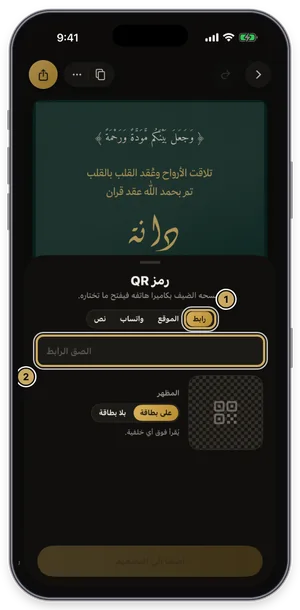
The QR window: a link, location, WhatsApp, or text, and the card's look. Enter the link or number
Choose the type and enter the link, location, WhatsApp number, or text.
Choose the look
A white card or one of your design's colors, and Tiraz places it in an empty spot.
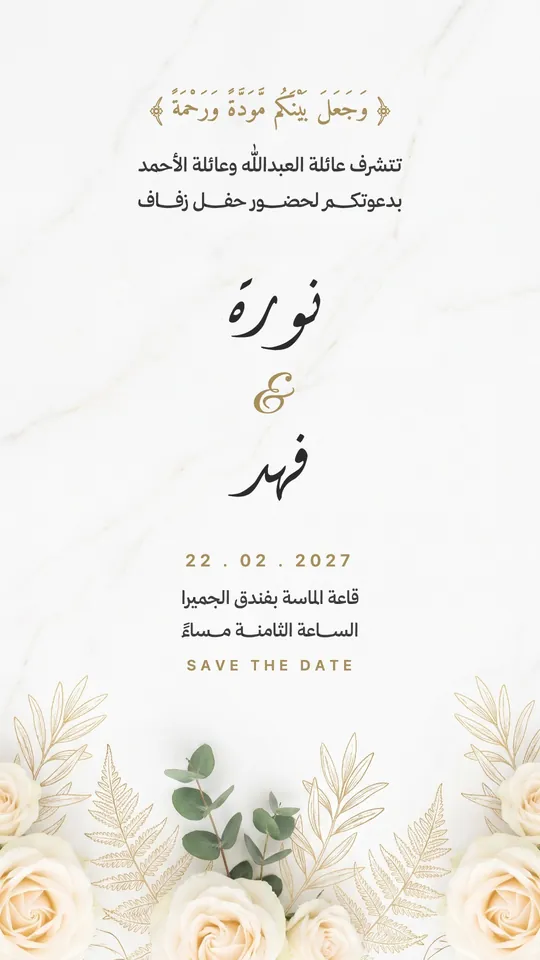 Open Template →
 Open Template →
 Open Template →
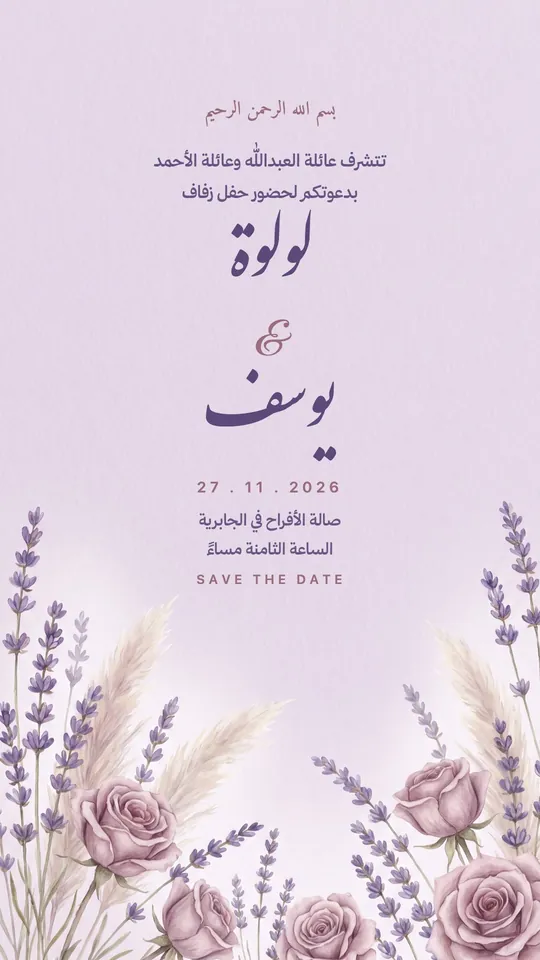 Open Template →
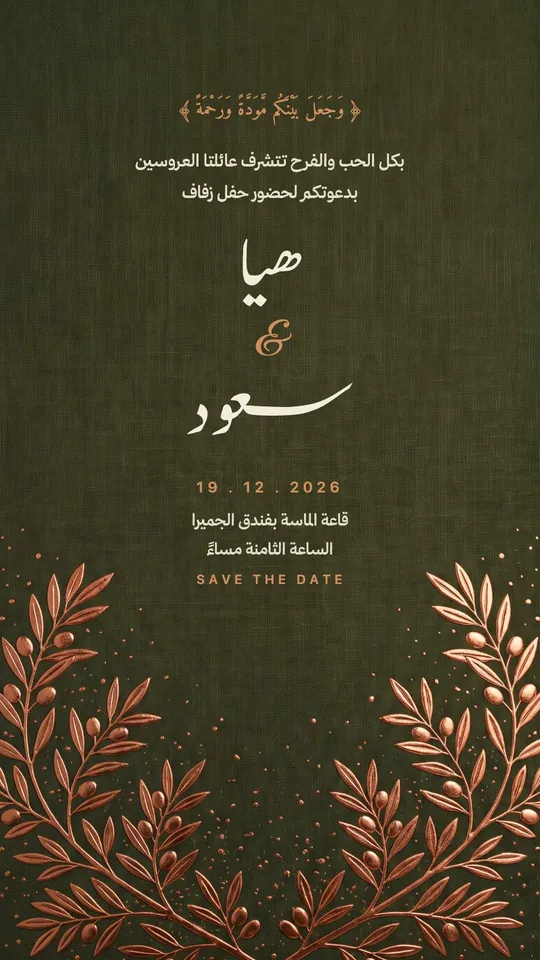 Open Template →
 Open Template →
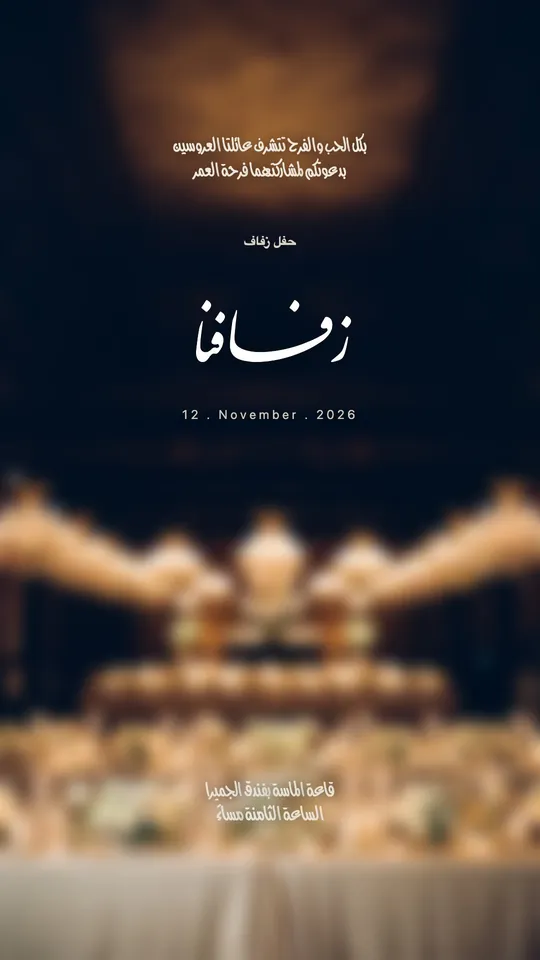 Open Template →
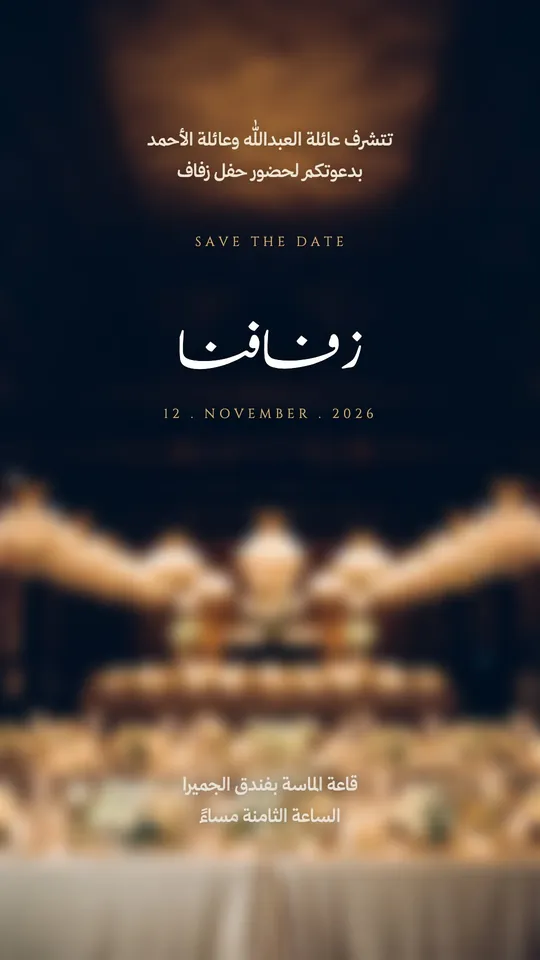 Open Template →
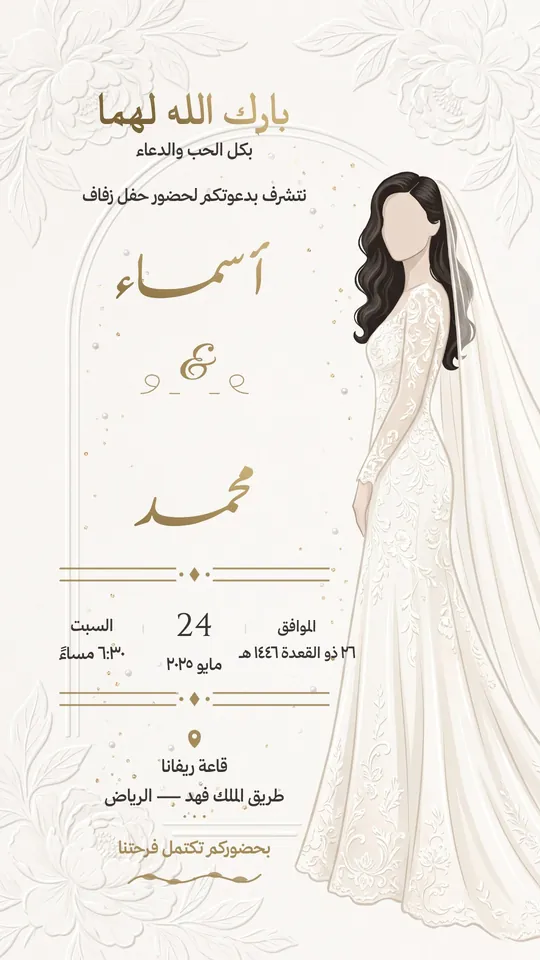 Open Template →
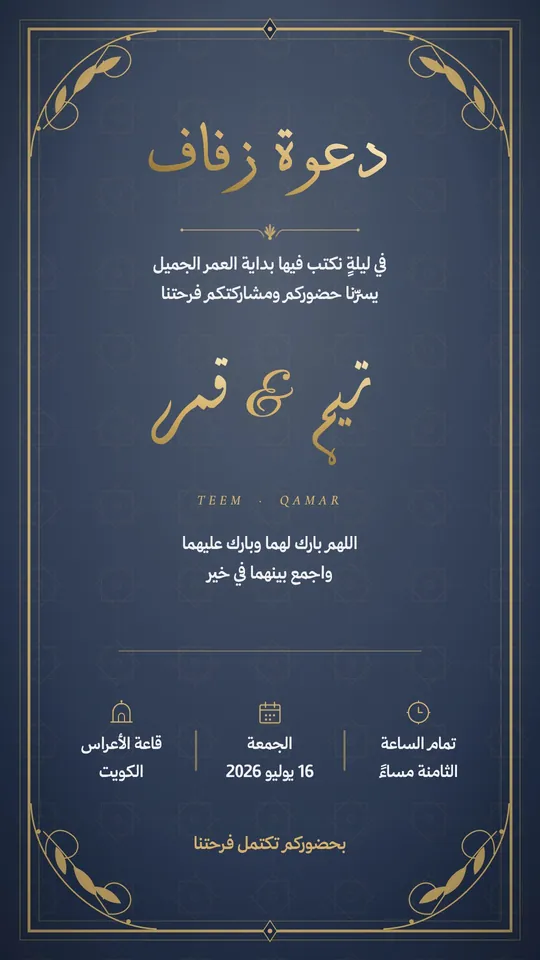 Open Template →
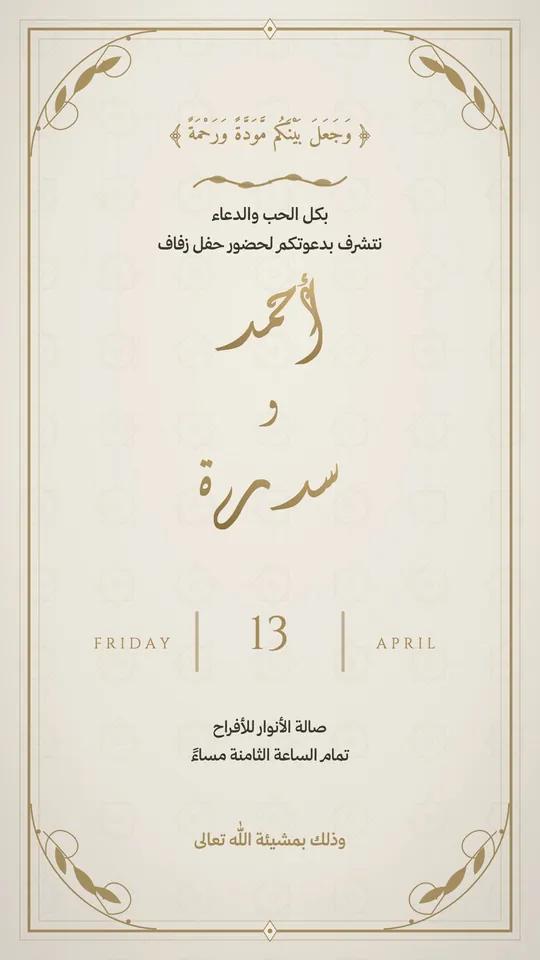 Open Template →
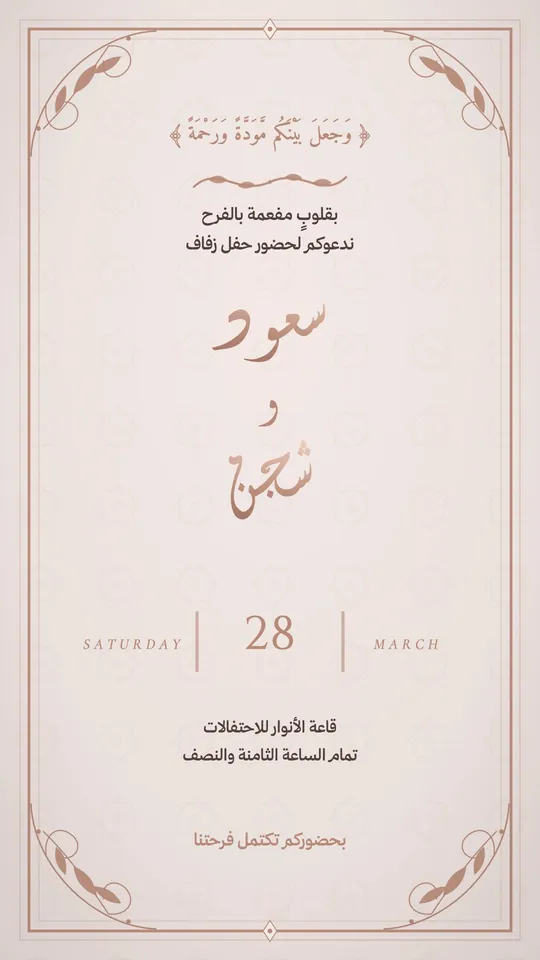 Open Template →
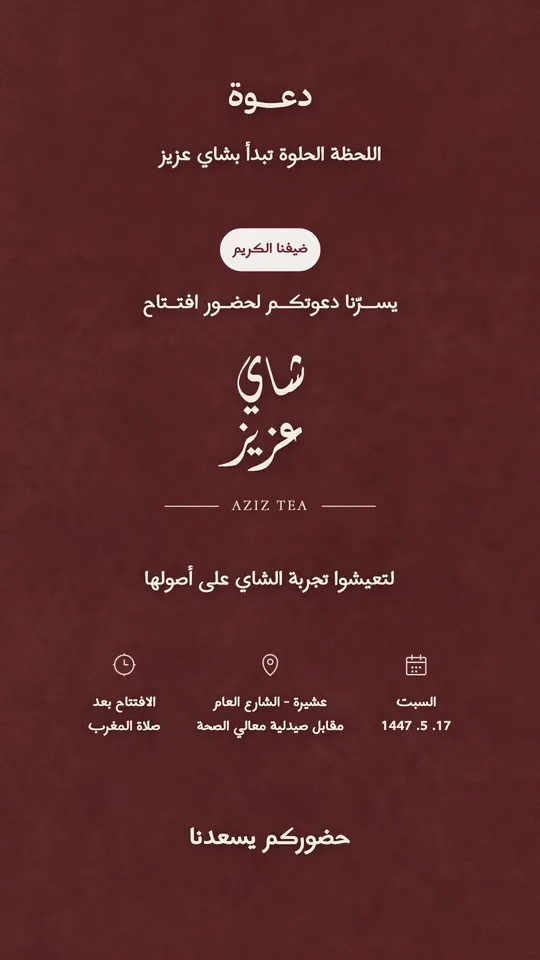
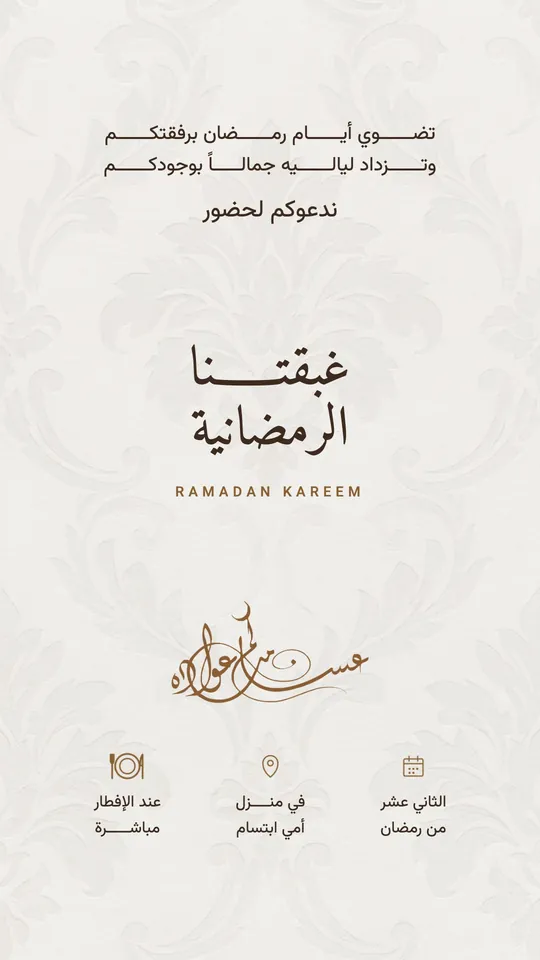
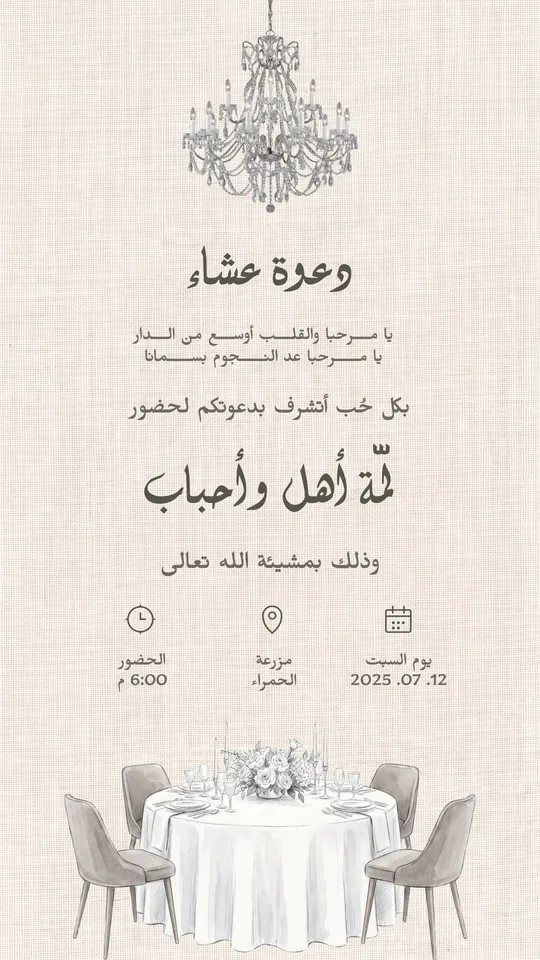
Common Questions
Is the QR code generator free?
Does the QR code expire?
How do I make a QR code for a Google Maps location?
What size should a QR code be on a printed invitation?
More Tools in Tiraz
Remove the Background From a Photo
Cut out any photo down to hair and edges, on your device.
Learn More →Magic Eraser: Remove Objects From a Photo
Erase anything from a photo and AI fills in what was behind it.
Learn More →Color a Single Word Inside Your Text
Give any word its own color or font without splitting the text.
Learn More →Curved Text, With Every Letter Still Joined
Arc, circle, wave, and free path, with Arabic letters still joined.
Learn More →Online Invitation With a Link and RSVP
An invitation page on tiraz.app where guests RSVP.
Learn More →Instagram Fonts: Fancy Text to Copy and Paste
Fancy text to copy and paste, and a story picture in a real Arabic font.
Learn More →Hijri and Gregorian Date Converter
A Hijri–Gregorian converter in your browser, and the date on your design.
Learn More →Print Your Invitation: A Print-Ready PDF
A 300 DPI PDF with bleed and crop marks, or AirPrint.
Learn More →Resize Your Design Without Stretching
From story to post or any size, without stretching.
Learn More →My Brand: Your Identity on Every Design
Your logo, colors, and fonts on any template in one tap.
Learn More →Design your next invitation in Tiraz
Gulf-inspired templates, authentic Arabic calligraphy, and print-quality export, right from your phone.